★ Catalog & marketplace media at scale, from one device photo
Electronics sell on their photography, but a phone shot on a desk, a reflective screen, or a seller’s snap on a kitchen counter don’t meet catalog standards, and shooting every SKU, colour and angle is slow and expensive. From a single device image, Pruna removes the background, drops the product into a real-life scene, cleans and relights glossy screens, builds a consistent multi-angle set, zooms to 128MP to reveal ports and logos, spins a listing video, swaps the on-screen presenter for any market, and generates a talking-head spokesperson. Seconds per asset, no studio, no reshoot. Five Pruna models, eight use cases, every example a real device photo or a live refurbished listing, each one cited.
01 Remove the background, keep the device
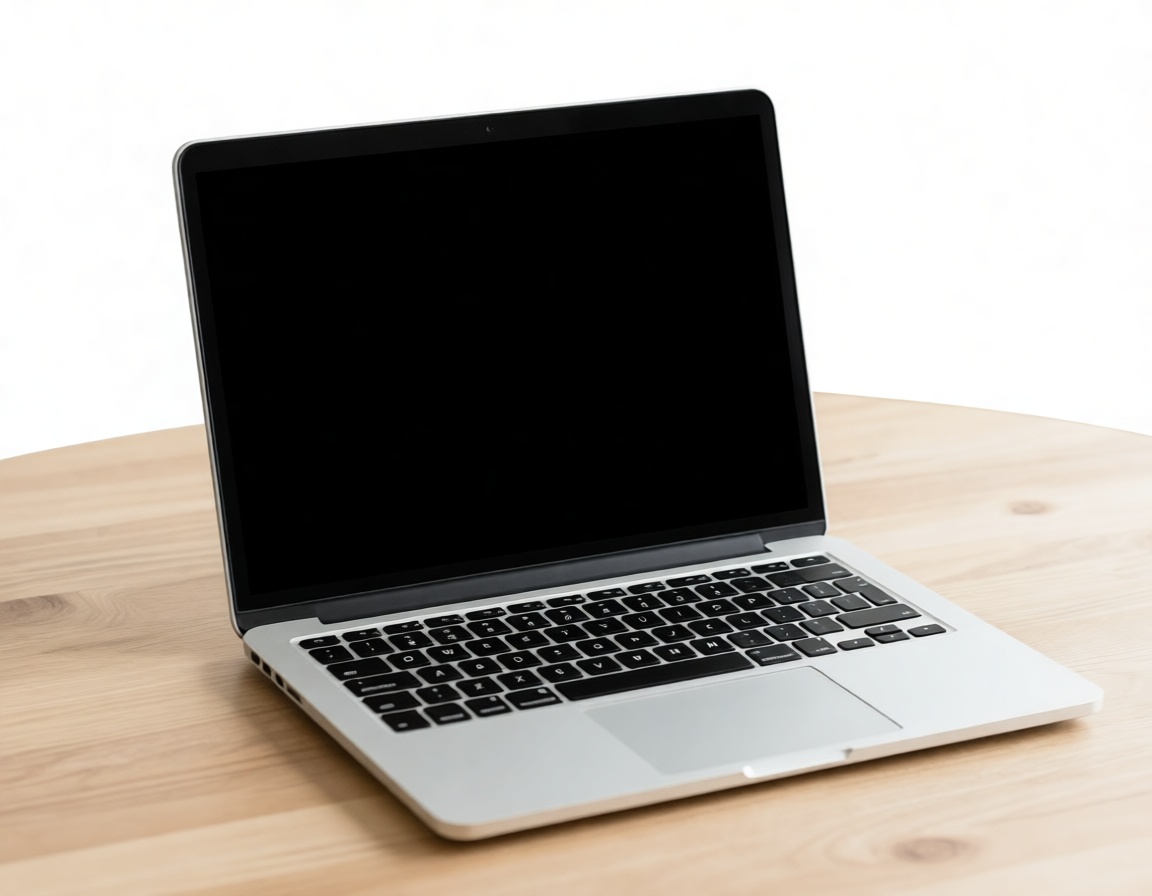
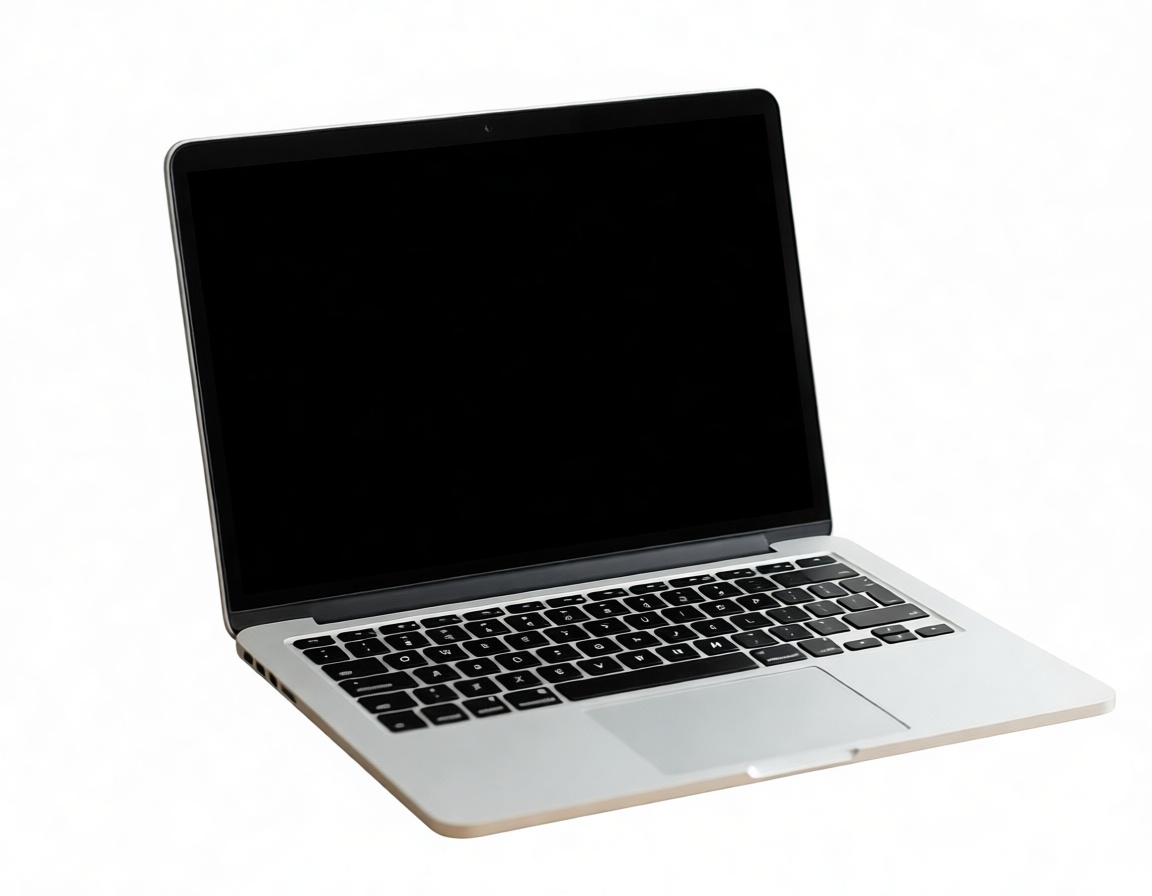
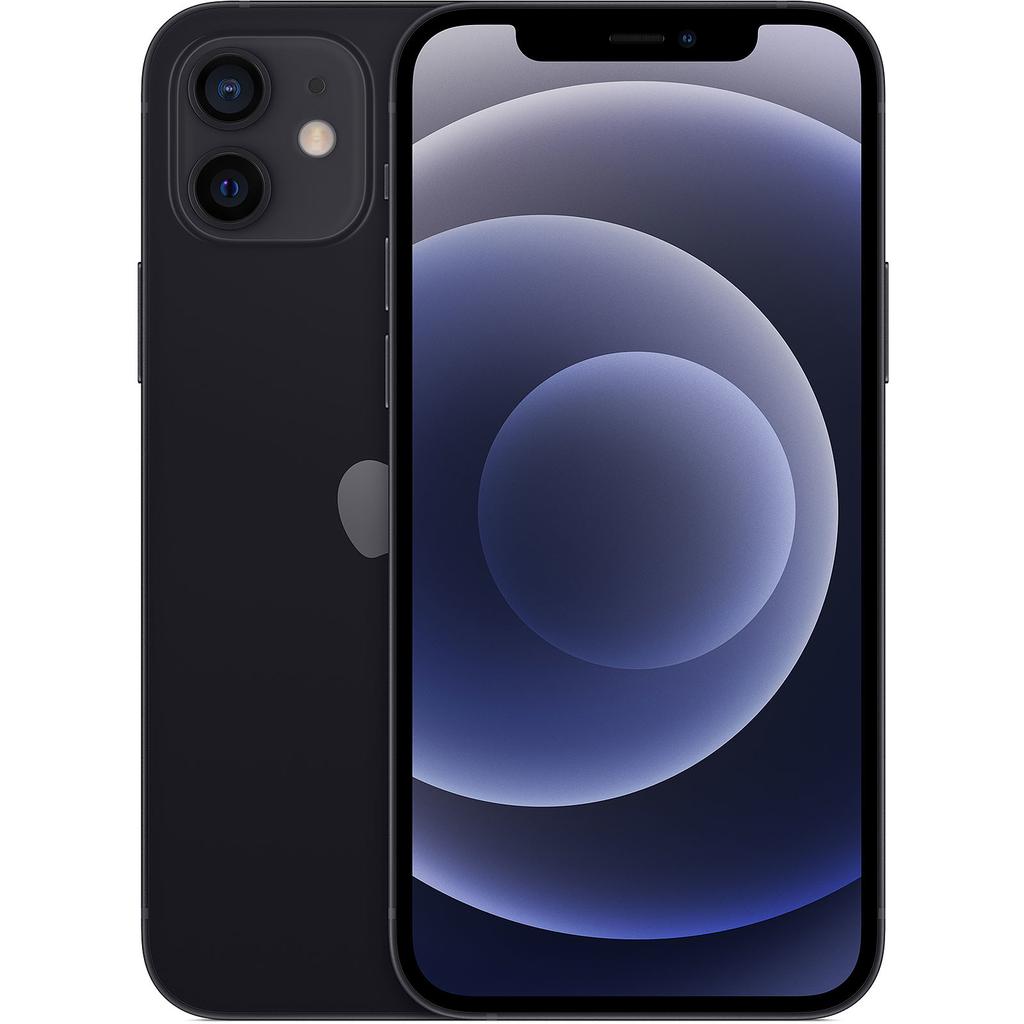
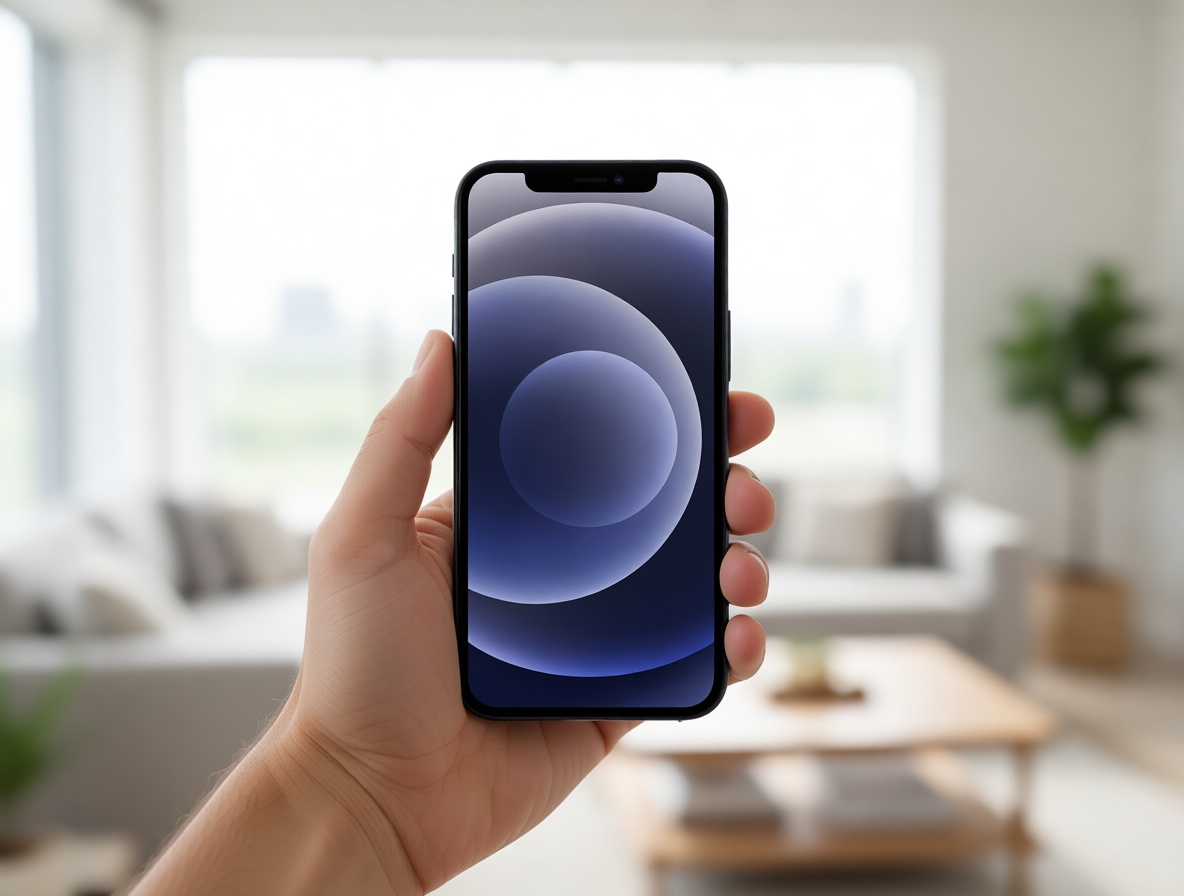
Marketplaces and PDPs want the product on clean white, but most photos arrive shot on a desk or a shelf. Pruna P‑Image‑Edit strips the background and leaves the device pixel-faithful: the exact model, casing and screen, on a clean studio backdrop. Left, the photo as shot; right, the same laptop cut out, both always visible, tap to enlarge.
As shot
Clean · Pruna
Live listing
Staged · PrunaLeft example from a real device photo (Device kit); right example from a live Back Market refurbished listing (certified iPhone 12). Both processed once with Pruna P-Image-Edit; the device is preserved, only the background changes.
02 Put the product in a real-life scene
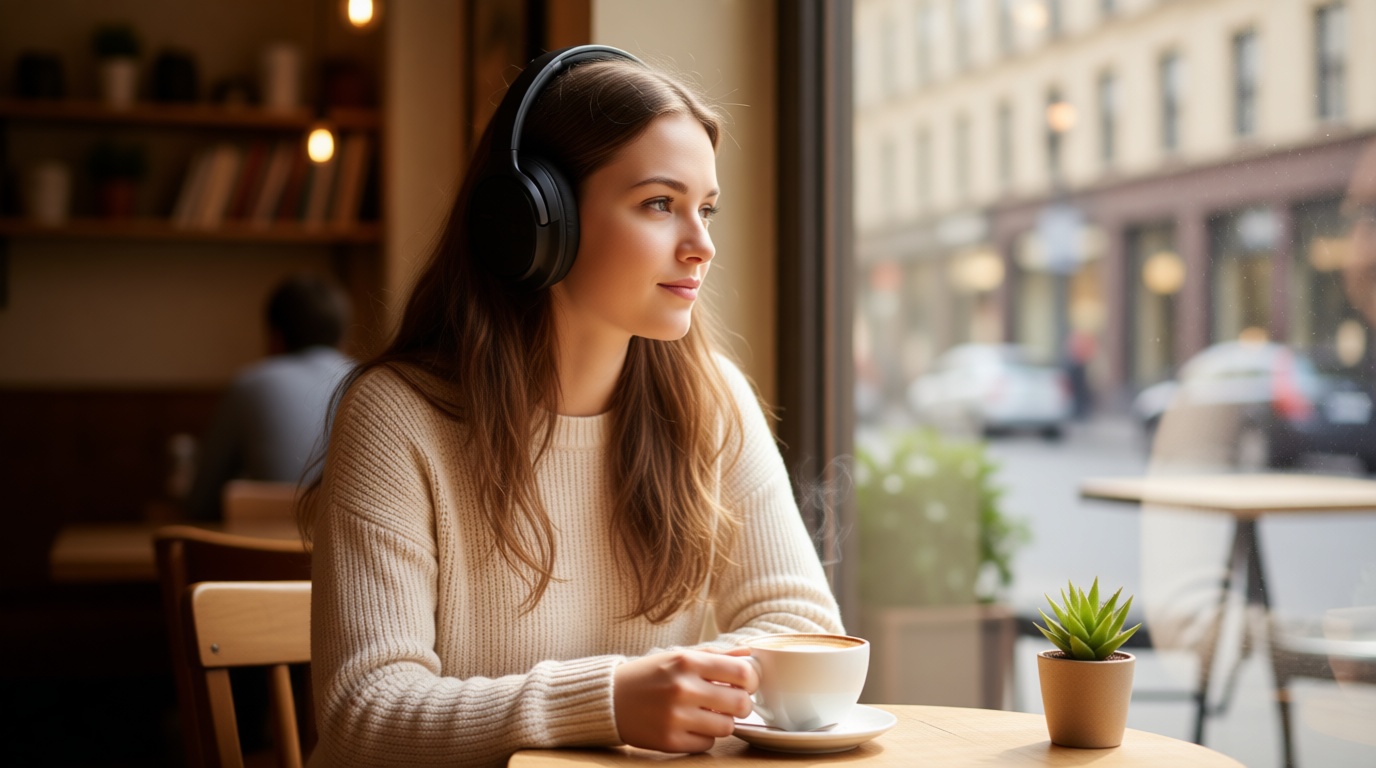
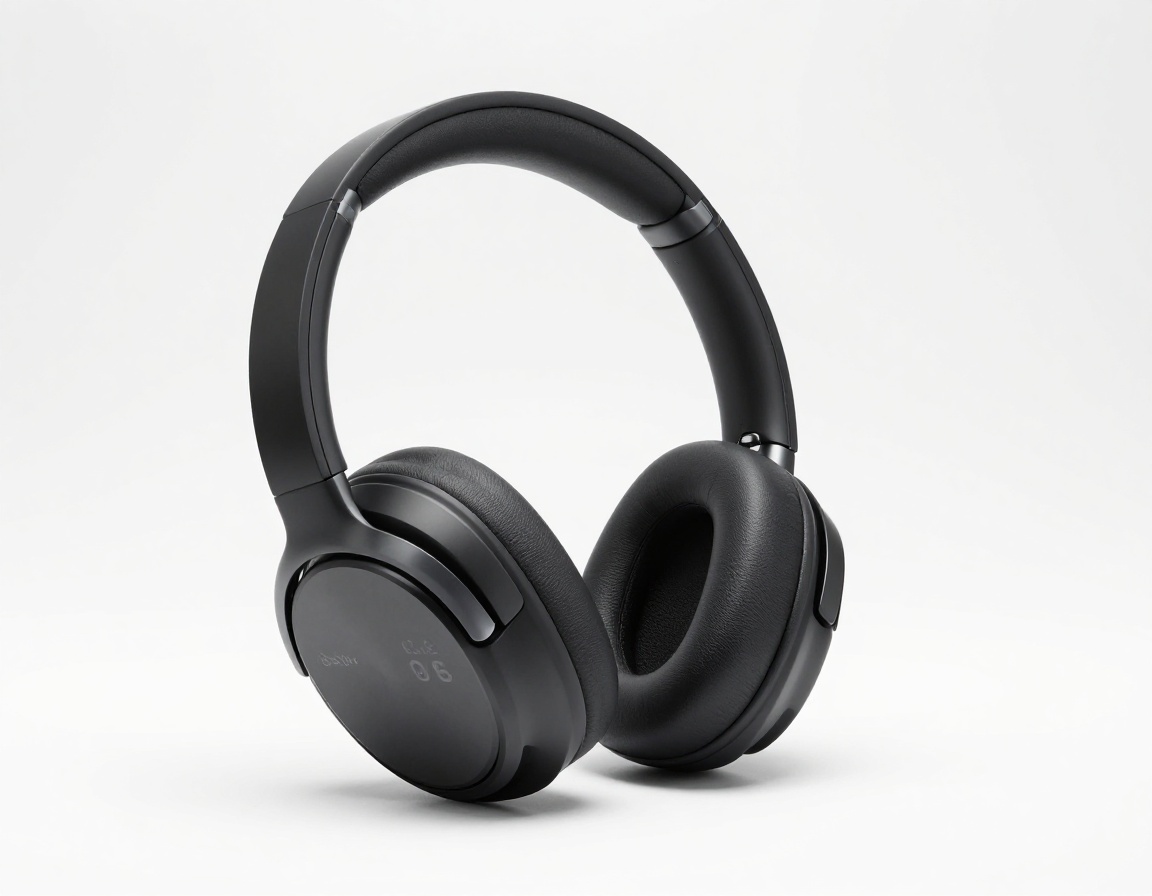
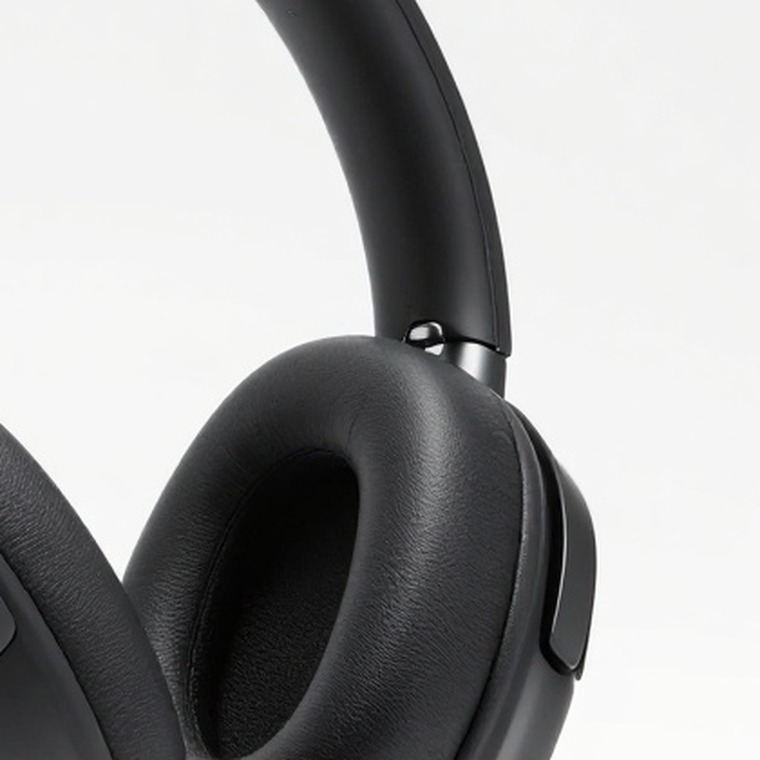
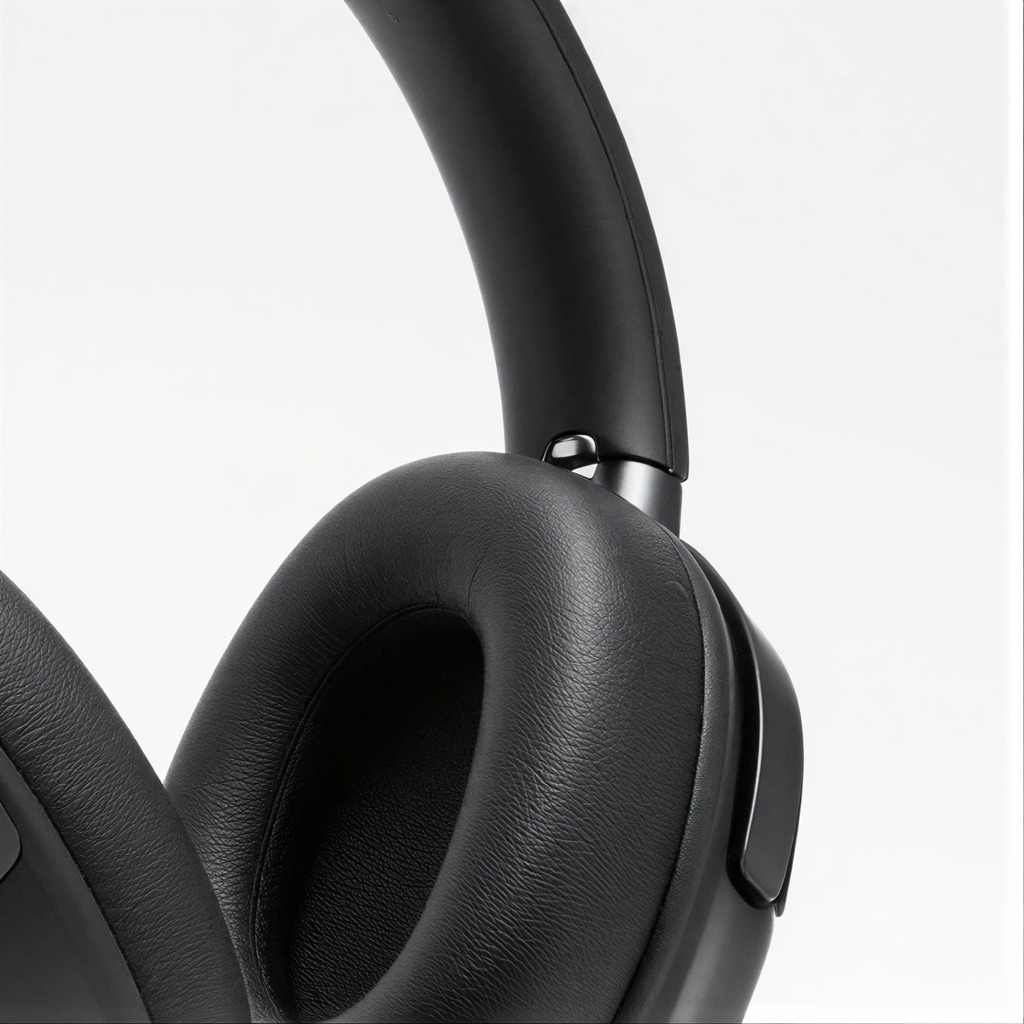
A cut-out packshot is clean, but it doesn’t tell a story. Pruna P‑Image‑Edit plants the exact device into a fully art-directed lifestyle scene, in use, in context, on-brand, from a single packshot, its shape and finish untouched. The packshot on the left, the generated scene on the right.
Packshot
In scene · PrunaPackshot generated with Pruna P-Image; lifestyle scene with Pruna P-Image-Edit from that packshot. The headphones are preserved, only the surrounding scene is created.
03 Clean and relight the shot
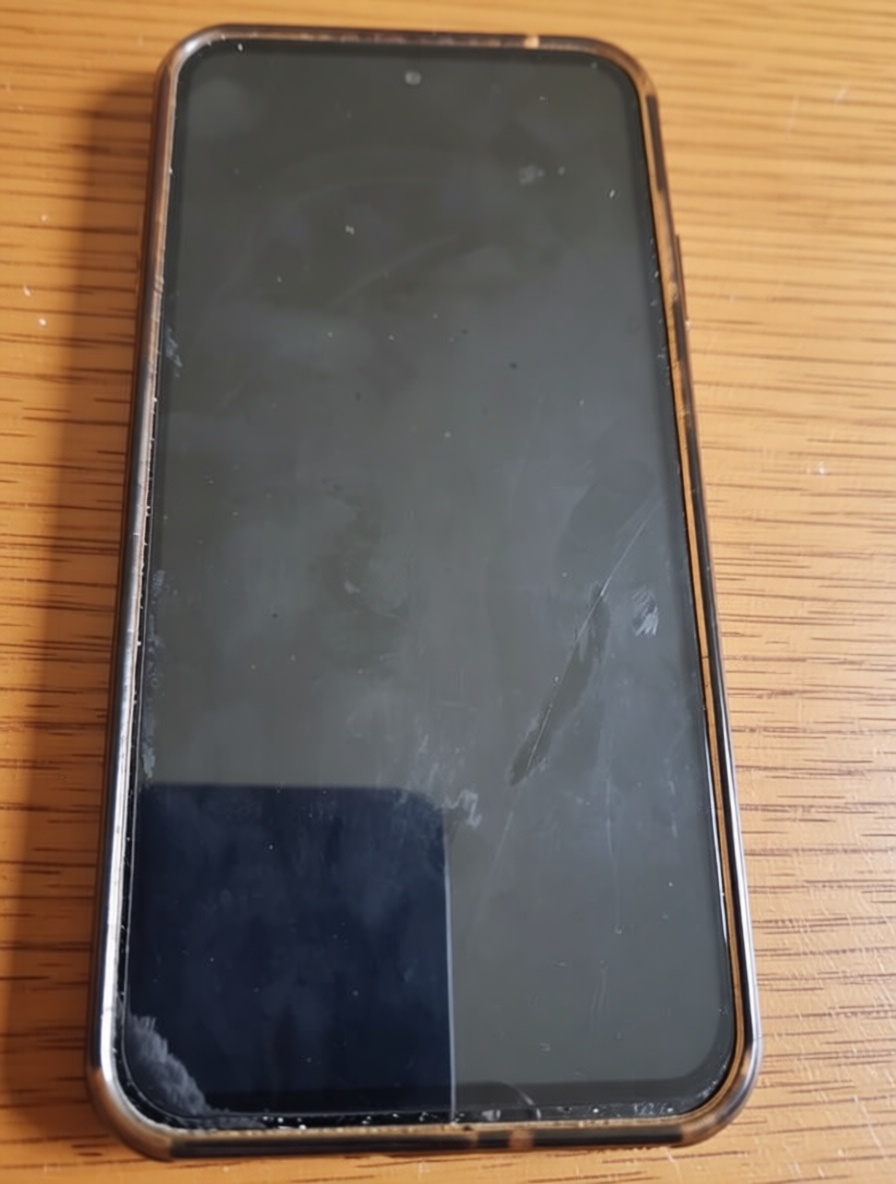
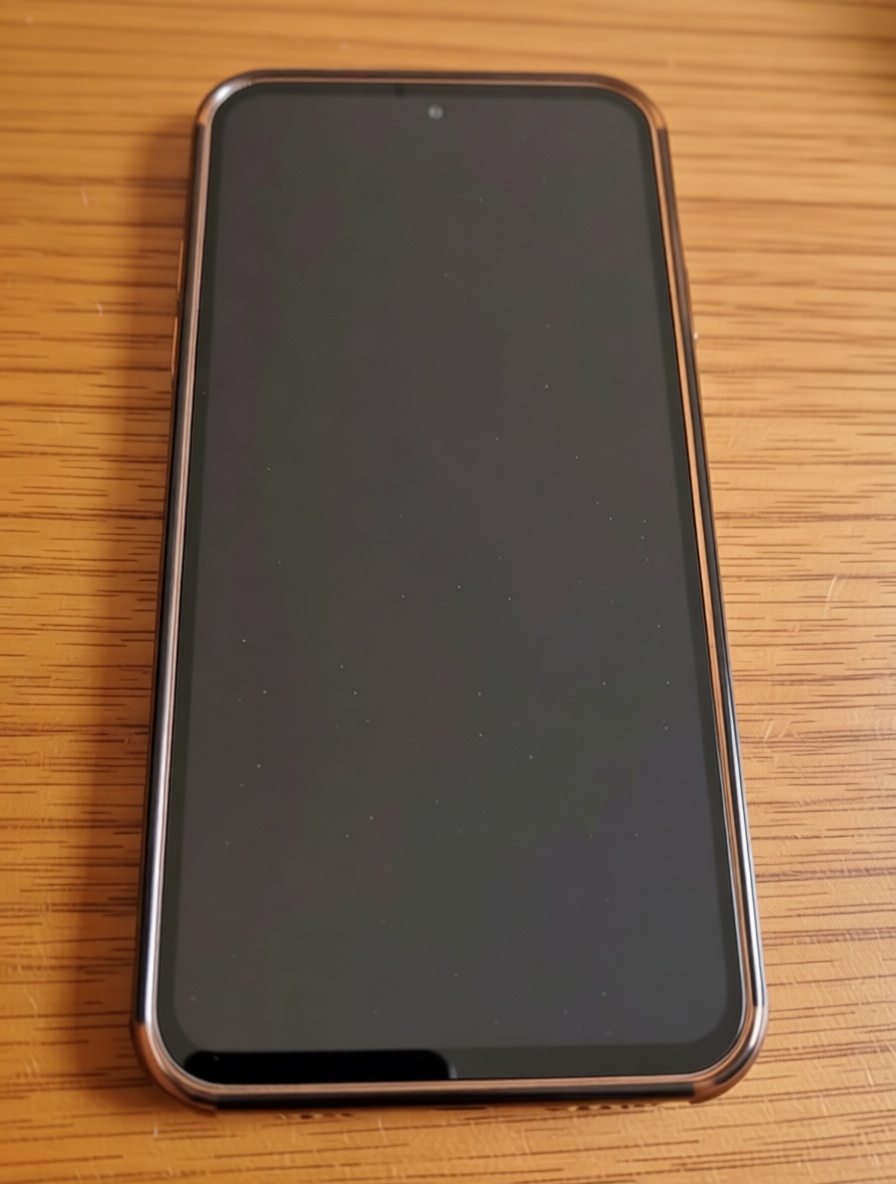
Glossy screens and metal casings catch every reflection, shadow and fingerprint. Pruna P‑Image‑Edit lifts the exposure, removes screen glare and smudges and evens the lighting, without the plastic, over-retouched look. The raw photo left, the cleaned result right.
Raw photo
Relit · PrunaGenerated with Pruna P-Image-Edit from a single device photo; reflections and shadows are removed and the exposure evened, while the phone stays pixel-faithful.
04 A consistent, catalog-ready set
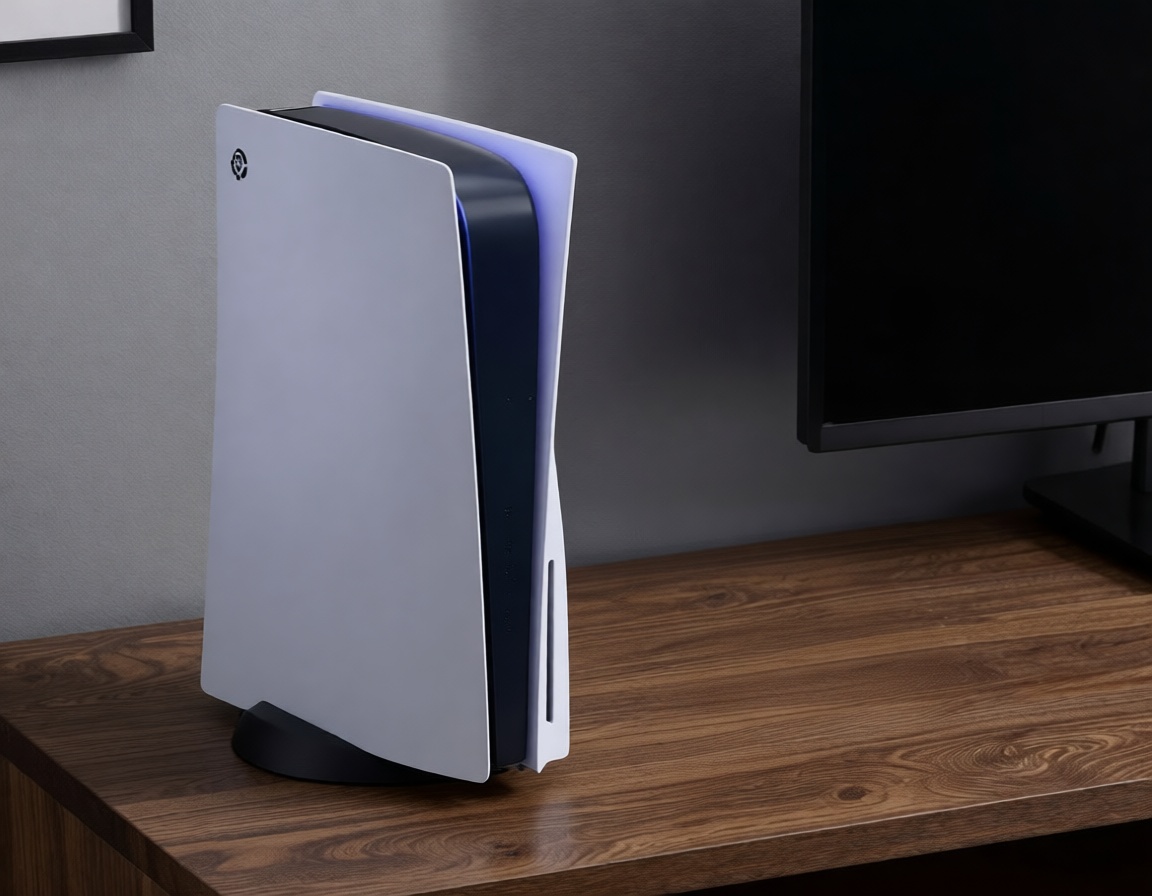
Marketplaces want a uniform set per SKU, front, three-quarter, and in-box, but sellers upload whatever they have. Pruna P‑Image‑Edit standardises the shots into a clean, consistent gallery: same lighting, same treatment, catalog-ready. Three angles of one console, tap any to enlarge.
Generated with Pruna P-Image-Edit from device photos; each angle is standardised to the same clean treatment so a whole listing set stays consistent.
05 Zoom to reveal every detail
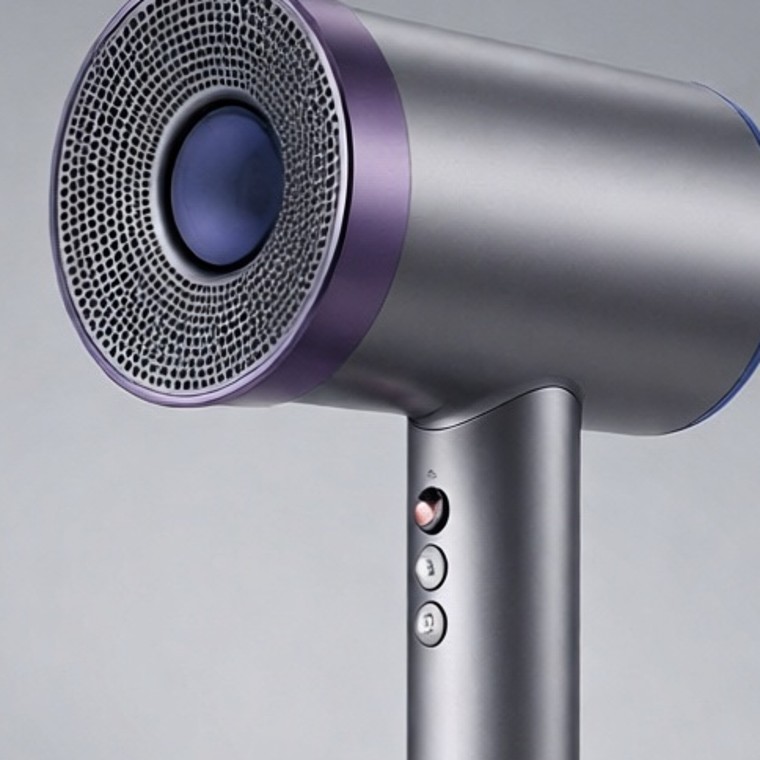
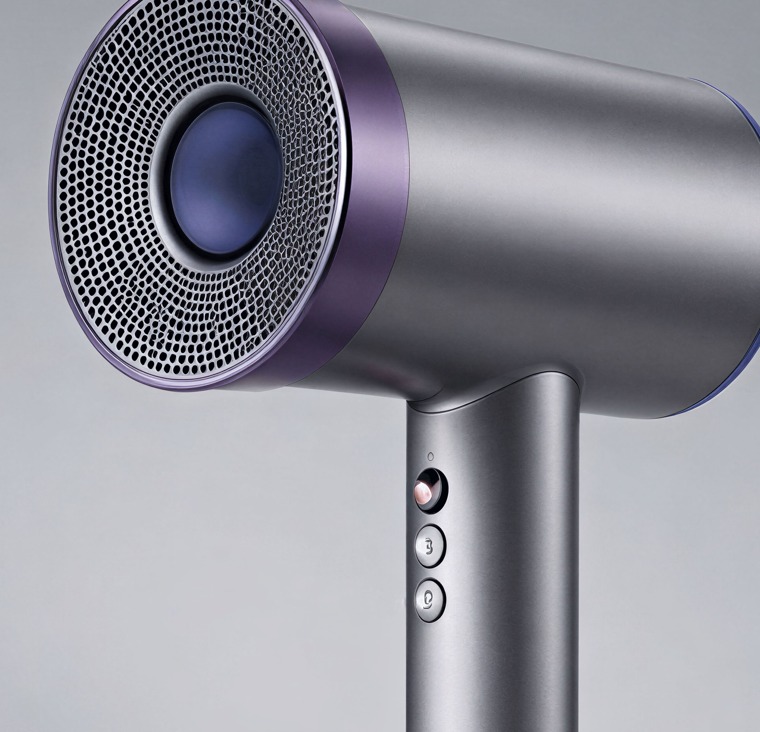
Buyers zoom to check ports, buttons, logos and screen condition, and a soft listing photo falls apart. Pruna P‑Image‑Upscale rebuilds a low-resolution shot up to 128MP, so the deepest crop stays razor-sharp. Two devices, the same crop at 100%, before and after, always visible.
Original crop
Upscaled · Pruna
Original crop
Upscaled · PrunaUpscaled with Pruna P-Image-Upscale from single device photos; each crop shows the same region at 100% before and after, with fine detail recovered.
06 A listing video from one still
Product video lifts conversion, but a shoot means a set, a crew and a day. Pruna P‑Video animates a single still, even a P-Image-Edit output, into a short, cinematic product clip, with natural motion and lighting. Here, one headphones still becomes a soft studio video.
07 Swap the presenter for any market
A demo, review or unboxing localises better with a familiar face, but reshooting per market is costly. Pruna P‑Video‑Replace swaps the on-screen presenter for a different person from a single reference photo, keeping the exact motion, camera, lighting and product. Source clip plus one reference portrait → the swapped result. Click any to enlarge.
08 A spokesperson from one portrait
Launch explainers, PDP walkthroughs and social need a presenter, usually a shoot, a studio and a talent day. Pruna P‑Video‑Avatar turns a single portrait plus a script into a talking-head video, lip-synced and multilingual, in seconds. One portrait, a written script, no camera or crew.
Background, scene, relight, multi-angle, 128MP zoom and video, the same Pruna engines run across an entire electronics catalog, for any brand, retailer or marketplace. Everything on this page came from real device photos and a live Back Market refurbished listing.
Talk to Pruna