★ Appetizing menu & catalog media, from a description
Delivery apps, menus and grocery catalogs run on thousands of dish photos, and a food-stylist shoot per dish, per season, per market doesn’t scale. From a text description or a single phone photo, Pruna generates appetizing dish visuals, standardizes backgrounds and plating, lets you zoom to 128 MP, films short food shots, turns a portrait into a talking presenter, and animates a dish with reference motion. Seconds per asset, no shoot. Six use cases across the Pruna model suite, grounded in Pruna’s Food Partner Kit.
01 Generate dish visuals from scratch
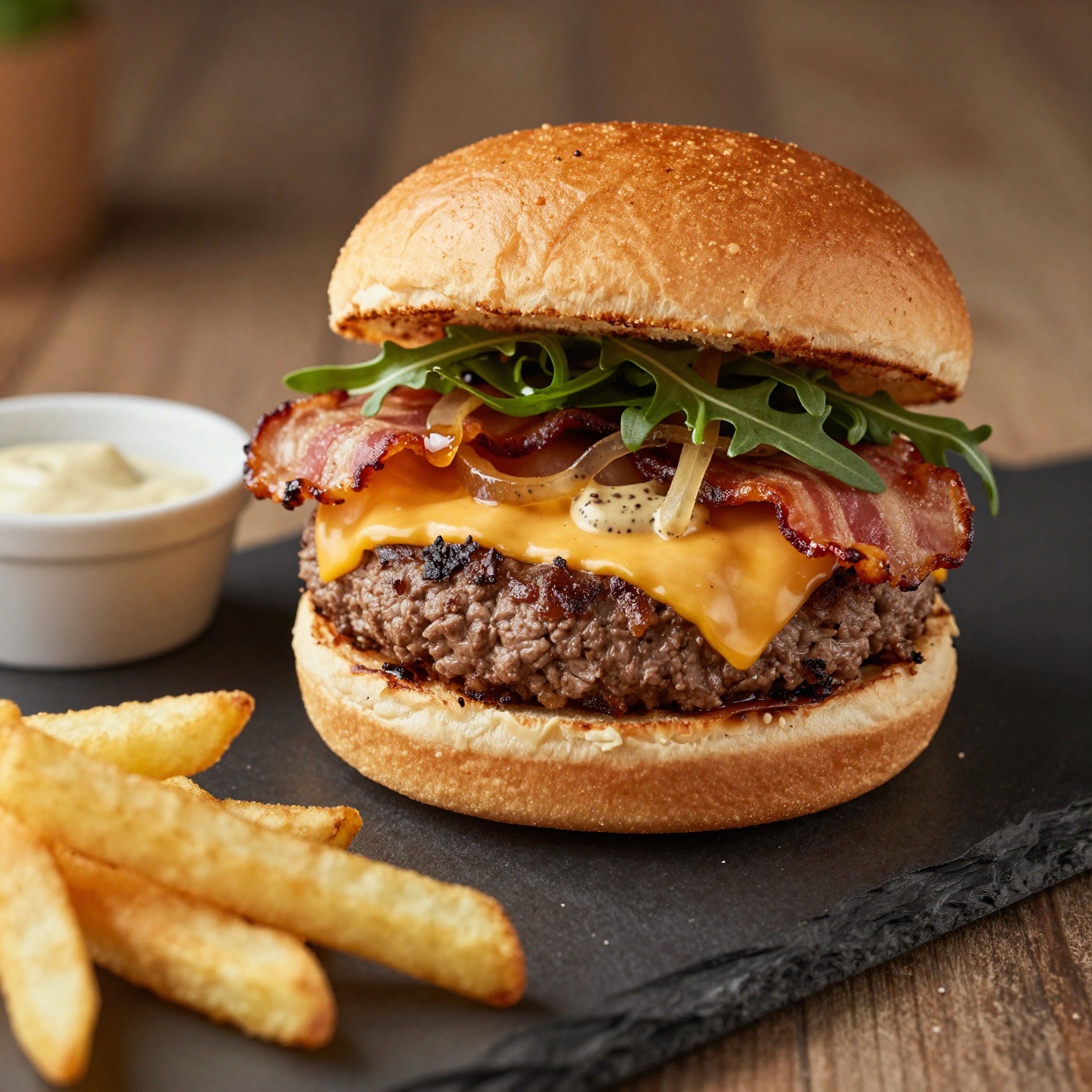
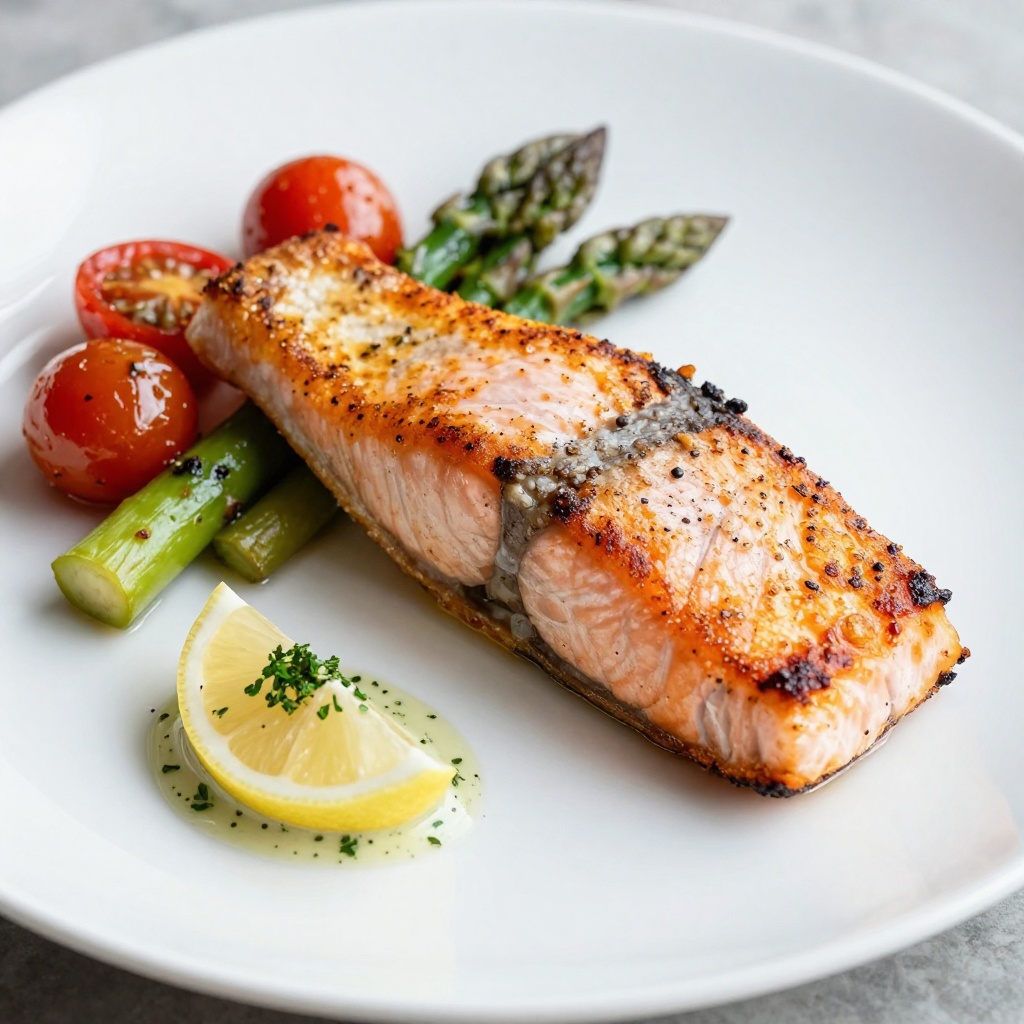
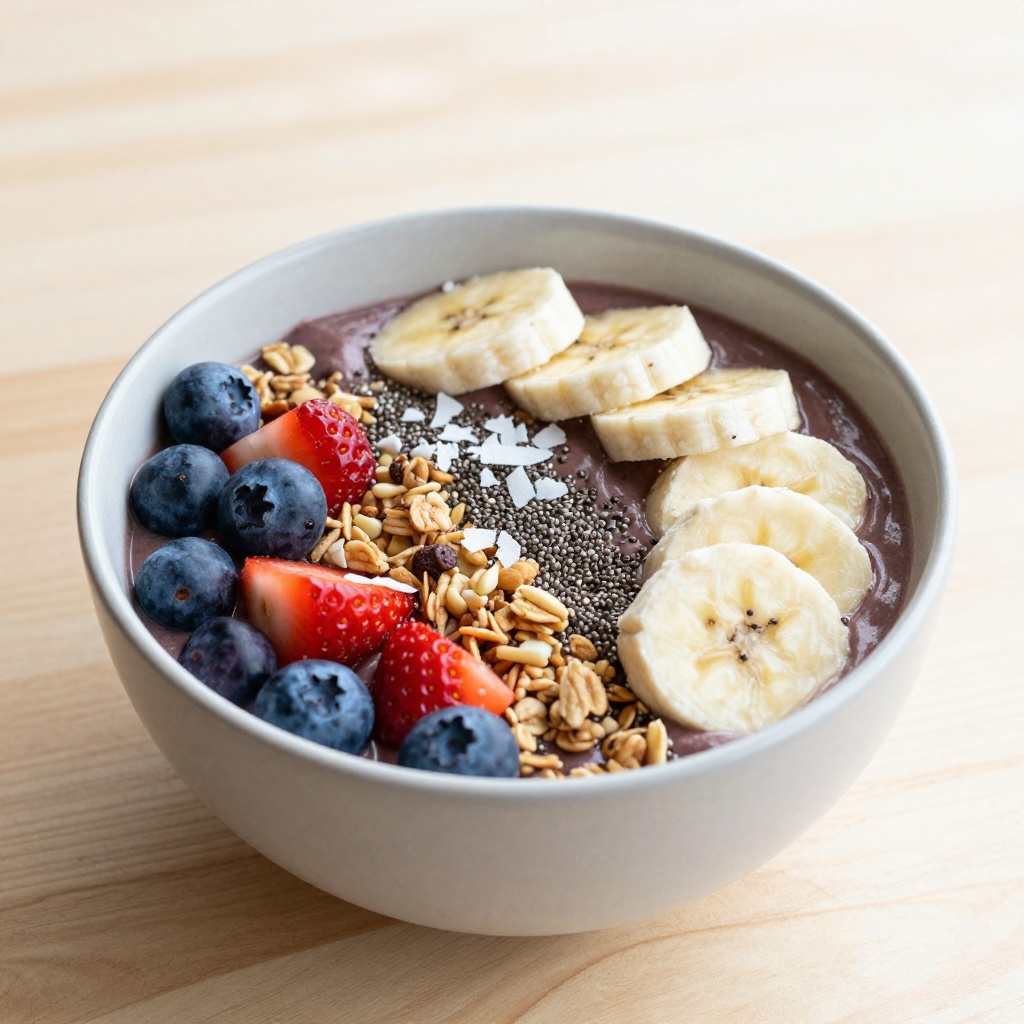
New menu items, seasonal specials and delivery-app listings usually mean a food stylist, a photographer and a studio day. Pruna P‑Image turns a written description, the ingredients, the plating, the light, into a finished, appetizing dish photo, ready for menus, apps and ads. Twelve dishes from twelve descriptions; click any to enlarge.
Generated with Pruna P-Image from text descriptions; a single model spans savoury, fresh and dessert dishes for menus, delivery apps and campaigns.
02 Background & plating consistency
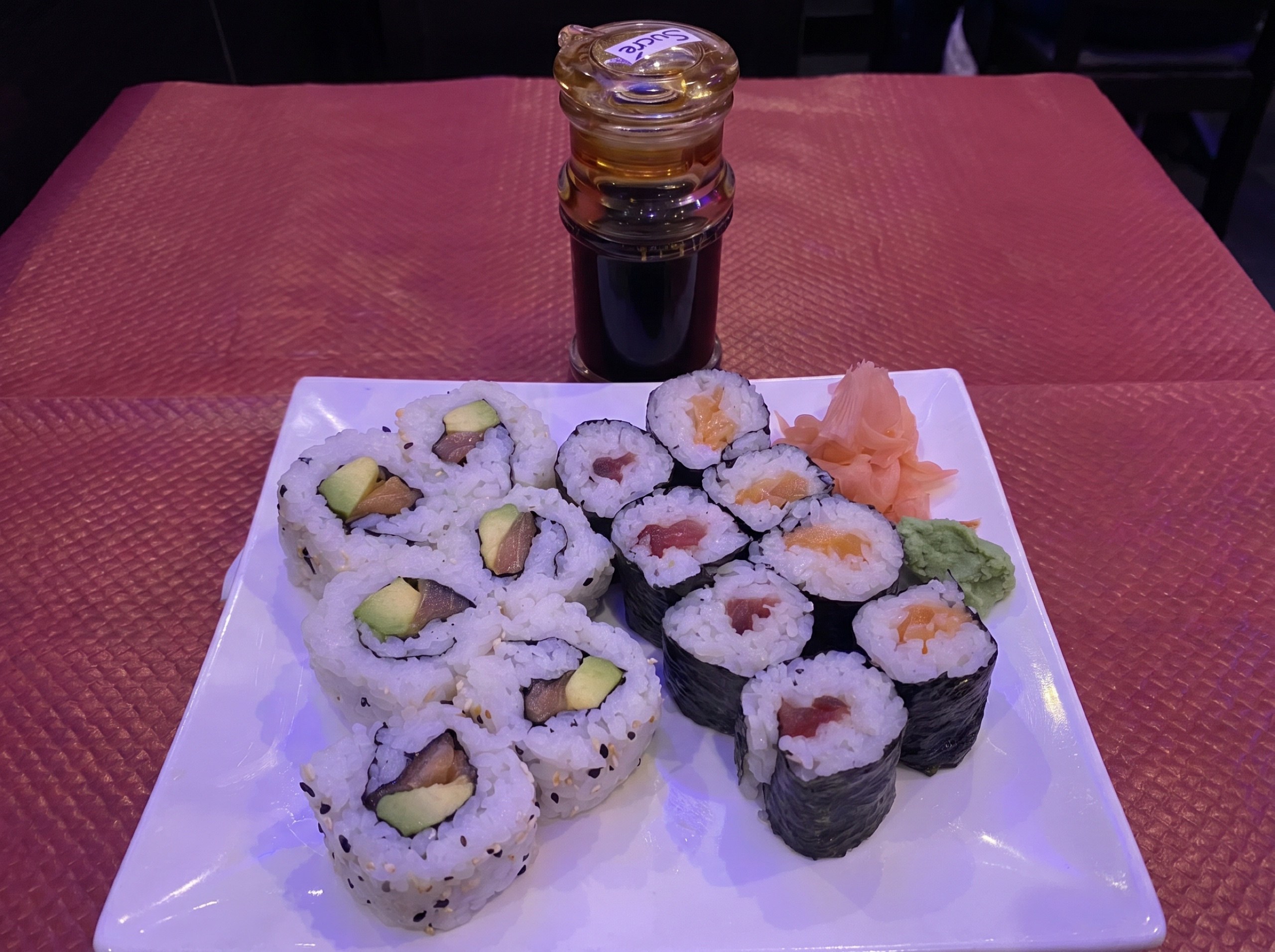
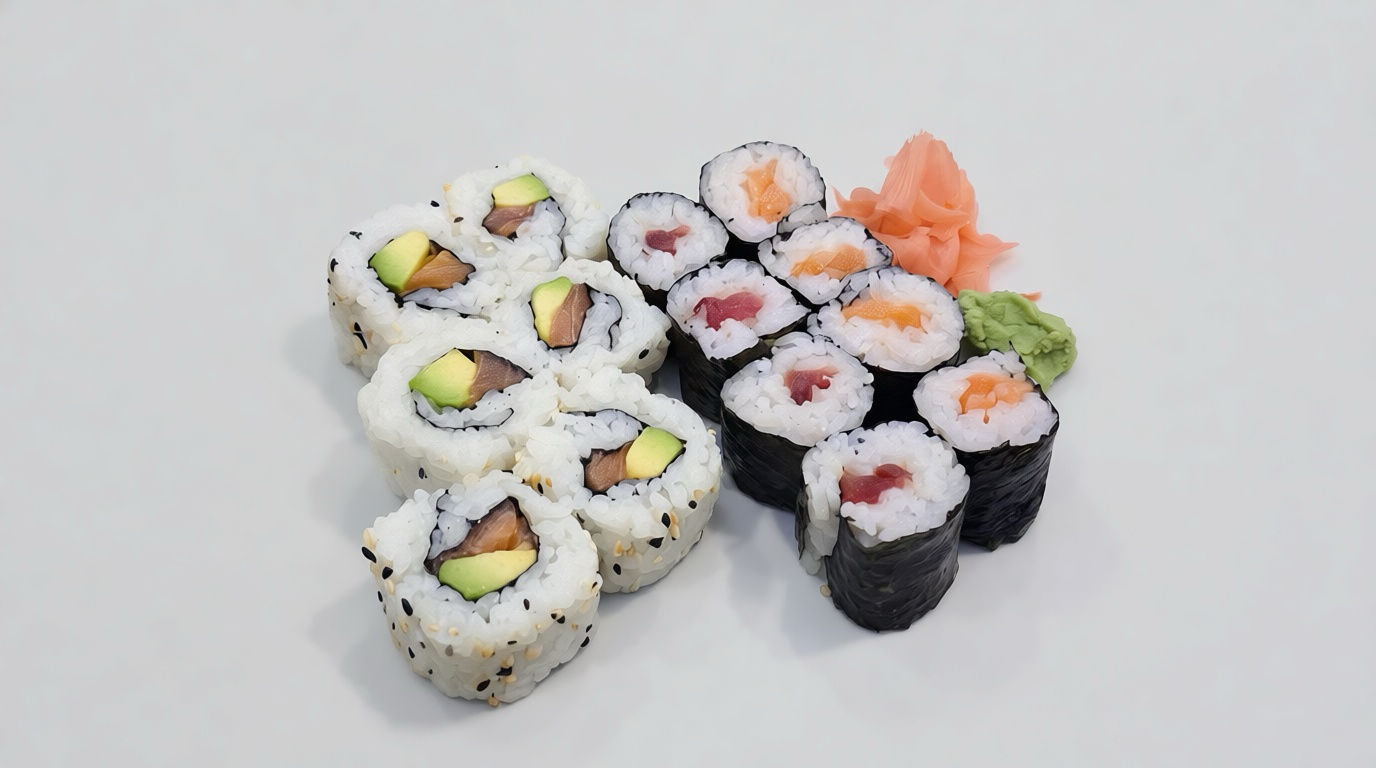
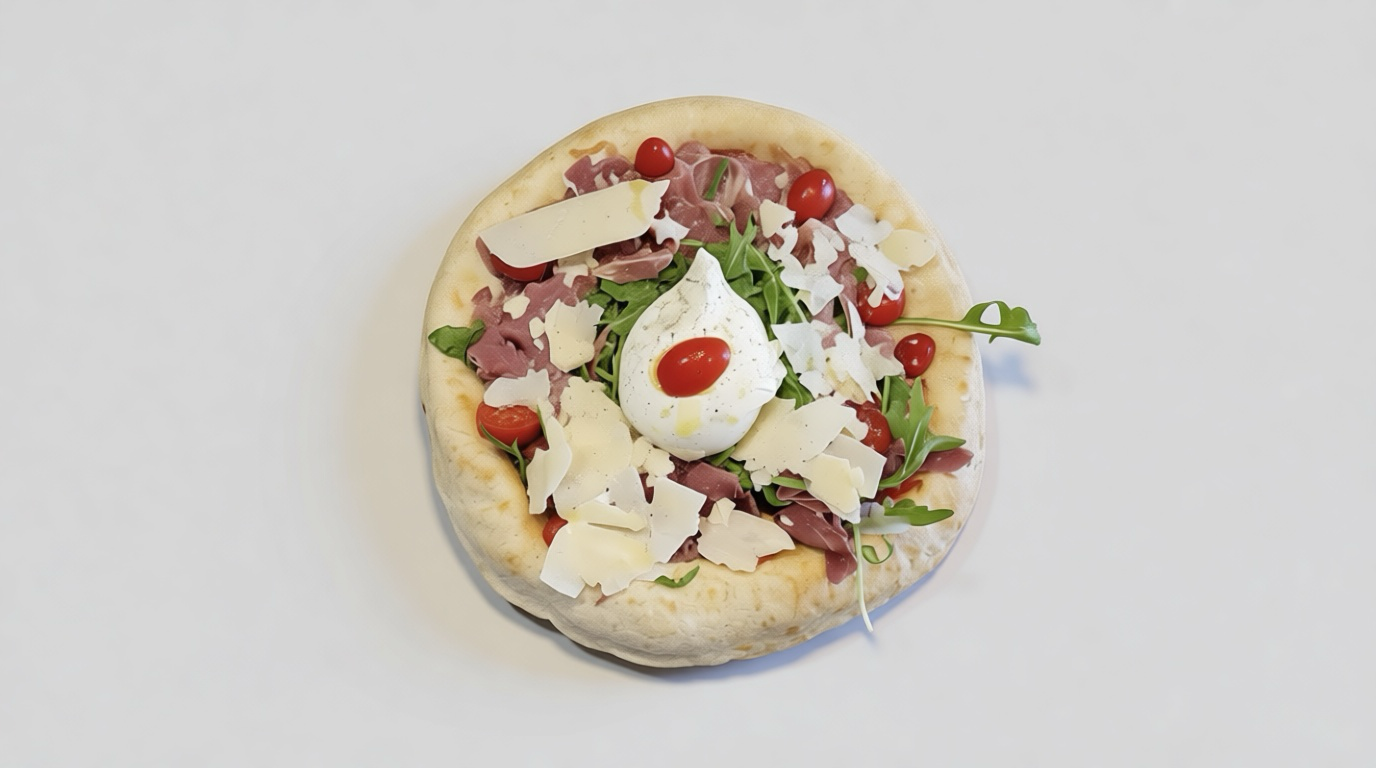
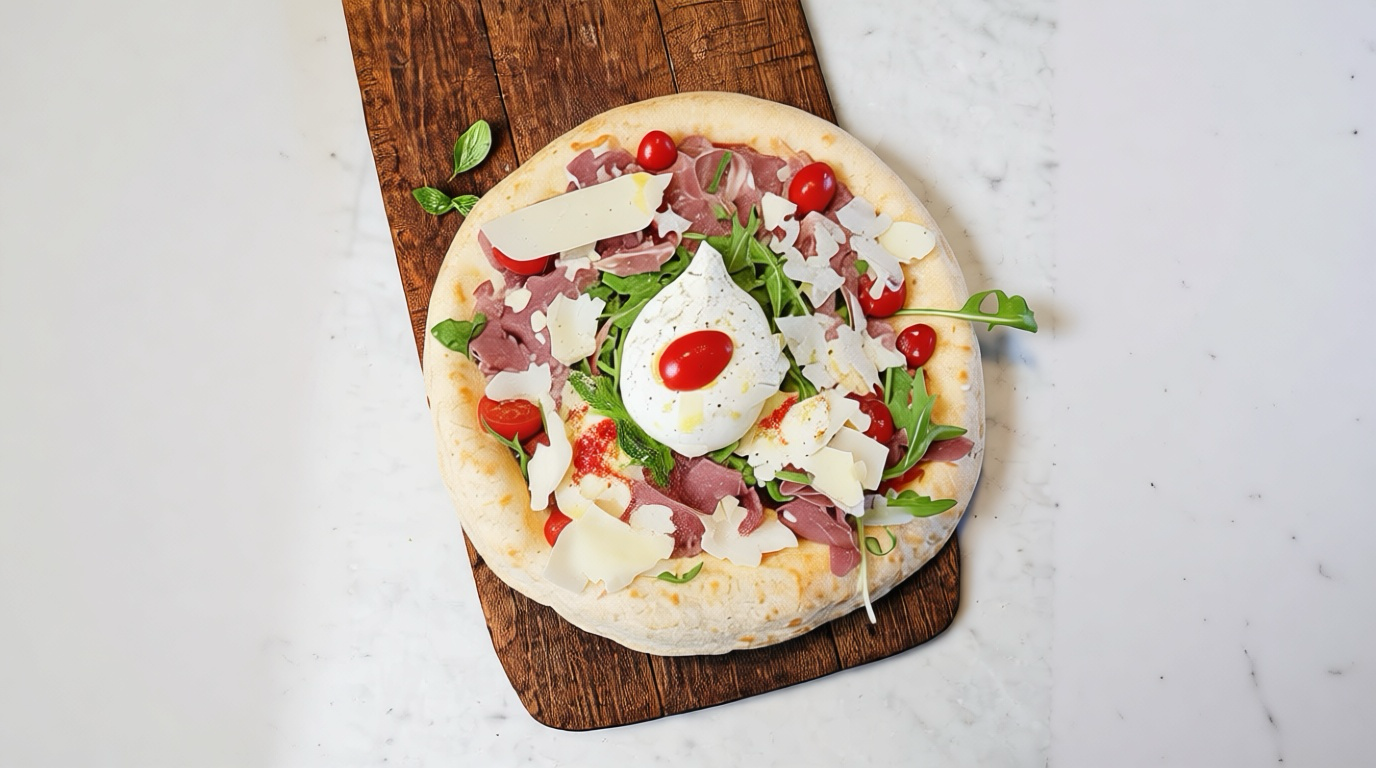
Menus and catalogs need one consistent look, but source photos arrive on every table, plate and light. Pruna P‑Image‑Edit replaces cluttered backgrounds and plates with a clean, on-brand set and re-plates a dish, keeping the food itself untouched, so it never looks synthetic. Source and edit, always side by side, click either image to enlarge.
Source photo
Neutral studio · Pruna
Source plating
Re-plated · PrunaEdited with Pruna P-Image-Edit on existing dish photos; the food is preserved while background, plate and plating are standardized for a consistent menu and catalog look.
03 Upscale photo quality
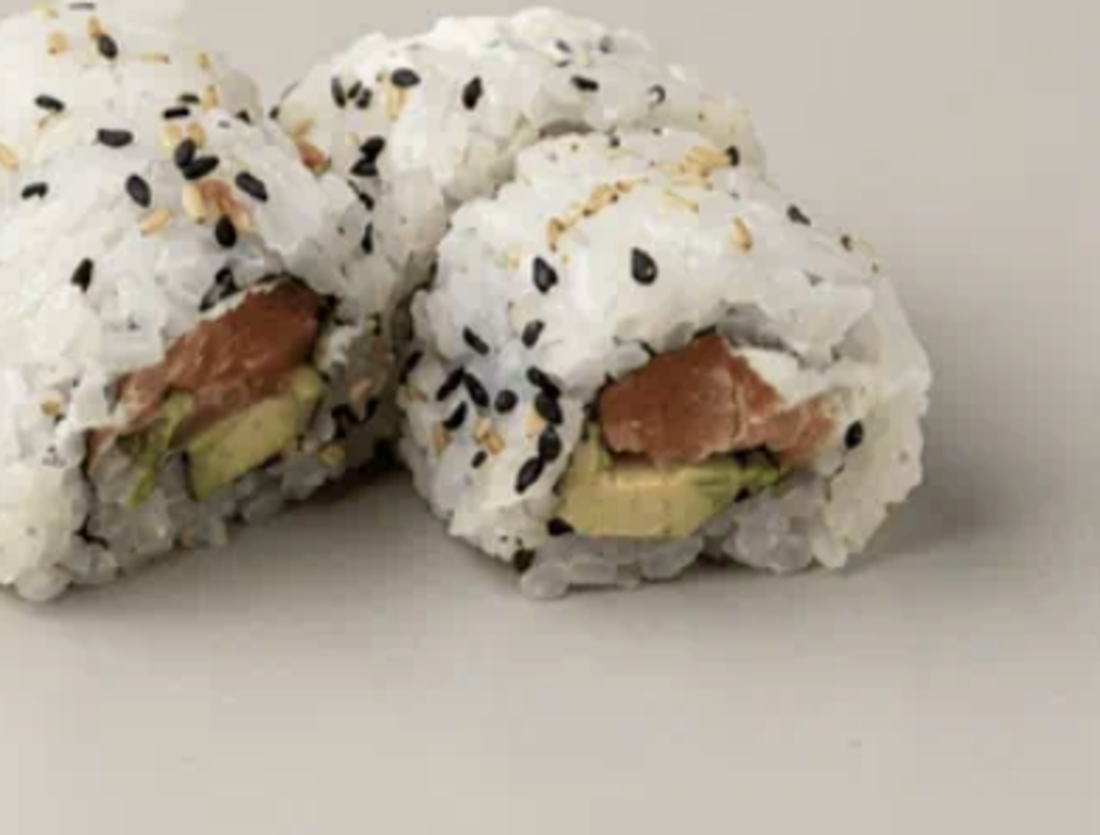
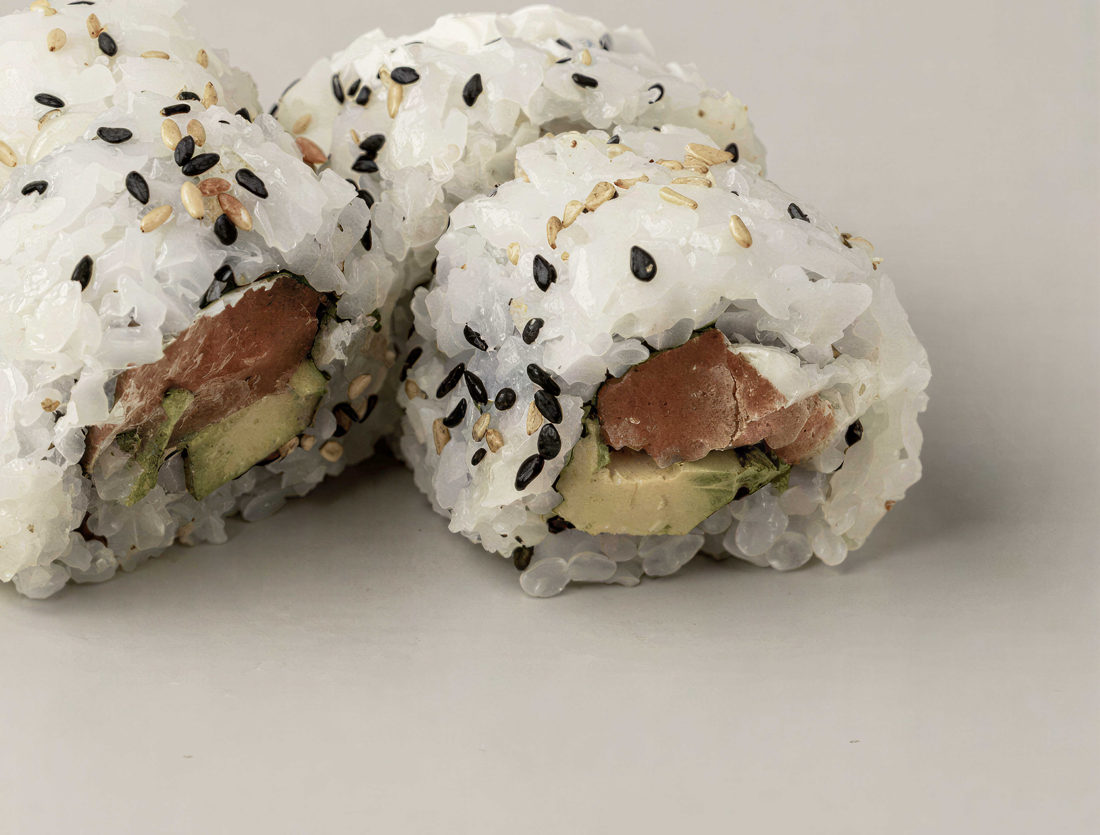
Hero shots, print menus and packaging need to survive a full-screen zoom, the sesame on the roll, the grains of rice, the glaze on the meat. Pruna P‑Image‑Upscale reconstructs a low-resolution phone photo up to 128 MP, so detail holds at any size. The same crop, soft vs upscaled, side by side, click either to enlarge.
Zoom (soft)
128MP · PrunaUpscaled with Pruna P-Image-Upscale from a low-resolution dish photo; the pair shows the same crop before and after, with fine detail reconstructed up to 128 MP.
04 Generate short food shots
Motion sells food, the cheese pull, the pour, the steam, but a food-film shoot is the most expensive asset on the list. Pruna P‑Video generates short, cinematic food shots from a prompt or a single dish still, for hero banners, social and delivery-app tiles. Two shots from prompts; click to enlarge.
05 Talking-head explainer from a portrait
Product explainers, onboarding and recipe walkthroughs need a face and a voice, usually a shoot and a VO session per market. Pruna P‑Video‑Avatar turns a single portrait plus a script or audio file into a lip-synced, multilingual presenter. Here, the same host delivers the same explainer in English and French, each from one still. Click to enlarge.
06 Animate a food photo with reference motion
A moving smile or head turn out-performs a flat photo on social and delivery surfaces. Pruna P‑Video‑Animate takes a menu still and a reference motion, and makes the photo perform that motion while keeping the creator and dish intact. Here, a food-host talking clip drives the motion onto a different creator with a poke bowl — different presenter, different dish, same tight portrait framing. Source still plus reference motion → the animated result. Click any to enlarge.
Menu still generated with Pruna P-Image; reference motion from Pruna P-Video-Avatar (female host, female voice); animated result with Pruna P-Video-Animate. People shown are AI-generated.
Generate, standardize, upscale, film, present and animate, the same Pruna engines run across an entire menu, for any delivery platform, chain, recipe or grocery team. Everything on this page is grounded in Pruna’s Food Partner Kit.
Talk to Pruna