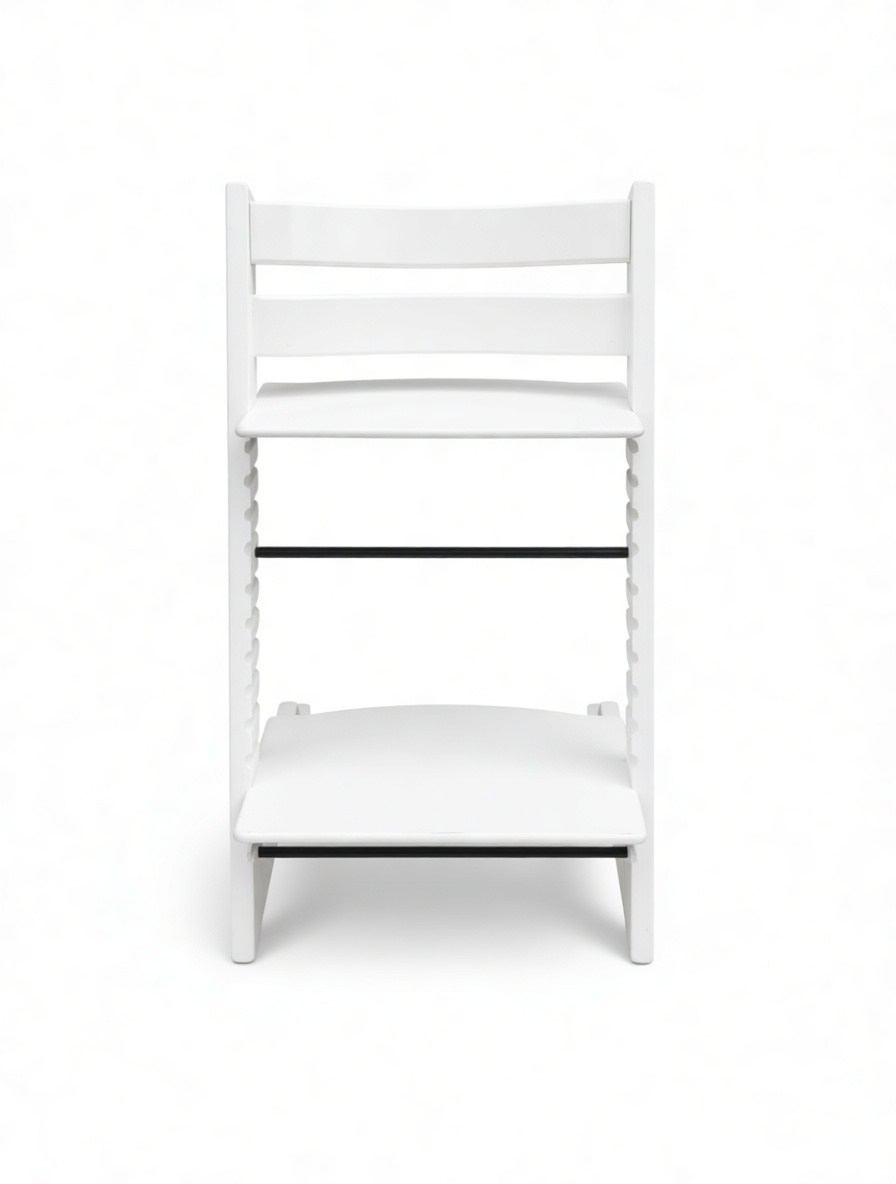
★ Catalog & resale media at scale, from one packshot
One packshot. Every room, every finish.
Furniture brands and marketplaces live and die on product media, but a flat packshot on white doesn’t sell a sofa, and a resale photo shot on a living-room floor doesn’t meet catalog standards. From a single product image, Pruna stages it in any styled room, generates every colourway and material, re-imagines the room around it, drafts a dimensioned sketch, composes a shop-the-look, cleans up resale listings, rescues low-res photos, invents net-new imagery from text, and animates it all into ambience films, motion clips and a spokesperson. Seconds per asset, no studio day, no set build. Six Pruna models, twelve use cases, every example a real product or listing, each one cited.
6Pruna models used
12Use cases shown
secondsPer asset
• Built for the whole furniture & home industry
One engine, every catalogue.
Furniture brands & DTCA full lifestyle catalogue from flat packshots.
Marketplaces & resaleTurn seller snaps into consistent, clean listings.
Retailers & department storesEvery SKU, every colourway, one generation away.
Interior & home-stagingDrop products into art-directed rooms on demand.
Manufacturers & suppliersSell-in imagery before a single sample ships.
Photographers & studiosDeliver more scenes, faster, without new shoots.
P-Image-Edit · Use case 1
01 Stage the product, keep the design
One packshot. Every room.
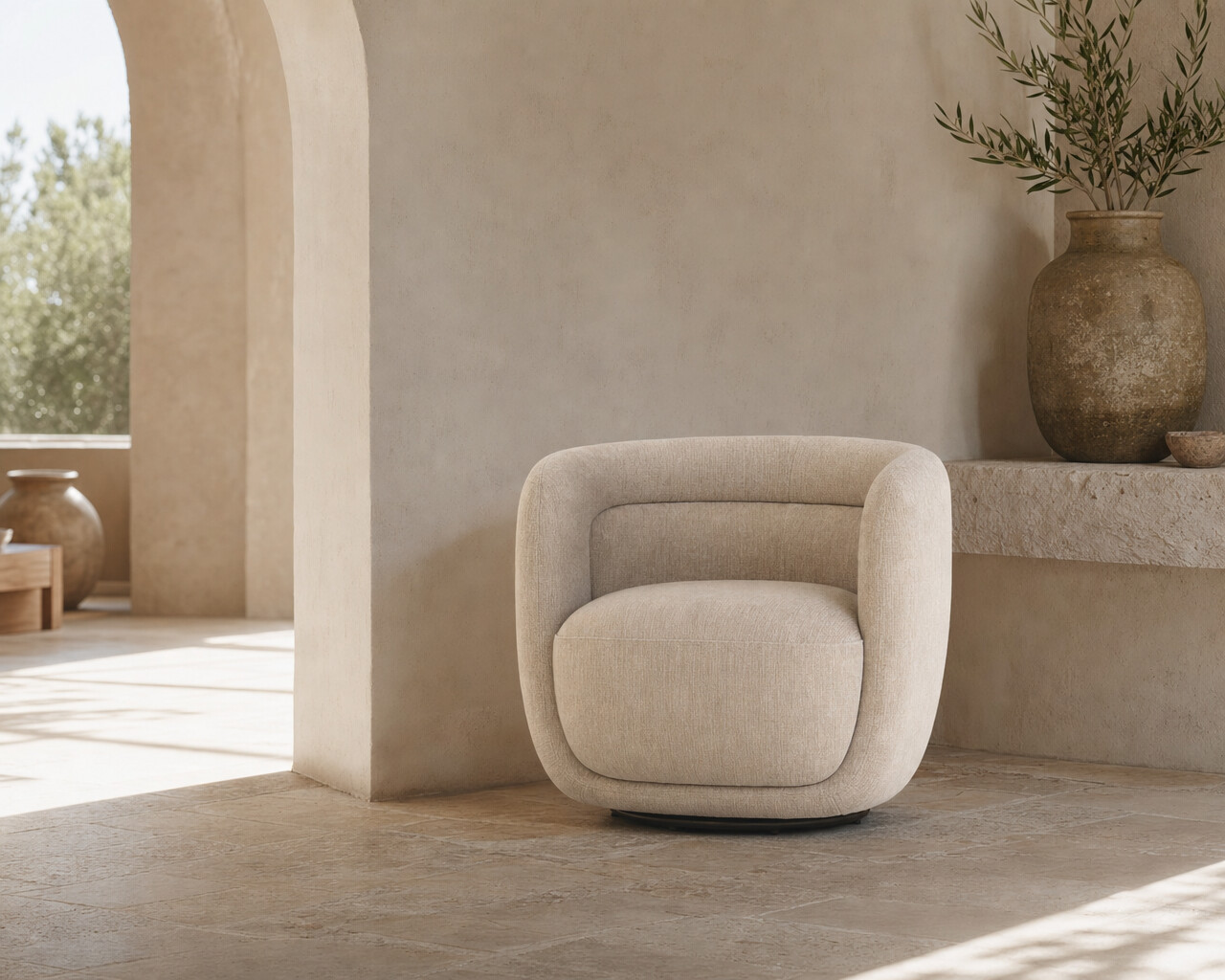
A flat product image on white is hard to sell. Pruna P‑Image‑Edit places the exact product, its precise shape, material and colour preserved, into a fully art-directed room, in any style or market, from that one packshot. The packshot is shown once, then the same armchair staged across five room styles, tap any staged tile to compare it against the packshot.
BAIA armchair, staged five ways AM.PM1 packshot → 5 rooms
Rooms generated with Pruna P-Image-Edit from the single AM.PM BAIA packshot. The product design, material and colour are preserved from the real packshot; rooms are AI-generated for illustration.
P-Image-Edit · Use case 2
02 Every colourway & material
One product. Every finish.
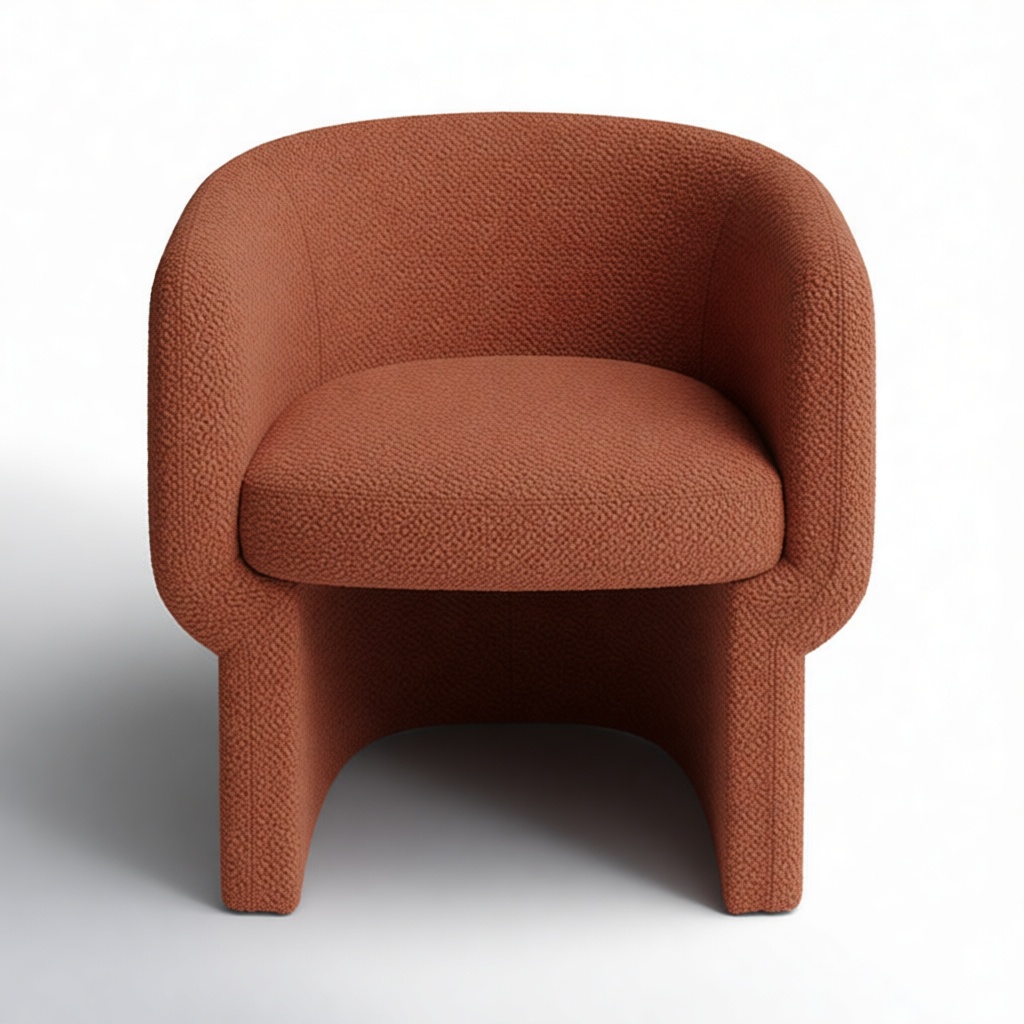
Photographing every fabric and finish means a sample of each and a studio day per SKU. Pruna P‑Image‑Edit takes one packshot, here a real Wayfair marketplace listing, and re-covers it in any material, velvet, bouclé, wool, in any colour, with the exact silhouette, proportions and lighting kept identical. The original packshot, then four generated colourways.
Cambry barrel chair, one shot → five finishes Wayfairpackshot → 4 colourways
Colourways generated with Pruna P-Image-Edit from a single real Wayfair marketplace packshot (Cambry barrel chair); the silhouette, proportions and lighting are preserved, only the upholstery changes.
P-Image-Edit · Use case 3
03 Keep an element, re-imagine the room
Keep the floor. Change everything else.
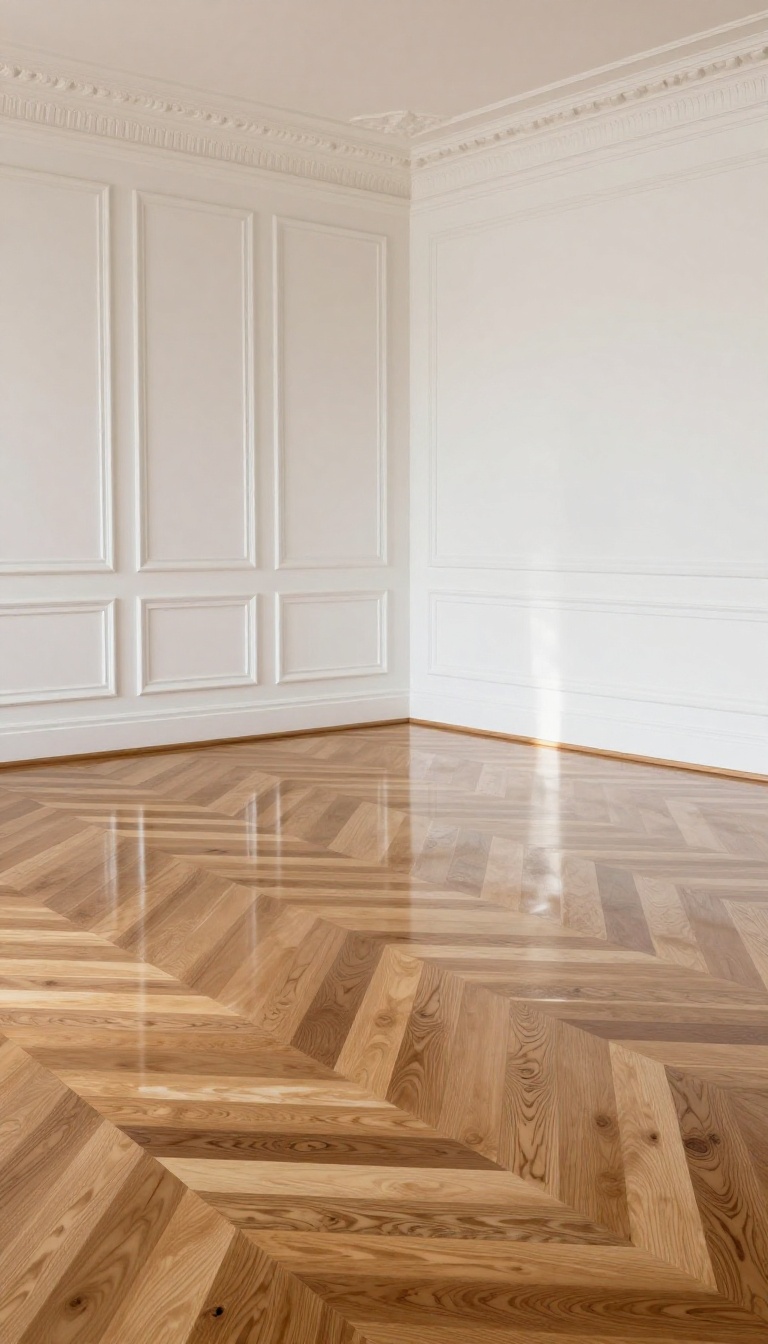
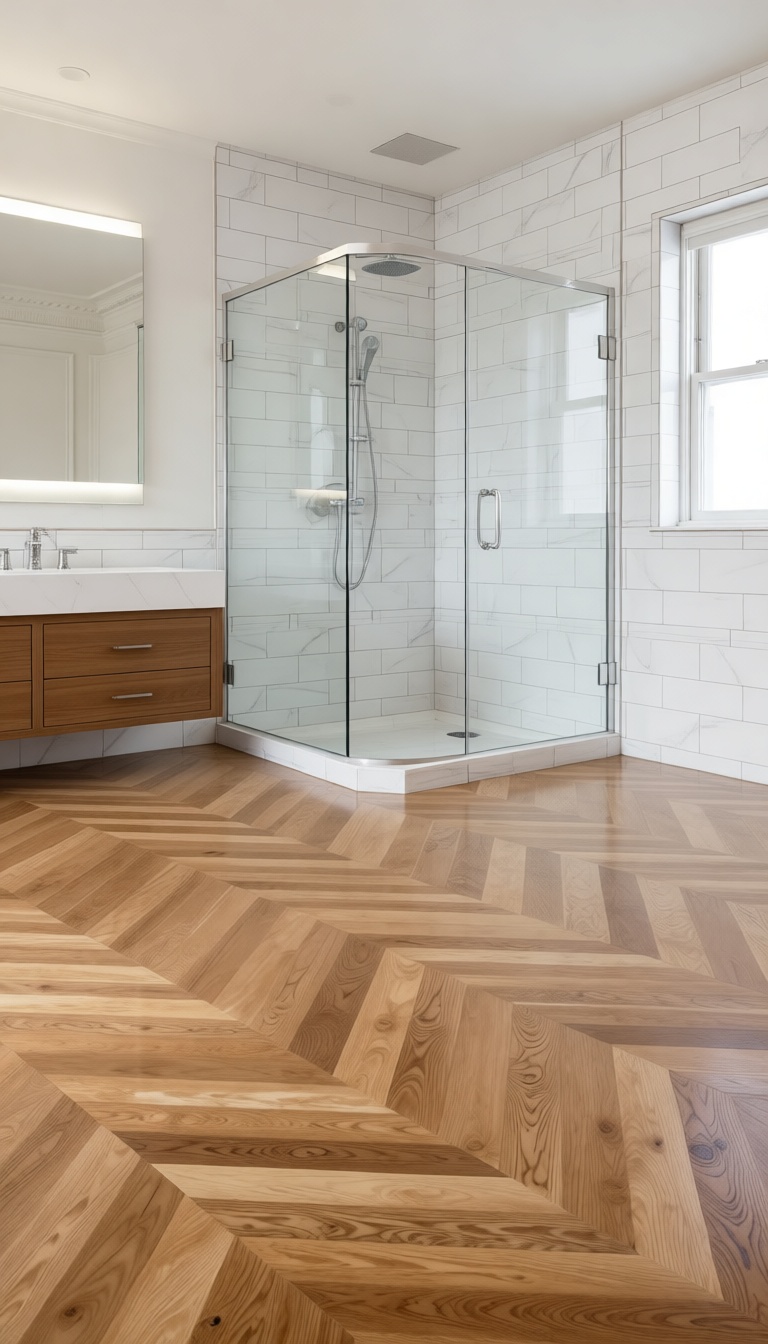
Sometimes the value is in what stays. Pruna P‑Image‑Edit can lock a chosen element, here, the exact herringbone parquet floor, and rebuild the entire room around it into a different room type altogether. The prompt: “keep the exact same floor, but modify the room into a bathroom.” Ideal for “same space, different purpose” visualisations in staging and renovation. Tap to compare the original room with the re-imagined one.
Same parquet, a whole new room P-Image-Editempty room → bathroom
Room type changed with Pruna P-Image-Edit while the herringbone parquet floor is preserved from the input image; the shower, vanity and fixtures are AI-generated for illustration.
P-Image-Edit · Use case 4
04 A dimensioned technical sketch
From packshot to spec drawing.
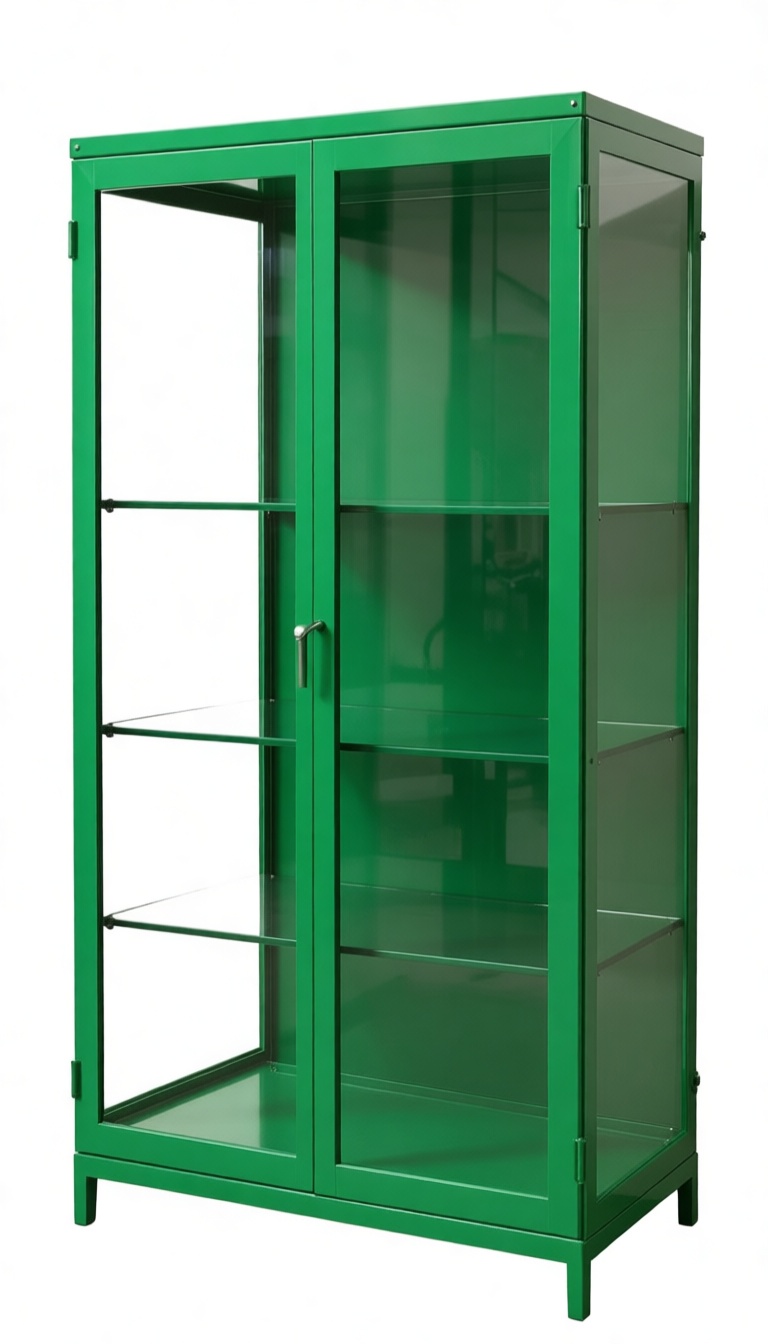
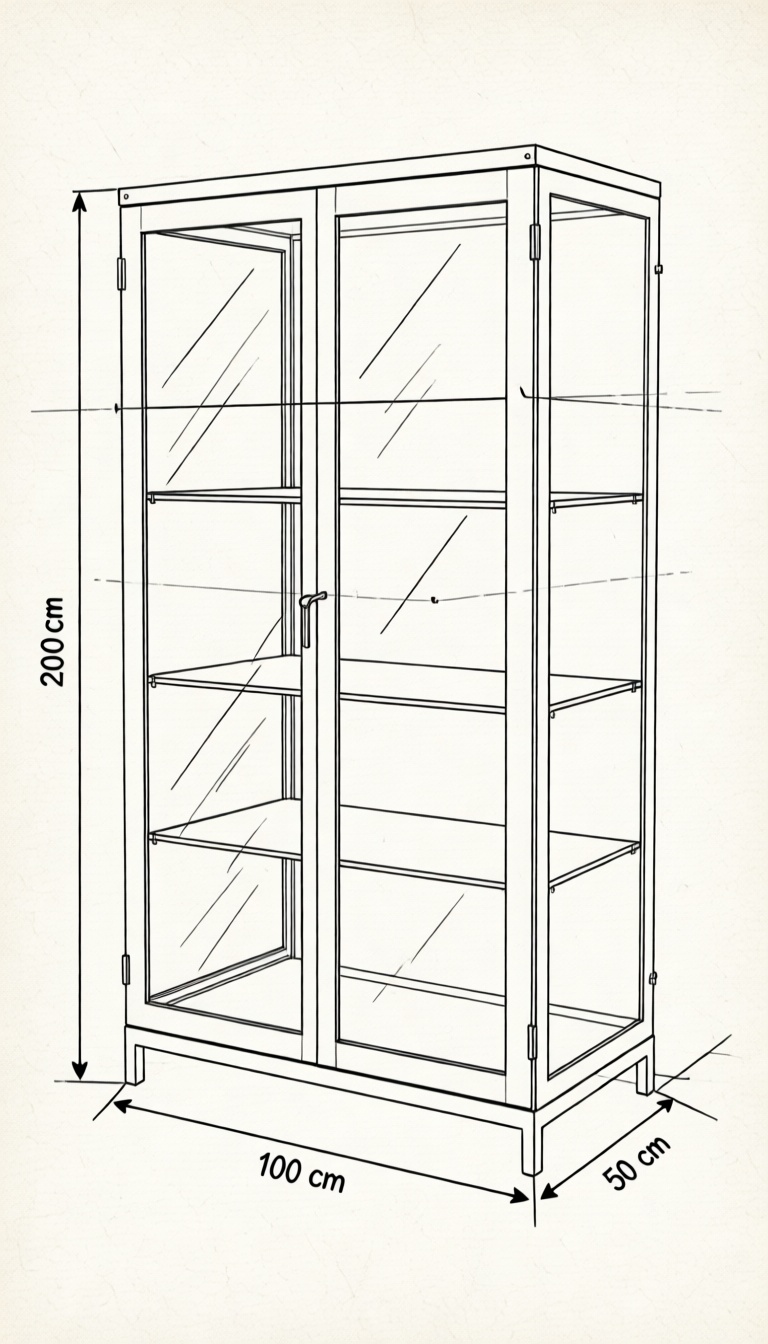
Product pages, sell-in decks and assembly guides need clean line drawings with dimensions, normally a manual CAD job. Pruna P‑Image‑Edit turns a packshot into a precise three-quarter technical sketch with dimension lines and annotations, faithful to the piece’s real geometry. Packshot and sketch, side by side, click to enlarge.
Technical sketch generated with Pruna P-Image-Edit from the product packshot; dimension figures are illustrative.
P-Image-Edit · Use case 5
05 Many products, one scene
Compose a shop-the-look from separate packshots.
Cross-sell imagery usually means styling every product together in one physical shoot. Pruna P‑Image‑Edit takes several individual packshots and composes them into one cohesive, art-directed room, each product’s exact design, material and proportions preserved. Three separate packshots in, one styled scene out.
Armchair + table + lamp → one room AM.PM3 packshots → 1 scene
Scene composed with Pruna P-Image-Edit from three separate real AM.PM packshots; each product’s design and proportions are preserved, the room is AI-generated.
P-Image-Edit · Use case 6
06 Clean up a resale listing
Turn a seller snap into a clean listing.
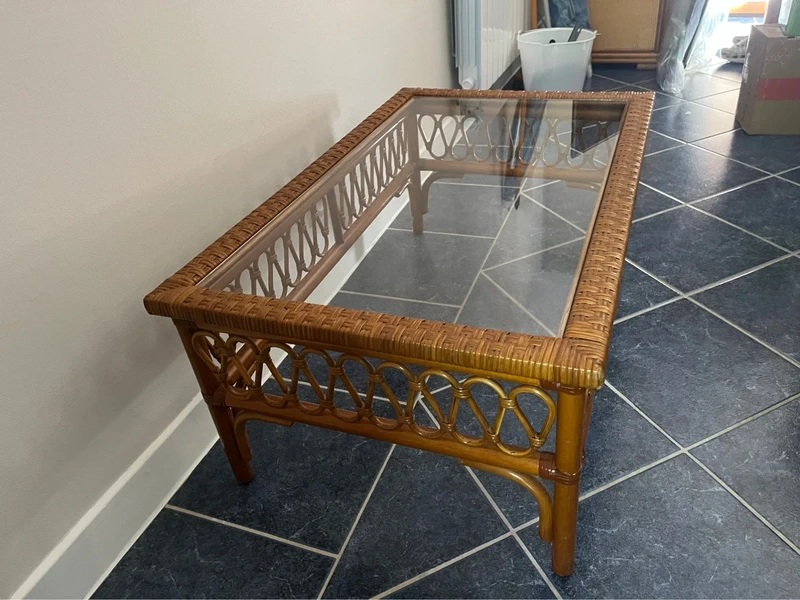
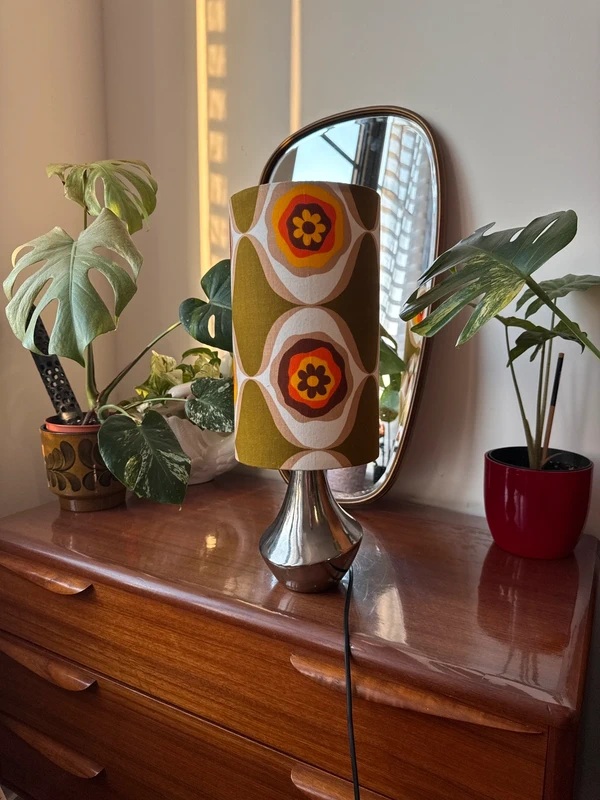
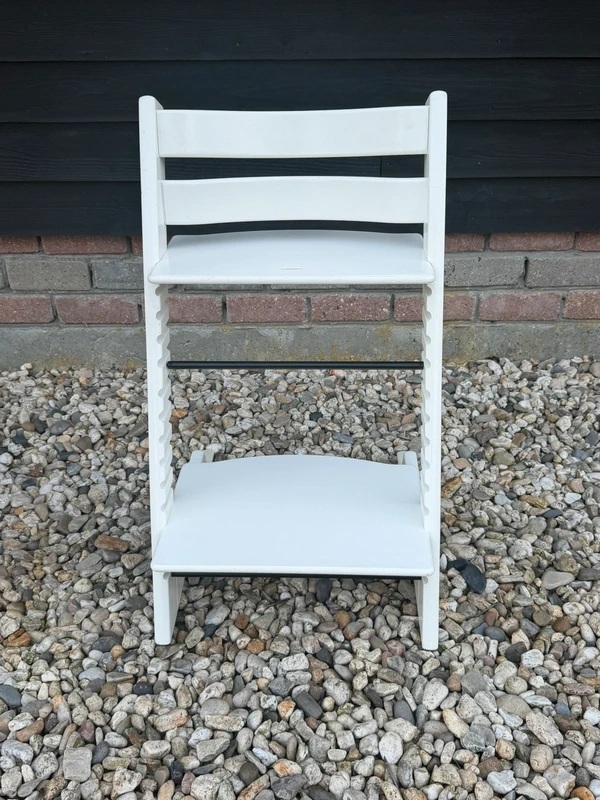
Secondhand furniture is photographed on tiled floors, cluttered sideboards and gravel. Pruna P‑Image‑Edit lifts the item onto a clean studio background, same shape, colour, material and wear preserved, so a resale marketplace looks like a catalogue. Every result here is a real Vinted listing; seller photo beside the cleaned packshot, side by side, click to enlarge.
White folding chairVintedgravel yard → clean packshot
Backgrounds removed with Pruna P-Image-Edit; the item itself, shape, colour, material and wear, is preserved. All three are real secondhand Vinted listings.
P-Image-Edit · Use case 7
07 The whole catalogue, in context
Every product, in its own scene.
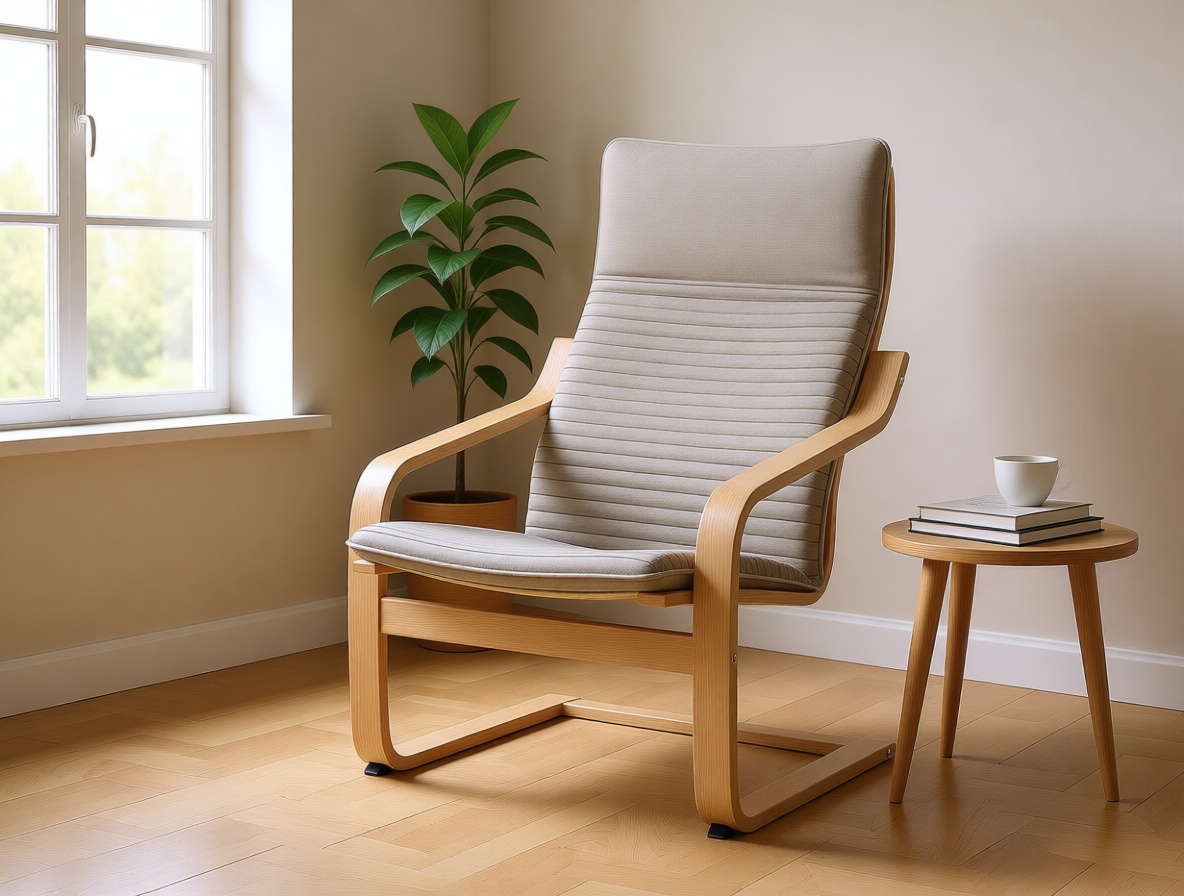
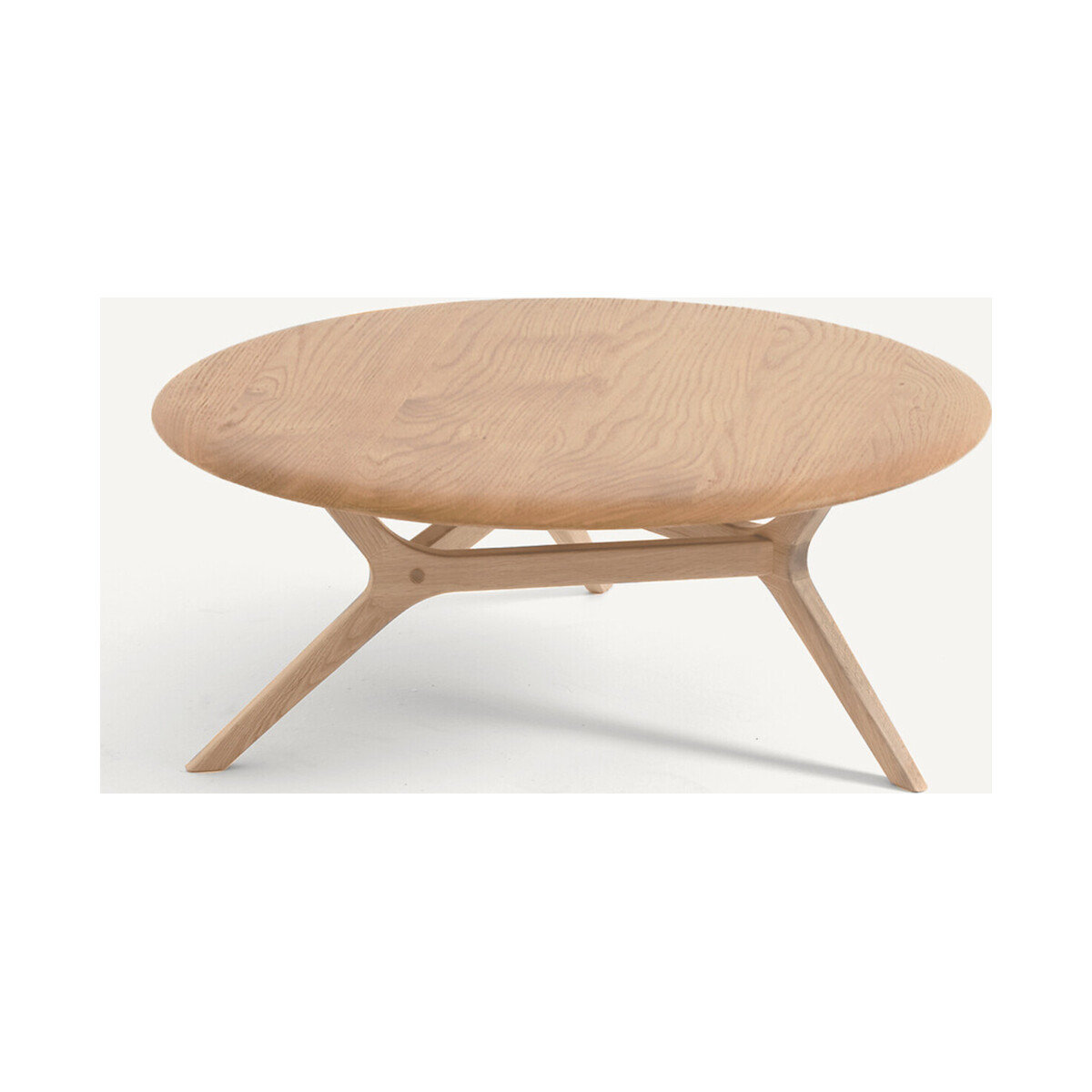
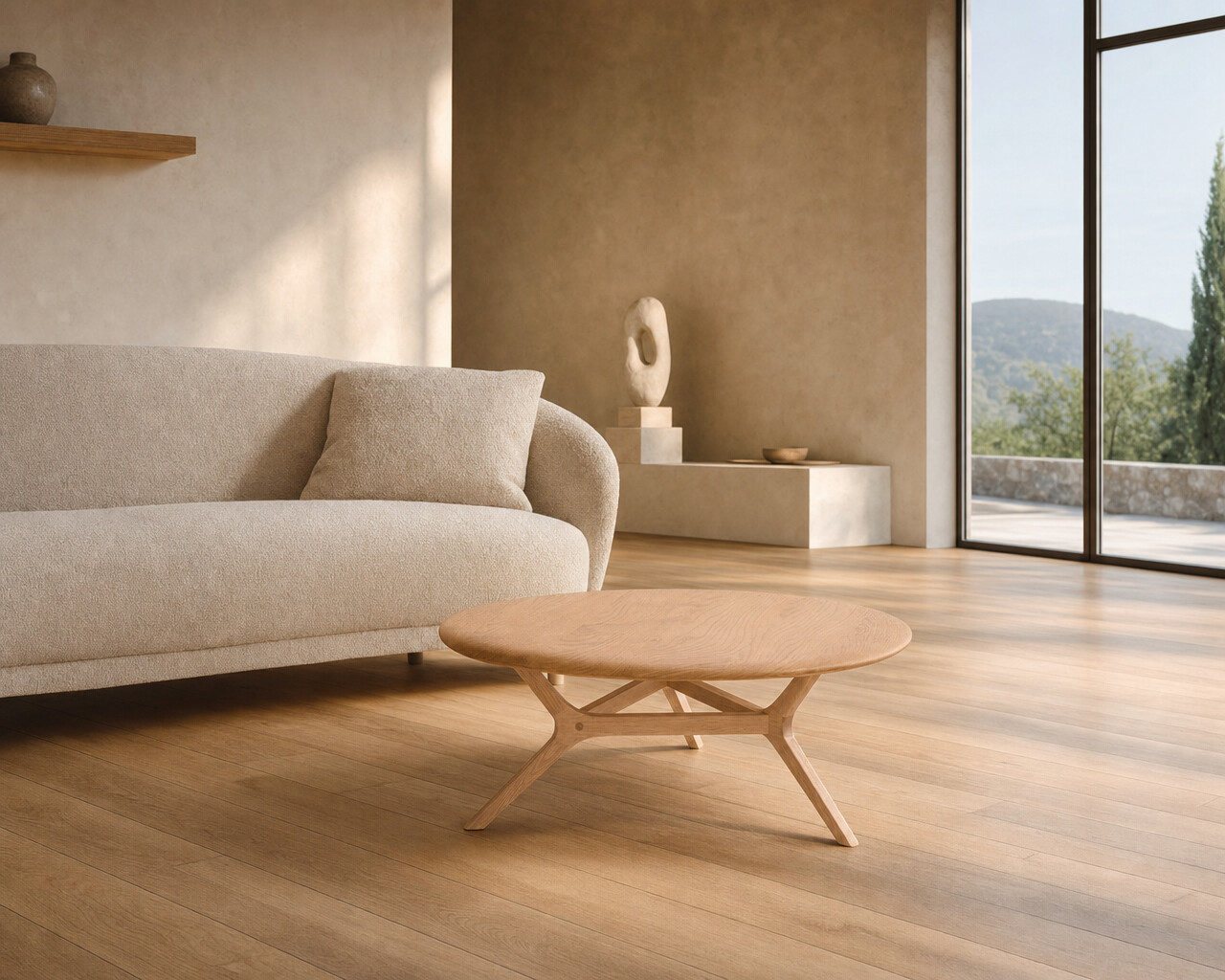
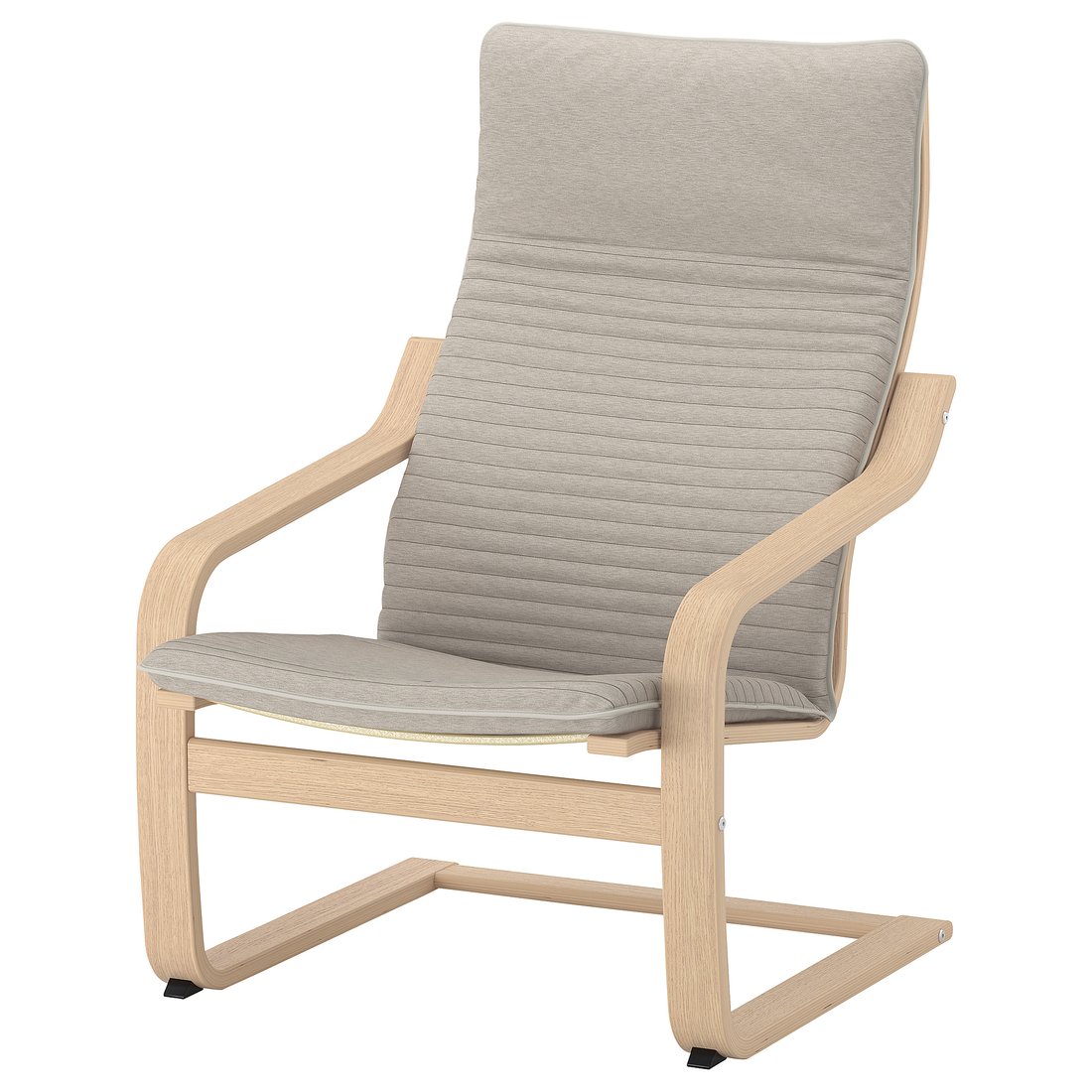
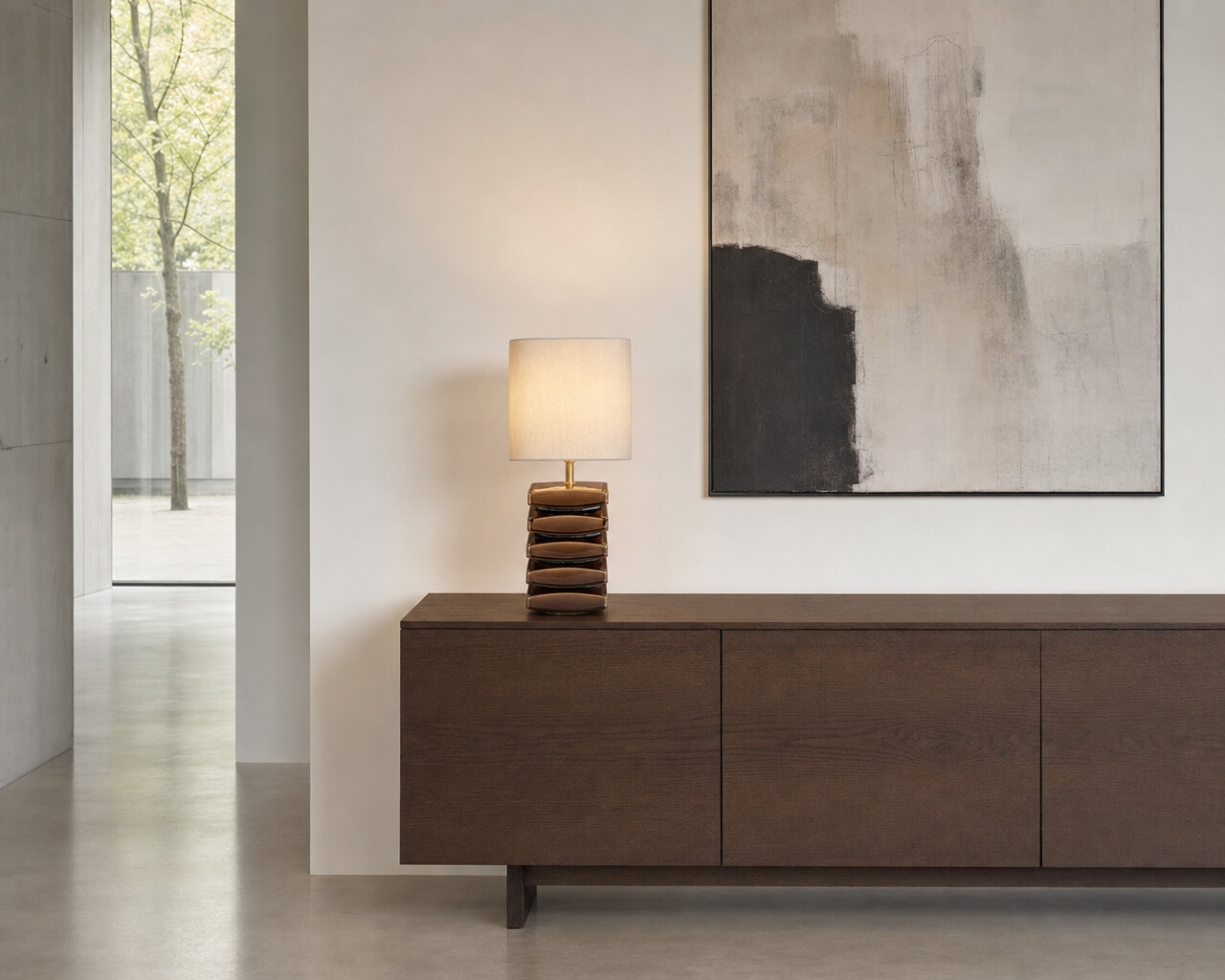
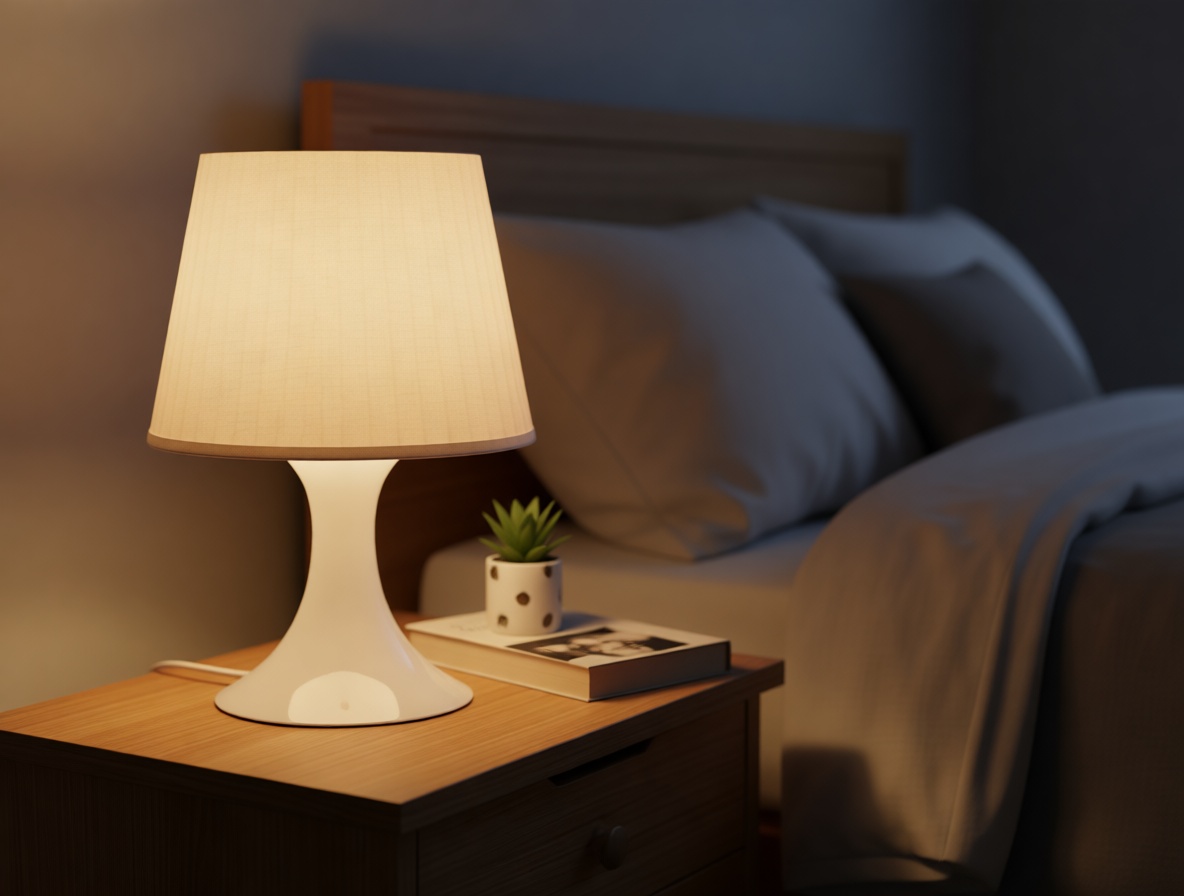
The same engine that stages one armchair scales to a whole range, and across brands. Each piece below is a real packshot, premium AM.PM and mass-market IKEA, dropped into an editorial room-set with P‑Image‑Edit, the design, material and proportions preserved. Flat packshot beside the staged scene, side by side, click to enlarge.
PackshotStaged · Pruna
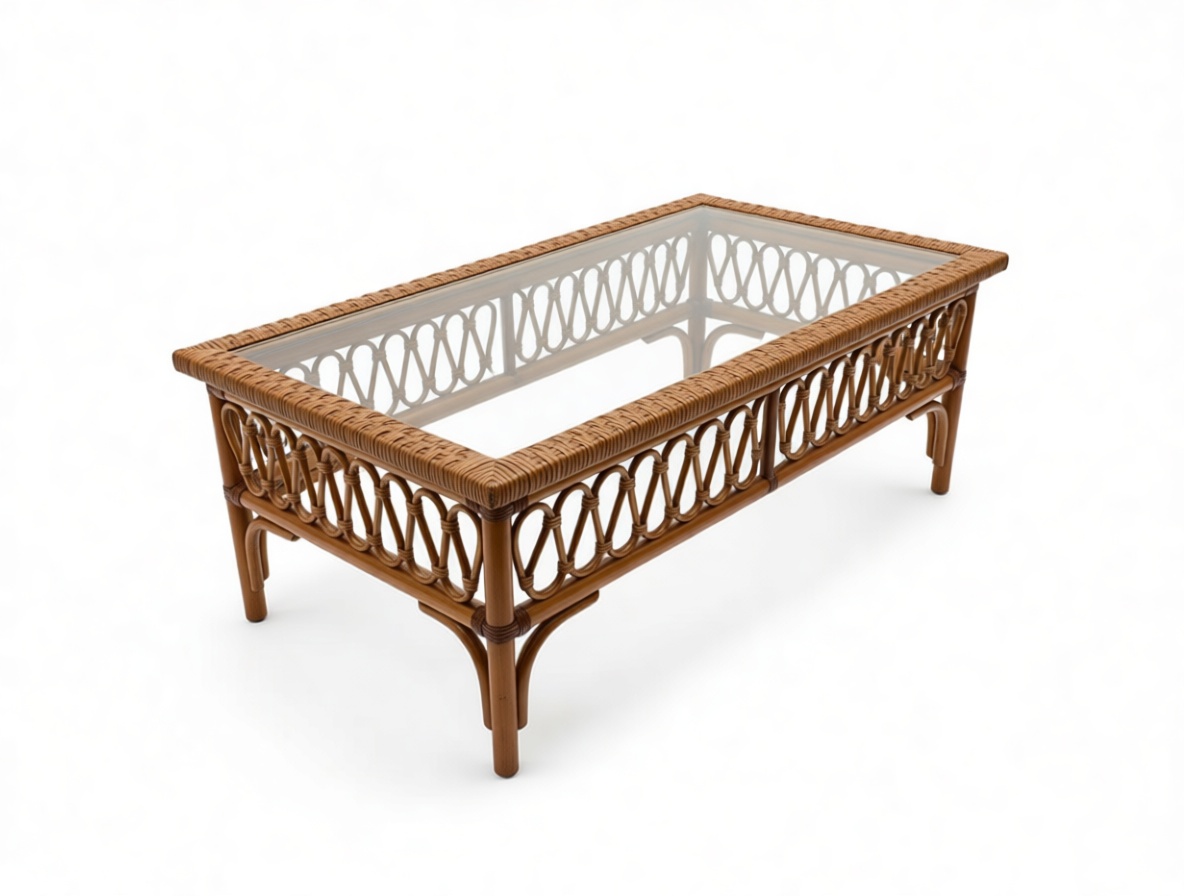
MARICIELO tableAM.PMoak coffee table, in a villa
PackshotStaged · Pruna
POÄNG armchairIKEAbentwood chair, Scandi room
PackshotStaged · Pruna
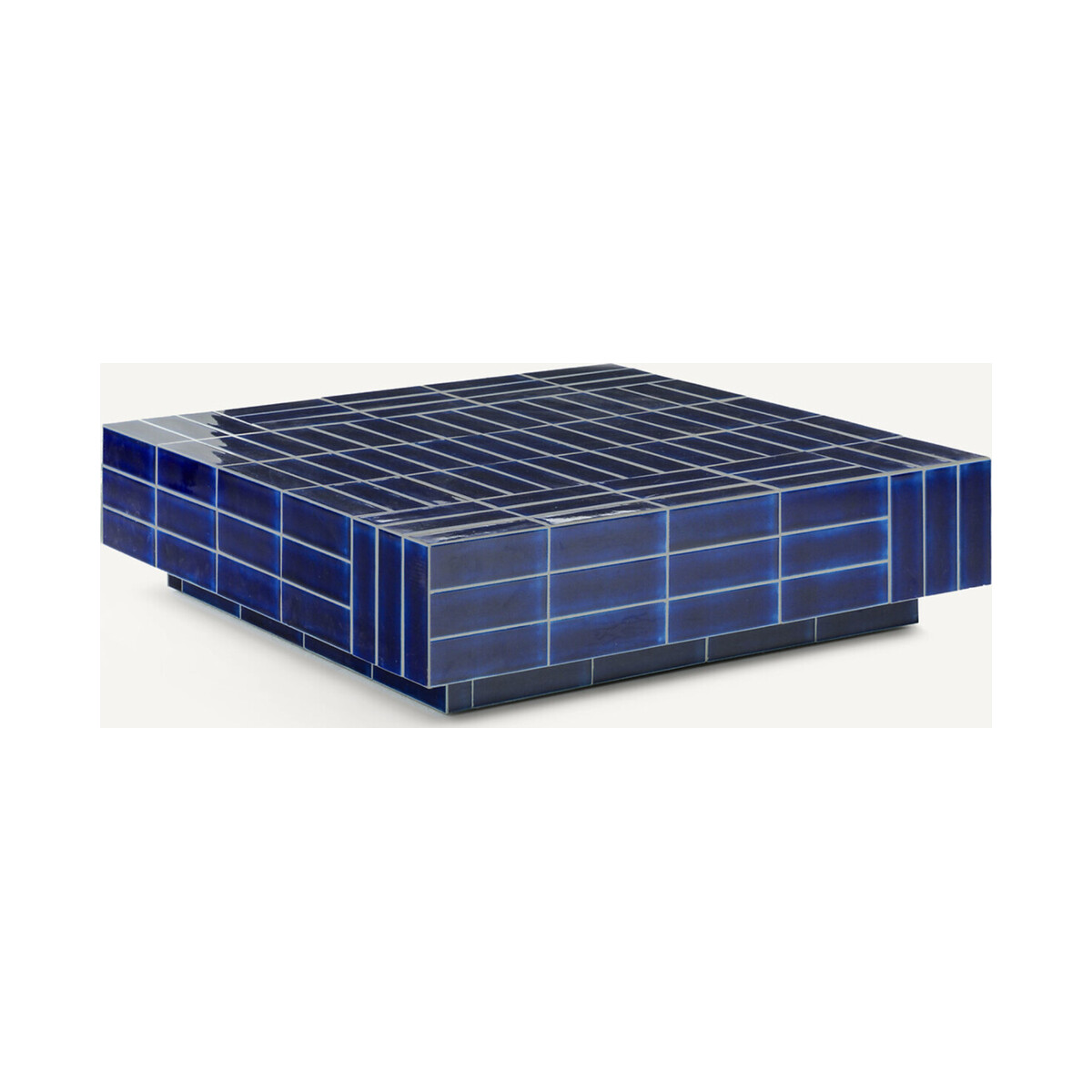
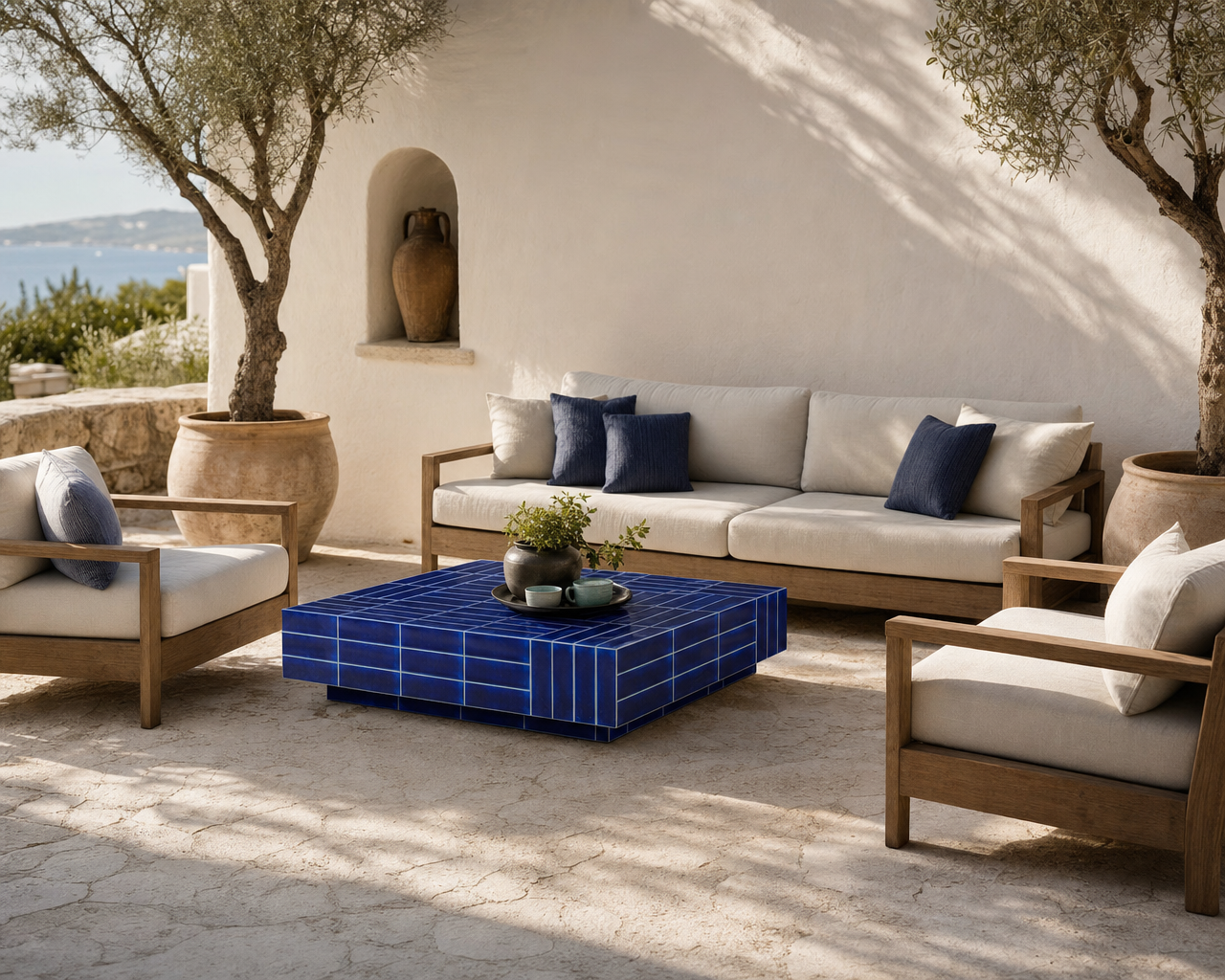
DENDI tableAM.PMtiled cube, on a terrace
PackshotStaged · Pruna
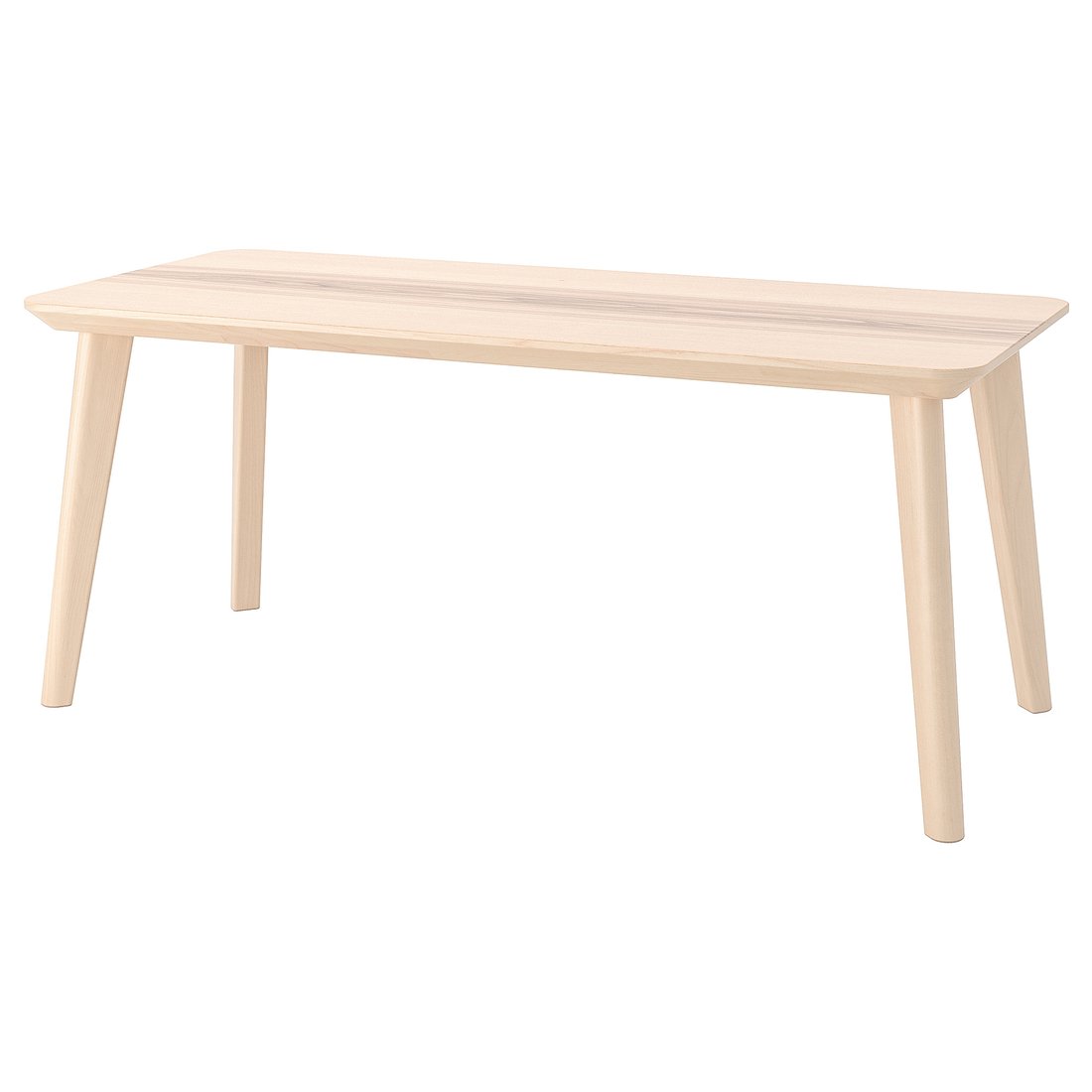
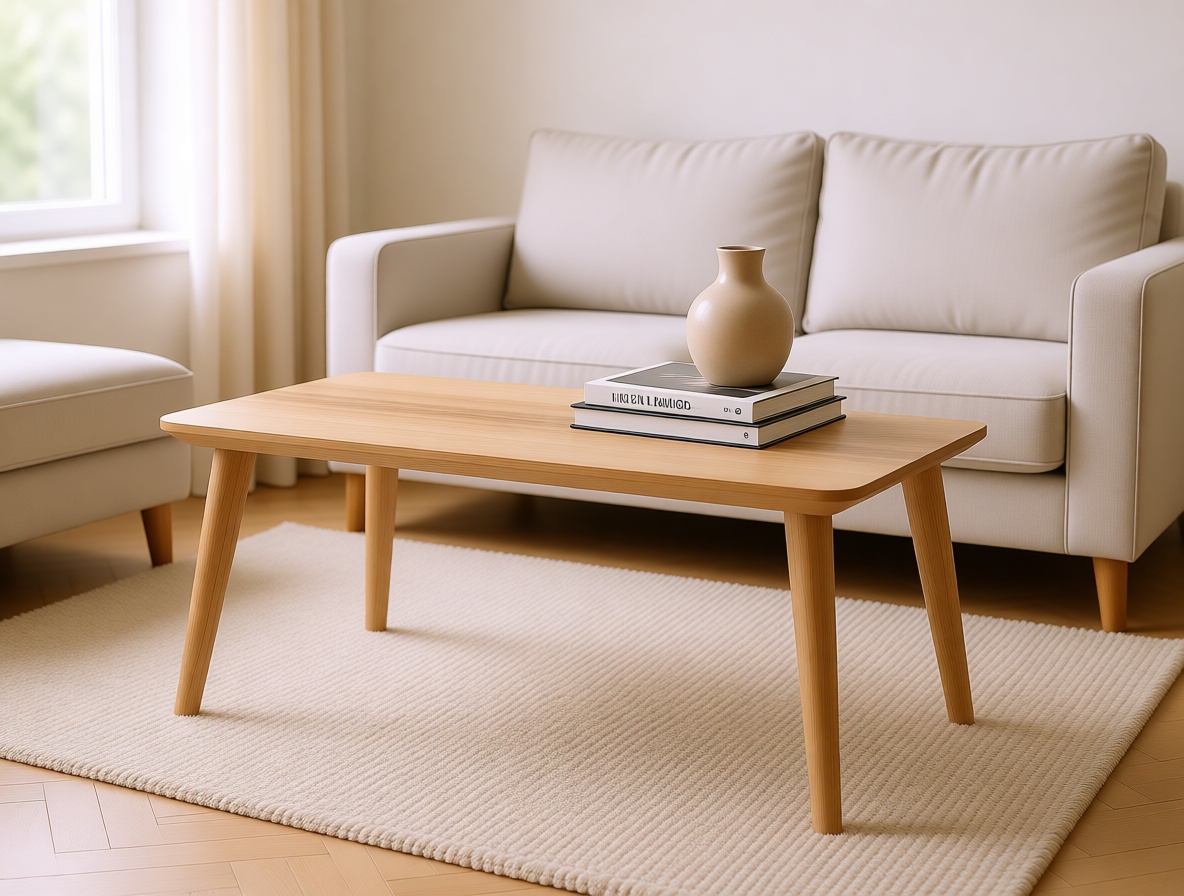
LISABO tableIKEAash veneer, living room
PackshotStaged · Pruna
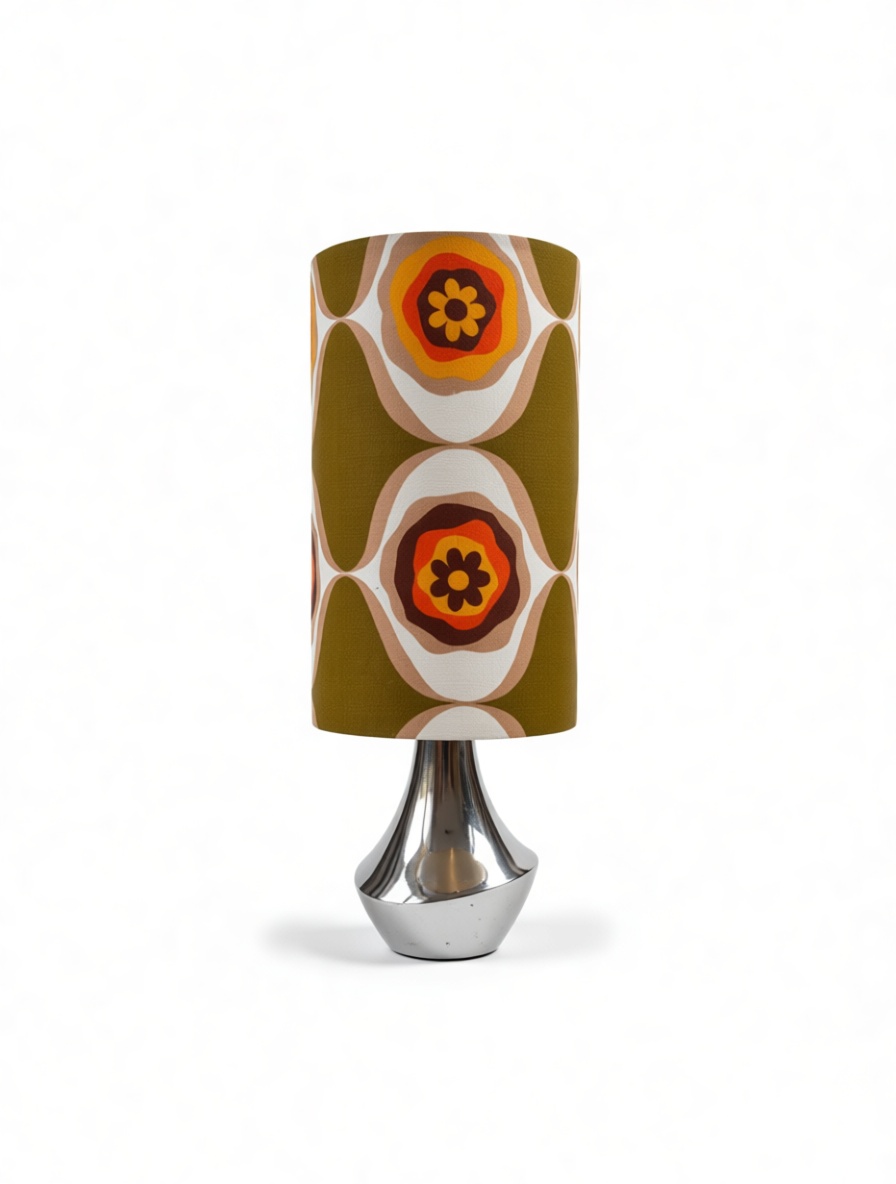
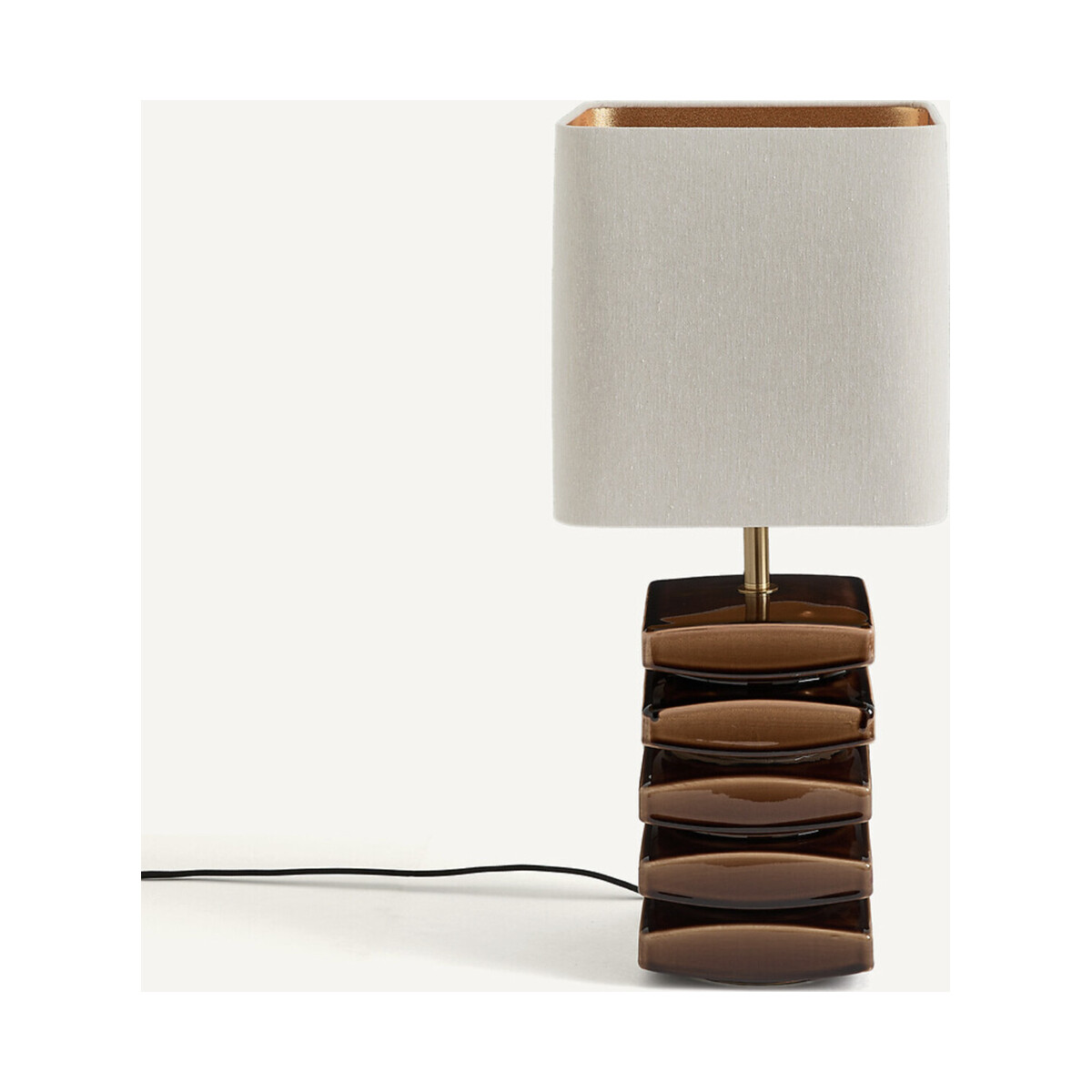
PIETTATO lampAM.PMtable lamp, in a gallery
PackshotStaged · Pruna
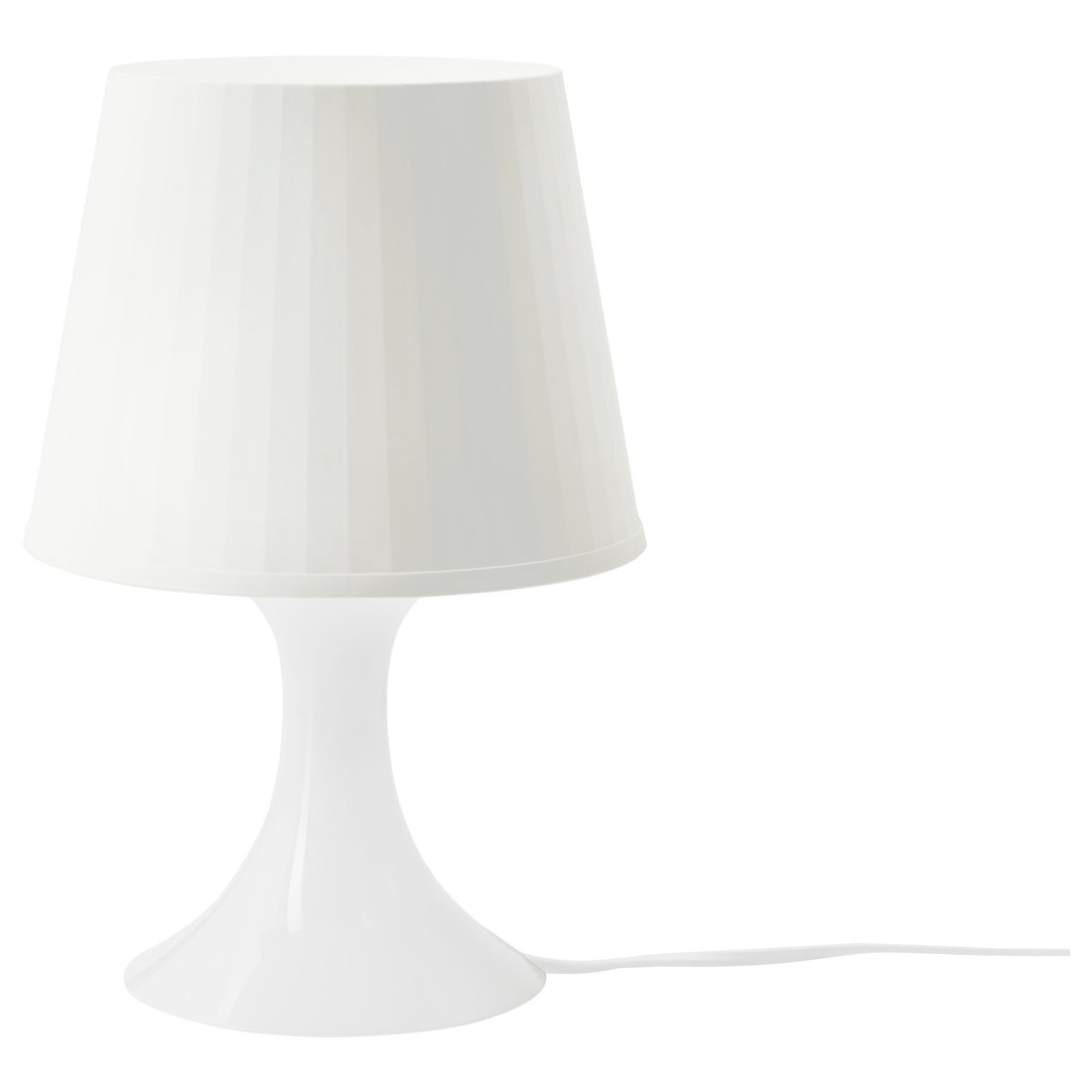
LAMPAN lampIKEAwhite lamp, bedside
Every scene generated with Pruna P-Image-Edit from a single real packshot, AM.PM and IKEA alike; the product design, material and proportions are preserved.
P-Image-Upscale · Use case 8
08 Rescue a low-res photo
Turn a small, soft snap into a crisp one.
Resale and supplier photos are often tiny and soft, here, real 600–800 px Vinted snaps. Pruna P‑Image‑Upscale reconstructs detail and sharpness, up to 128 MP, so a listing survives a full-screen zoom, with the weave, glass and metal detail rebuilt. Low-res and upscaled, side by side.
Low-resolution inputs are real Vinted listings, reconstructed with Pruna P-Image-Upscale.
P-Image · Use case 9
09 Net-new imagery from a prompt
No product? No problem.
Sometimes you need an image that doesn’t exist yet, a concept piece for a moodboard, a lifestyle mood scene for a campaign, or a brand face for content. Pruna P‑Image generates all of it from a written prompt alone: no packshot, no shoot, no set. Every tile here was made from text only.
Generated from a written prompt Text-to-imageprompt → image
All three images generated with Pruna P-Image from a written prompt only, no input photograph. The portrait is reused as the source for the P-Video-Avatar clip in use case 12.
P-Video · Use case 10
10 An ambience film from a still
Give the product motion, from one image.
Video sells furniture, but filming a set costs a build and a crew. Pruna P‑Video animates a single staged still into a slow, cinematic ambience shot for social, the PDP and in-store screens. No set, no gimbal. At about $0.10 per 5 seconds of output, a clip costs a few cents. Click to enlarge.
Staged armchair · slow cinematic push-in, generated from one still
From one still: animated from a single staged image, not filmed on a set.
Cents per clip. ~$0.10 per 5 seconds of P-Video output.
Same product: motion added; the furniture and room stay identical and photoreal.
P-Video-Animate · Use case 11
11 Animate a staged room still with reference motion
A staging pitch, on every room photo.
A moving presenter out-performs a flat staged still on social and PDP surfaces. Pruna P‑Video‑Animate takes a home-staging still and a reference motion, and makes the photo perform that motion while keeping the consultant and room intact. Here, a female staging expert’s talking clip (female voice) drives the motion onto a male consultant in a Mediterranean staged living room — different presenter, same tight portrait framing, furniture and styling preserved. The output uses a male voice matched to the consultant. Source still plus reference motion → the animated result. Click any to enlarge.
Animated result · male consultant, male voice, room kept
Aligned framing: both inputs are tight portraits — motion transfer reads cleanly.
Scene preserved: the consultant, furniture and staging stay; only motion is added.
Cents per second. $0.03–$0.06 per second of 720p–1080p output.
Staged-room still generated with Pruna P-Image; reference motion from Pruna P-Video-Avatar (female presenter, female voice); animated result with Pruna P-Video-Animate (male voice on the consultant). People shown are AI-generated.
P-Video-Avatar · Use case 12
12 A spokesperson from one portrait
Give the brand a face and a voice.
Product launches, PDP explainers and social need a presenter, usually a shoot, a studio and a talent day. Pruna P‑Video‑Avatar turns a single portrait plus a script into a talking-head video, lip-synced and multilingual, in seconds. The portrait here is the text-to-image face from use case 9, no camera, no crew.
Generated from the text-to-image portrait + a script · lip-synced, multilingual
From one portrait: a single still, here, itself AI-generated, becomes a presenter.
Script or audio: feed a written script or your own voice track; the lips follow.
Multilingual: the same face can present in many languages for every market.
Real products in. A full media kit out.
Stage, recolour, clean up, upscale and animate, the same Pruna engines run across an entire catalogue, for any brand or marketplace. Everything on this page came from real product images, AM.PM packshots and live Vinted listings.