★ Key art, cinematics and presenters at volume, from a brief
Studios and publishers live on creative volume, key art, store pages, ads, trailers, in-game announcements, localized cuts, and every reshoot or re-render burns a week. From a single brief or one character render, Pruna generates key art, swaps backgrounds and outfits on existing renders, lets players zoom to 128 MP, turns character art into a talking presenter, animates key art with a reusable motion template, and recasts a cinematic with a different hero. Seconds per asset, no shoot, no re-render. Six use cases across the Pruna model suite, grounded in Pruna’s Gaming Partner Kit.
01 Generate key art at volume
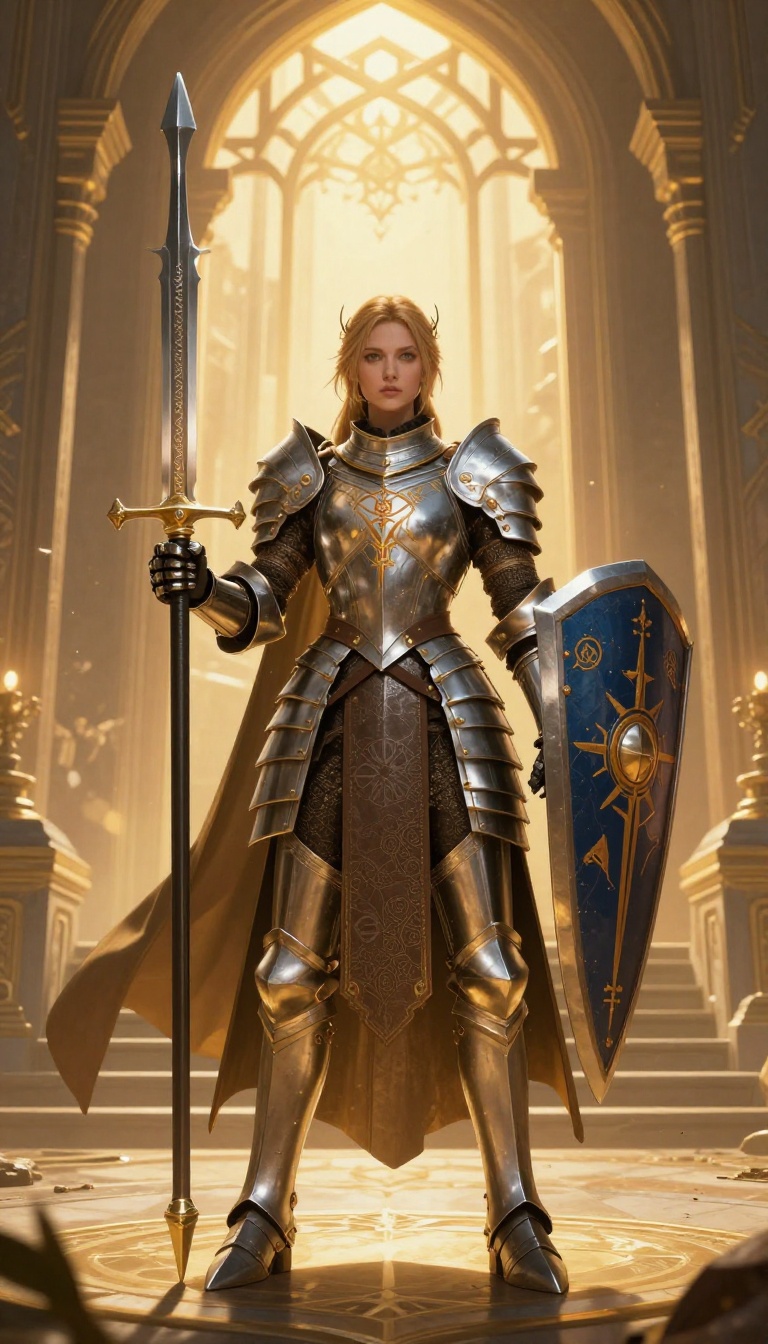
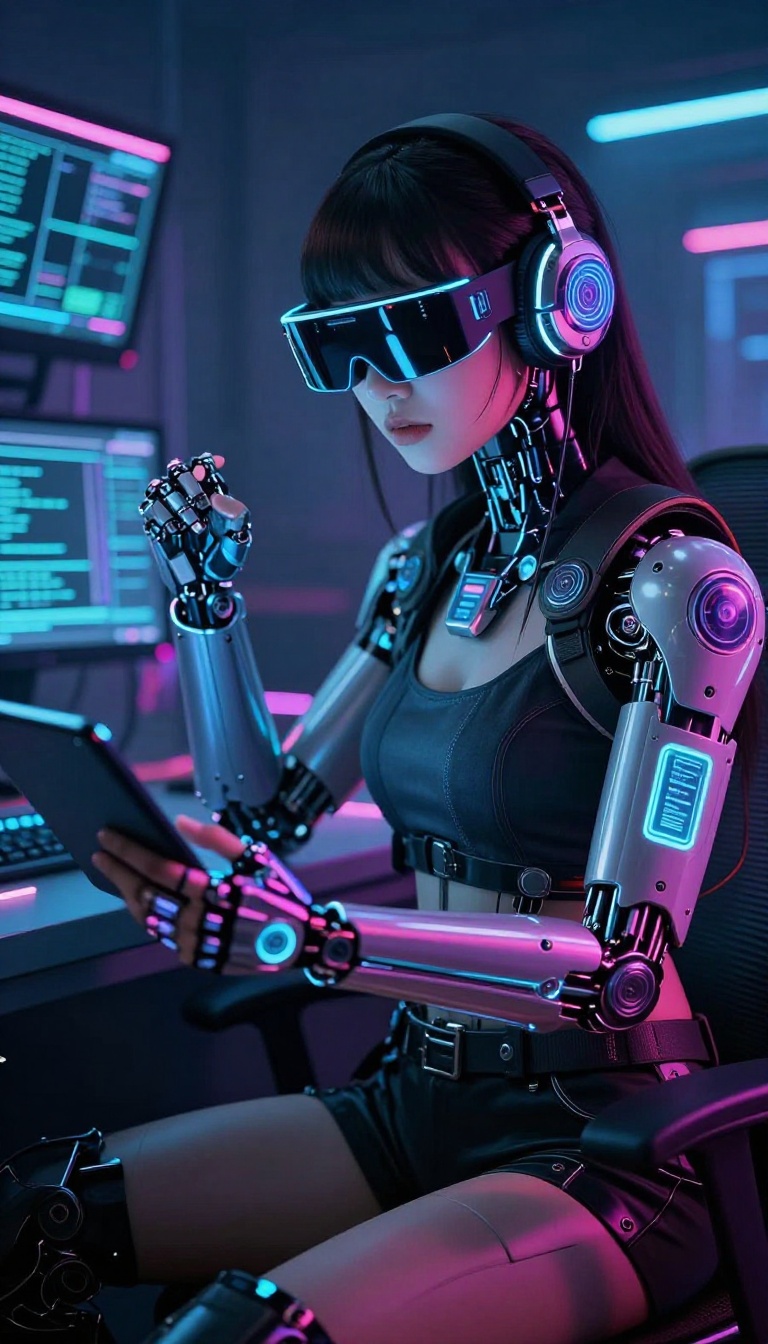
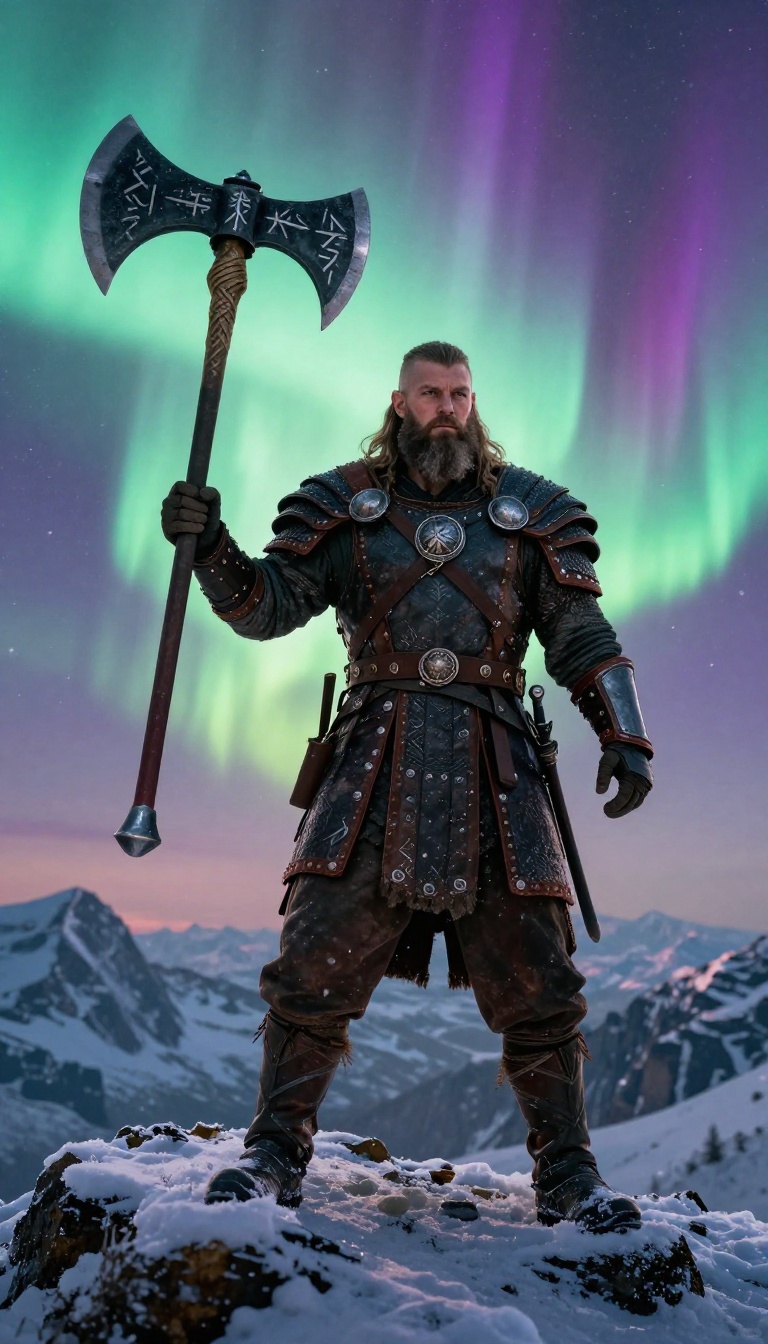
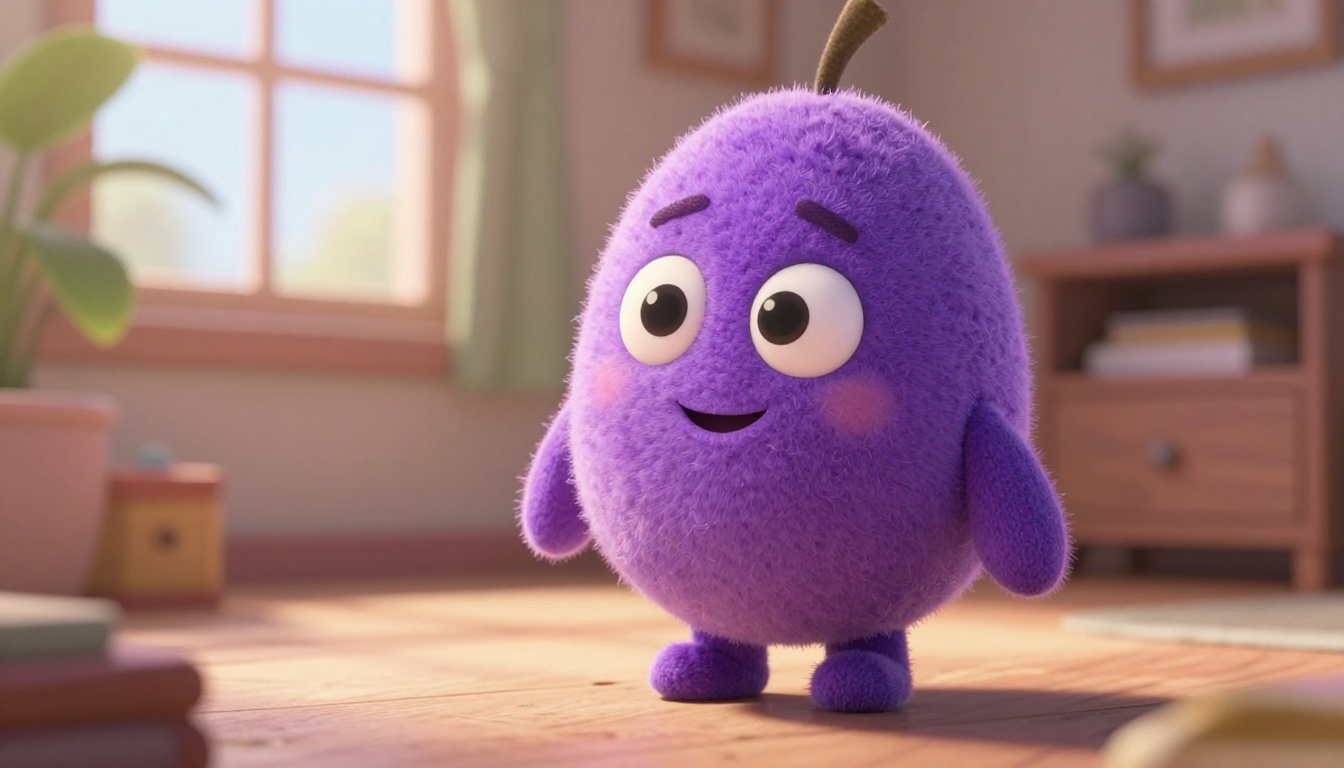
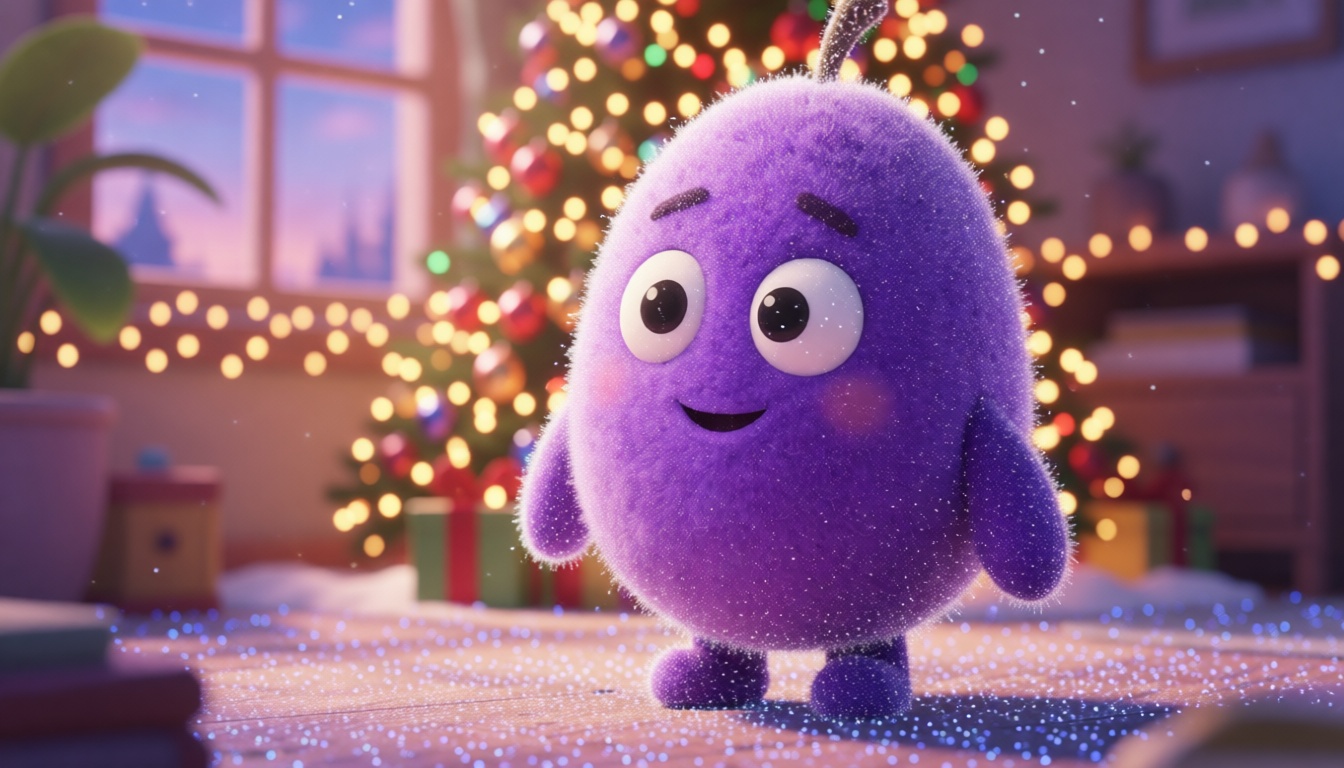
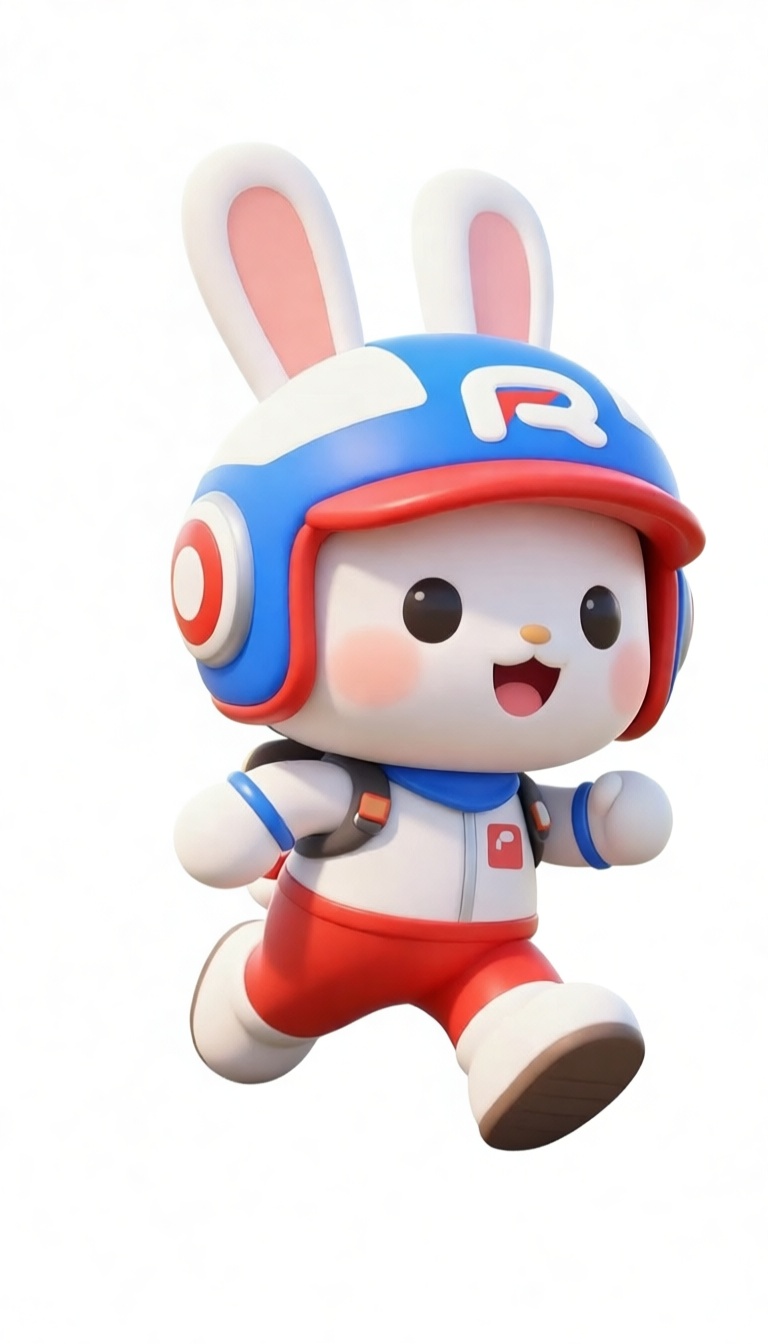
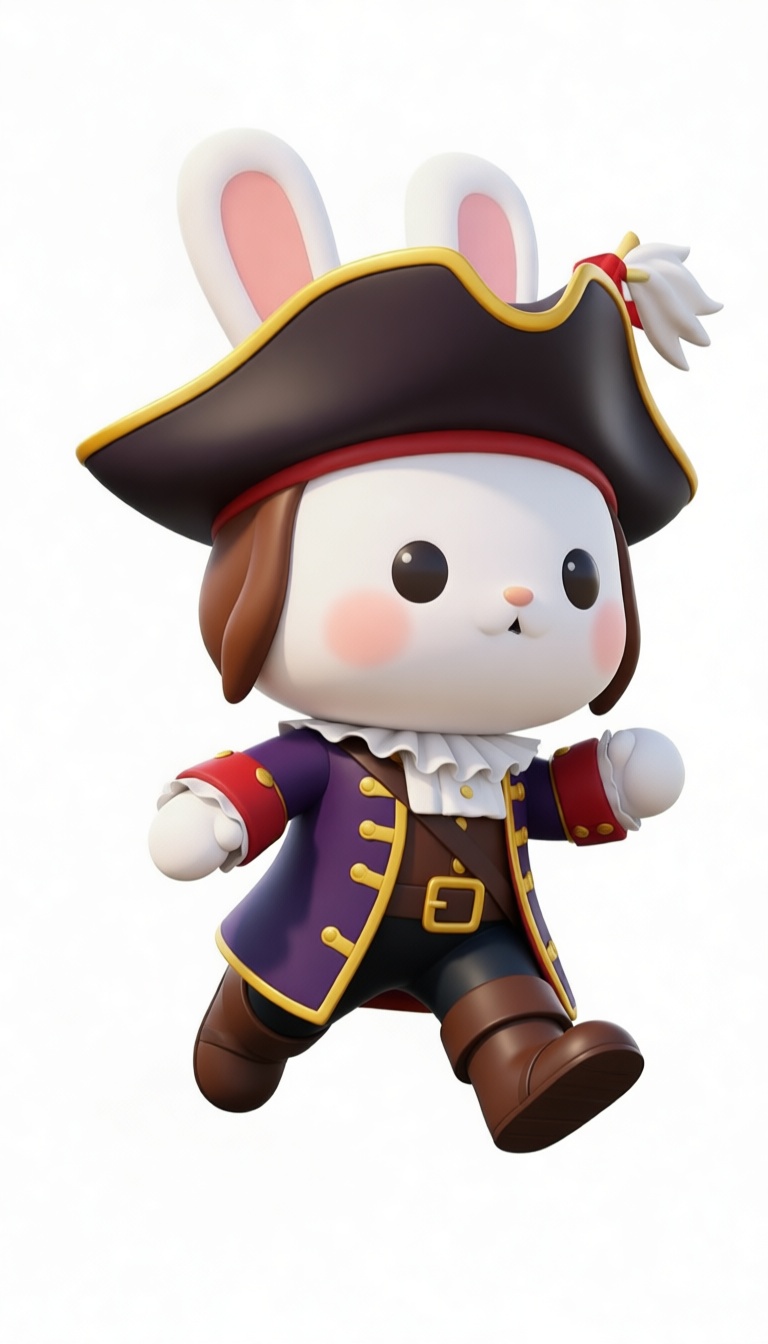
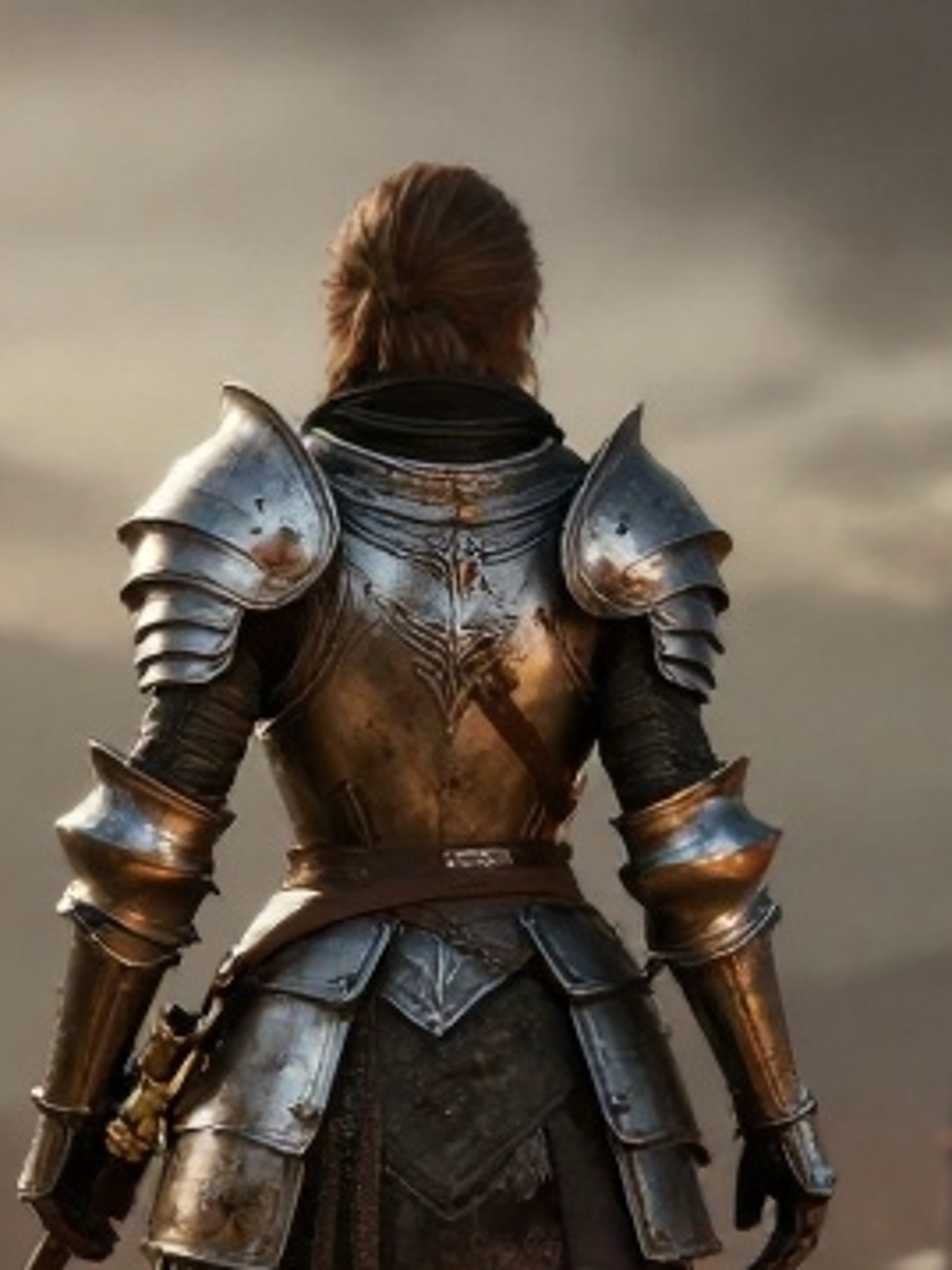
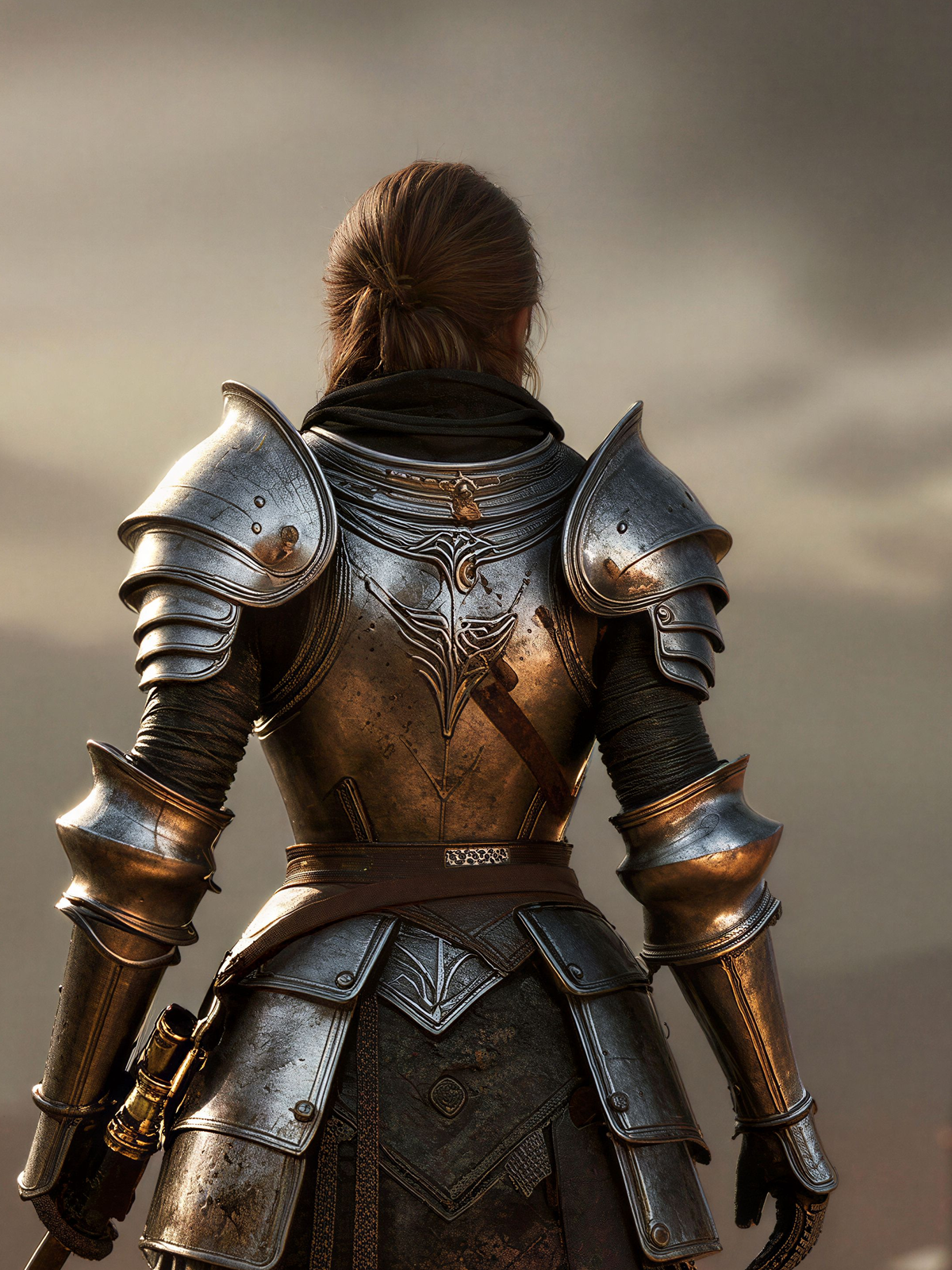
New characters, mascots, promo heroes and marketing visuals usually mean a concept queue and long render times. Pruna P‑Image turns a text brief into finished key art, any genre, any style, from chibi mascots to photoreal warriors, ready for store pages, ads and event creative. Twelve heroes from twelve briefs; click any to enlarge.
Generated with Pruna P-Image from text briefs; a single model spans mascots, stylised and photoreal heroes for store pages, ads and event creative.
02 Edit key art at volume
One render has to serve a dozen placements, different environments for regional stores, different outfits for events and seasons. Pruna P‑Image‑Edit swaps the background or restyles a character’s outfit on an existing render, keeping the character identity intact. Source and edit, always side by side, click either image to enlarge.
Source render
New scene · Pruna
Source render
New outfit · PrunaEdited with Pruna P-Image-Edit on existing renders; the character’s identity and design are preserved while background or outfit changes for stores, ads and events.
03 Zoom into the key art
Store heroes, wallpapers and print need to survive a full-screen zoom, the armour engraving, the embers, the character’s face. Pruna P‑Image‑Upscale reconstructs a soft crop of a render up to 128 MP, so detail holds up at any size. The same crop, soft vs upscaled, always side by side, click either to enlarge.
Zoom (soft)
128MP · PrunaUpscaled with Pruna P-Image-Upscale from a key-art render; each pair shows the same crop before and after, with fine detail reconstructed up to 128 MP.
04 Speaking presenters from character art
In-game announcements, trailers and community clips need a face and a voice, usually VO sessions and animation time. Pruna P‑Video‑Avatar turns a single character-art portrait plus a script into a lip-synced, multilingual talking presenter. Here, a game mascot delivers an announcement and a creator does a UGC-style shout-out, each from one still. Click to enlarge.
05 Animate key art with reference motion
A moving hero out-performs a static one on every store and social surface. Pruna P‑Video‑Animate takes a reusable motion template and a character render, and makes the render perform that motion, a gesture, an action beat, a camera move, keeping the character’s design and background. Motion template plus one reference render → the animated result. Click any to enlarge.
06 Personalized cinematics
Personalized trailers and cutscenes, the player’s avatar, a different skin, an alternate hero, normally mean re-rendering the shot each time. Pruna P‑Video‑Replace takes a source clip and a reference character and recasts the on-screen performer, preserving the original motion, camera, lighting and background. Source footage plus one reference image → the recast result. Click any to enlarge.
Generate, edit, upscale, present, animate and recast, the same Pruna engines run across an entire roster, for any studio, publisher or agency. Everything on this page is grounded in Pruna’s Gaming Partner Kit.
Talk to Pruna