★ Showroom-grade vehicle media at scale, from one photo
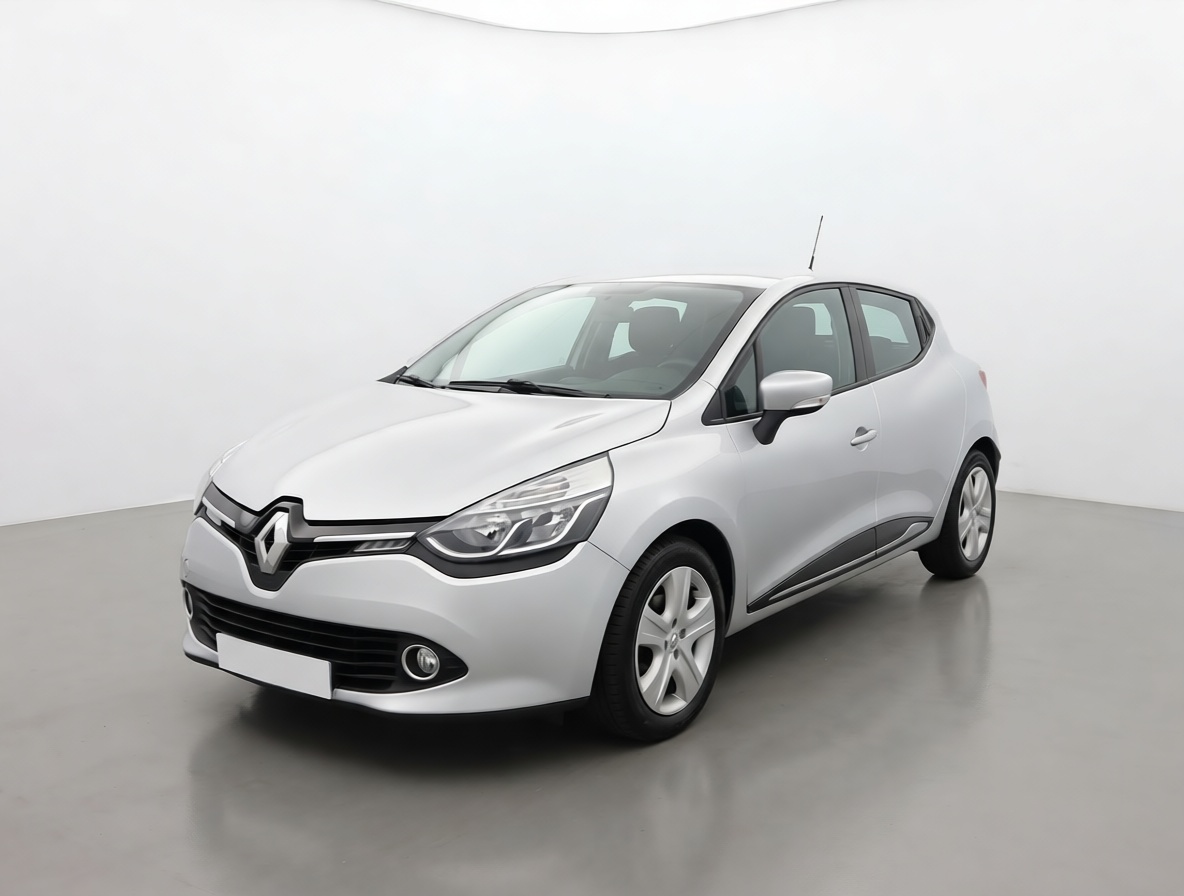
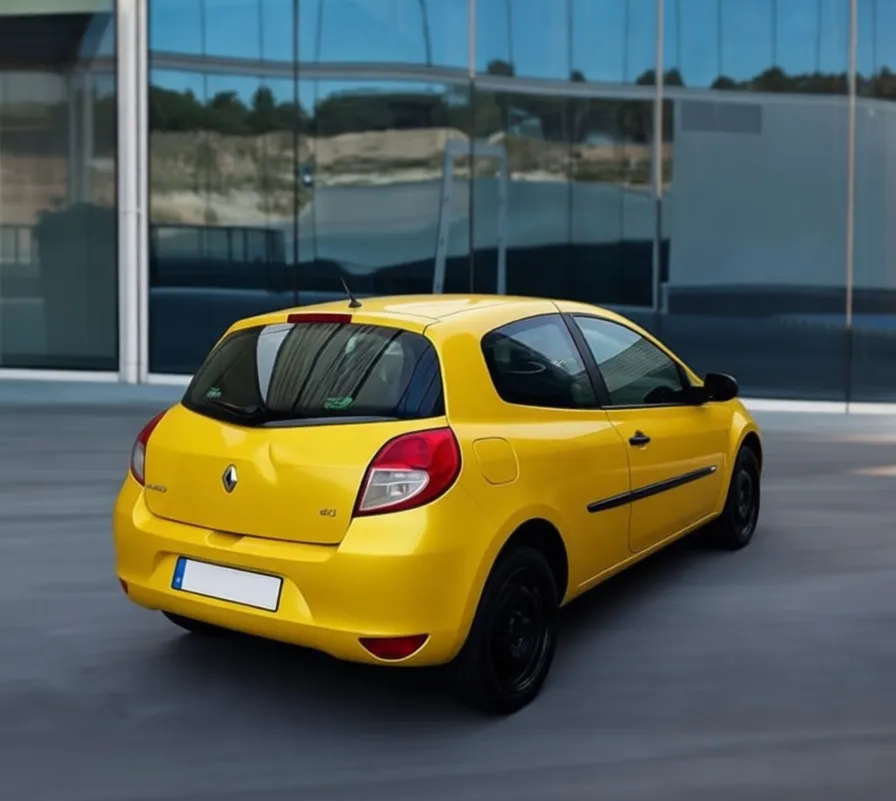
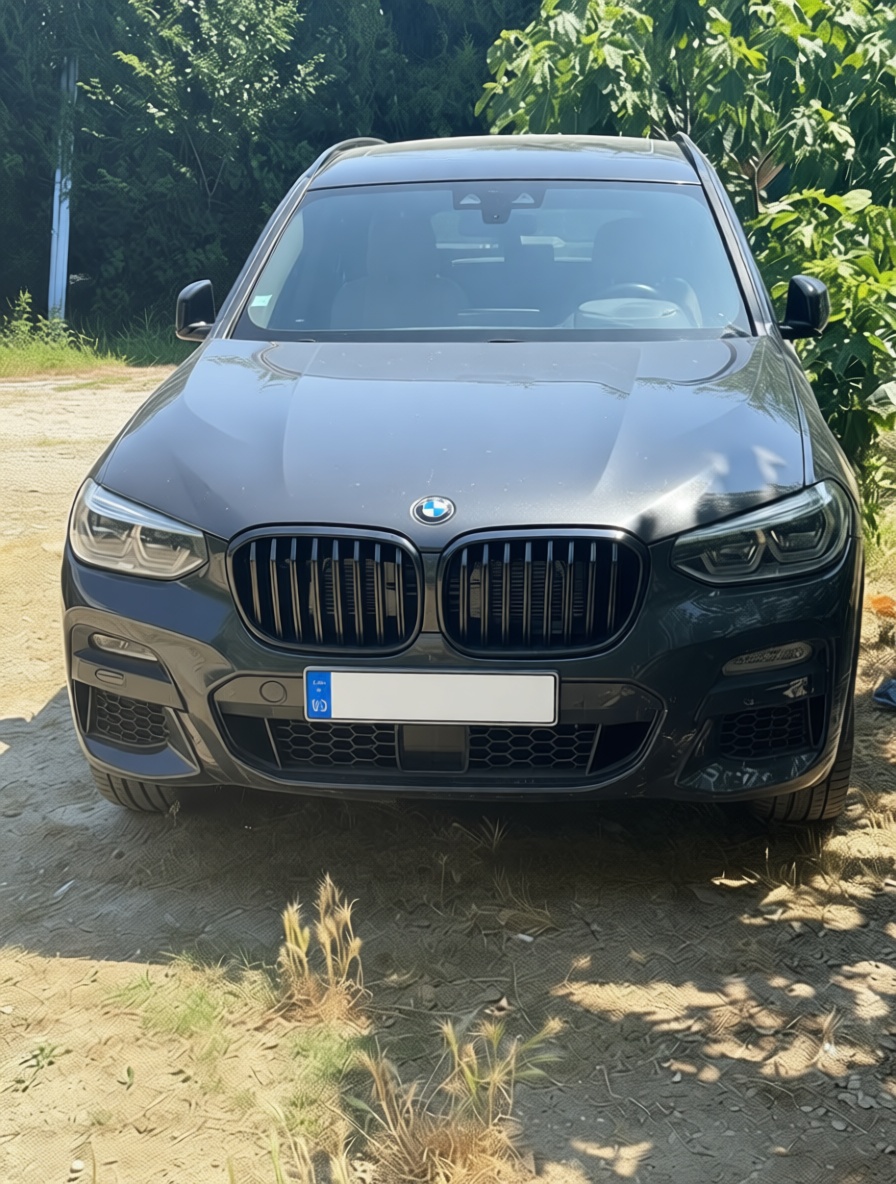
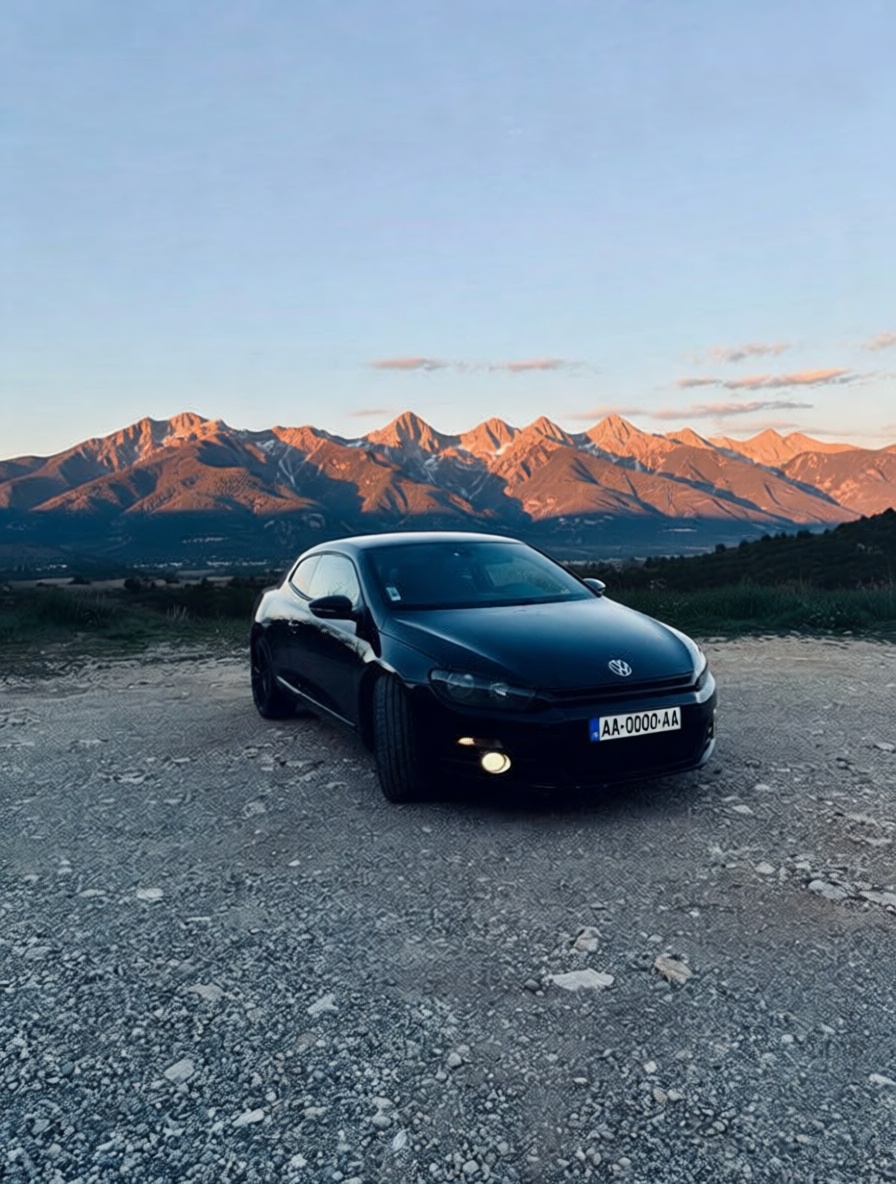
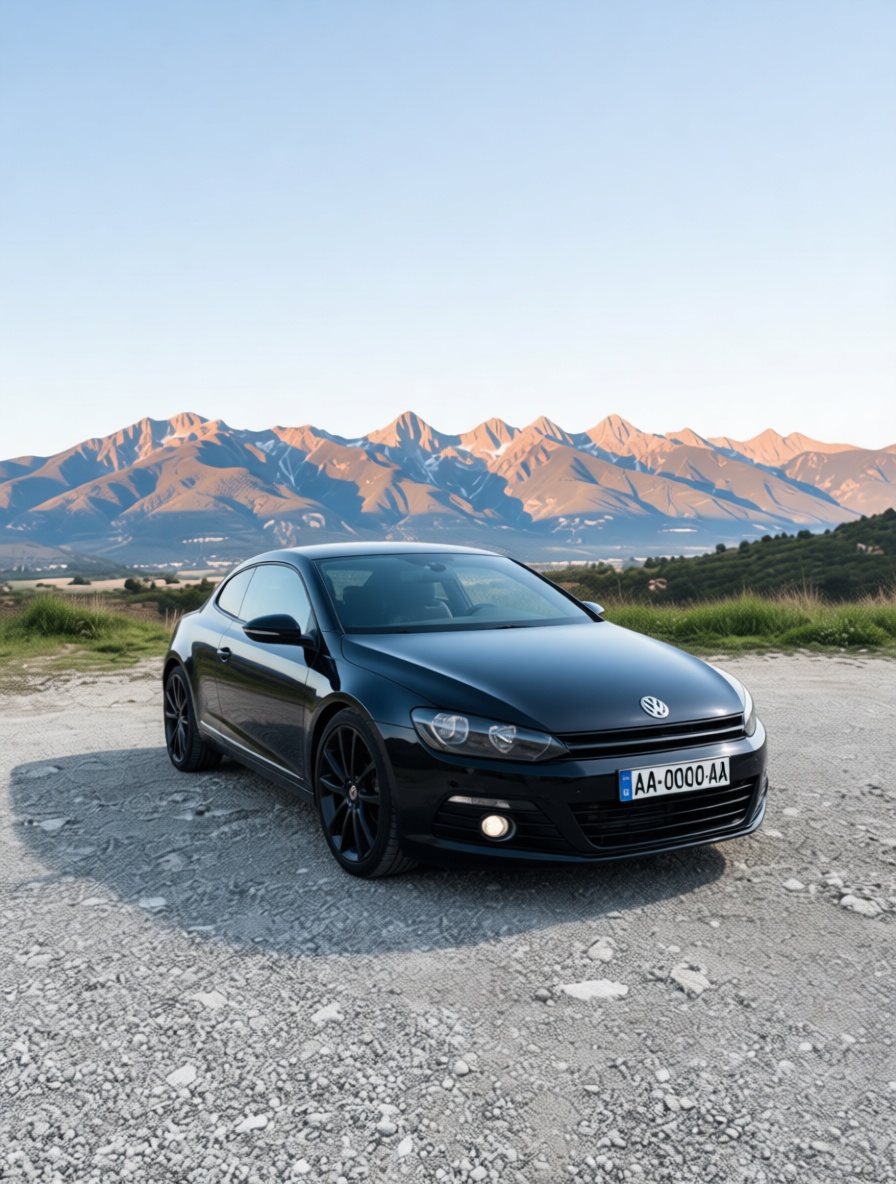
Dealers, marketplaces and manufacturers move metal on photos, but a car shot on gravel at dusk, with dents, glare and a messy background, doesn’t sell. Pruna generates a configurator-grade build from a brief, then, from a single real vehicle photo, cleans and relights it, repairs scratches and dents, standardises framing and angle, cuts it onto a studio backdrop or drops it into any scene, lets buyers zoom to 128 MP, spins a listing video from one still, gives the brand a talking spokesperson and recasts that clip for another presenter. Seconds per asset, no studio bay, no re-shoot. Six Pruna models, nine use cases, from a text brief to a finished listing film.
01 A build from a brief
Configurators, launch pages and ads often need the car before a single unit is built. From a written brief alone, Pruna P‑Image generates a showroom-grade studio render, then the same build in any colourway, no prototype, no shoot. Here, one configured crossover in three finishes, generated from text. Click any image to enlarge.
Generated with Pruna P-Image from a text brief only, no photograph used; the same configured vehicle is re-rendered across colourways for configurator, launch and campaign imagery.
02 Clean and relight the photo
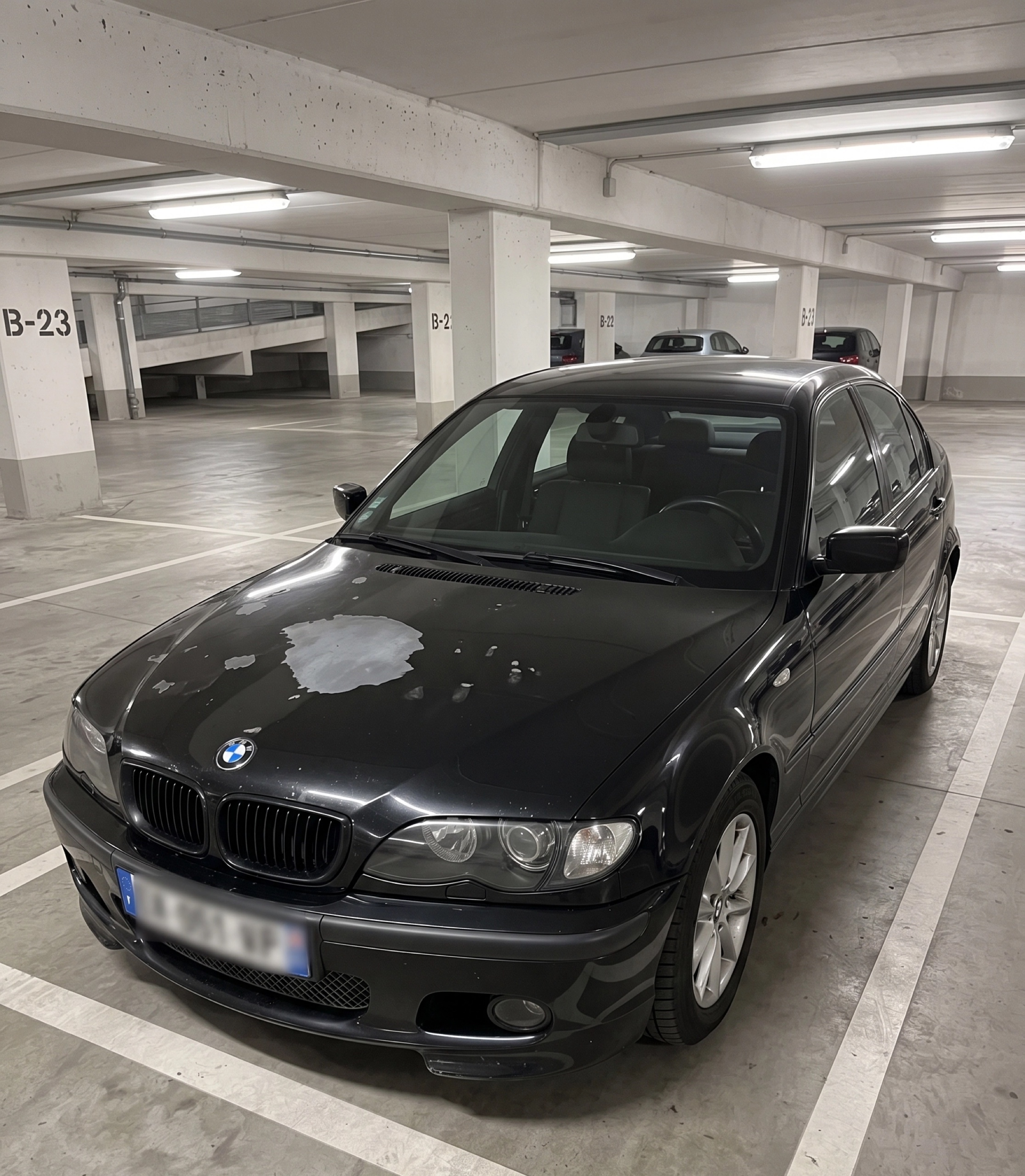
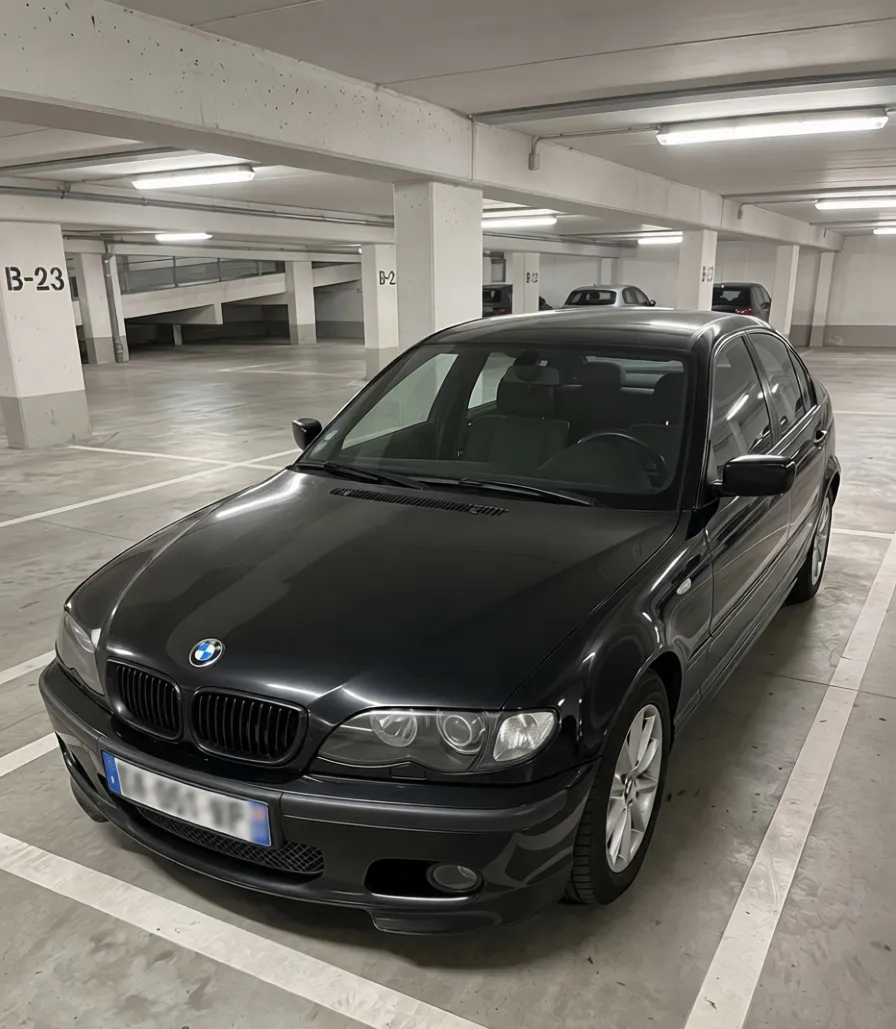
Most vehicle photos are shot in whatever light the lot offers, dusk, glare, deep shadow. Pruna P‑Image‑Edit lifts exposure, kills reflections and reveals the paint and detail, without touching the car or inventing a fake background. Original and result, always side by side, click either image to enlarge it on its own.
Dusk photo
Relit · Pruna
As shot
Cleaned · PrunaRelit and cleaned with Pruna P-Image-Edit from real vehicle photos; exposure, glare and reflections are corrected while the car and its surroundings are preserved.
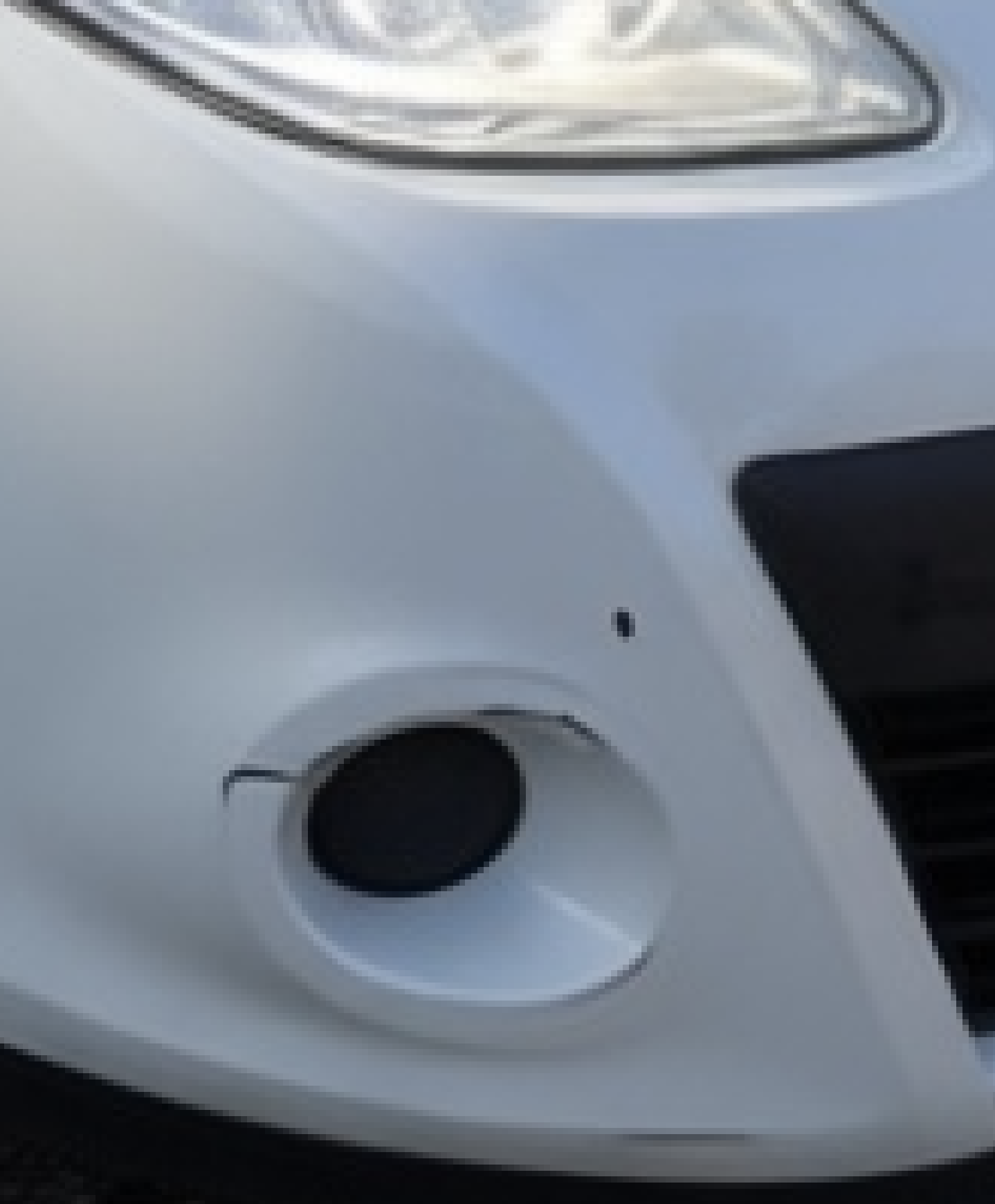
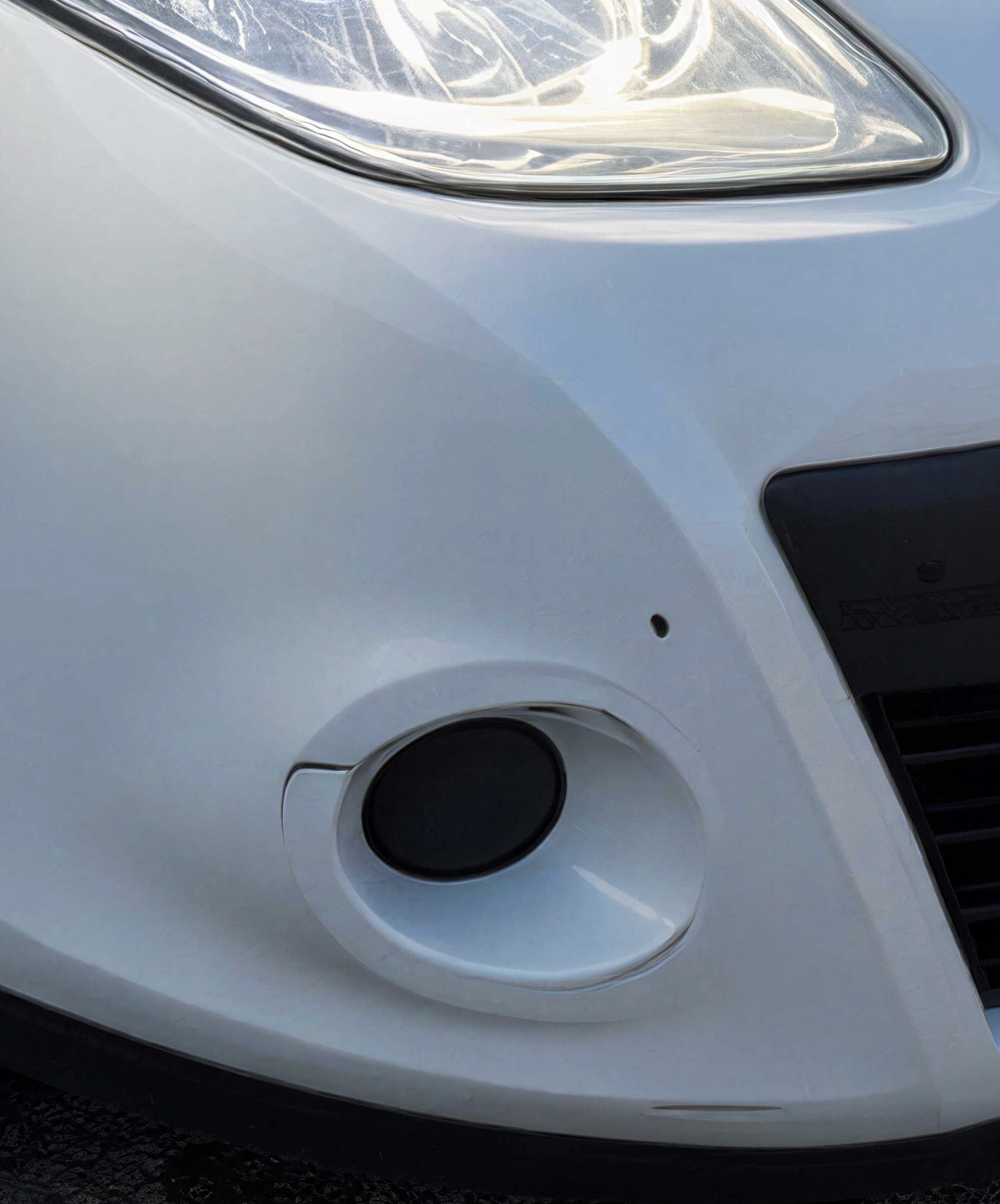
03 Detect and fix damage
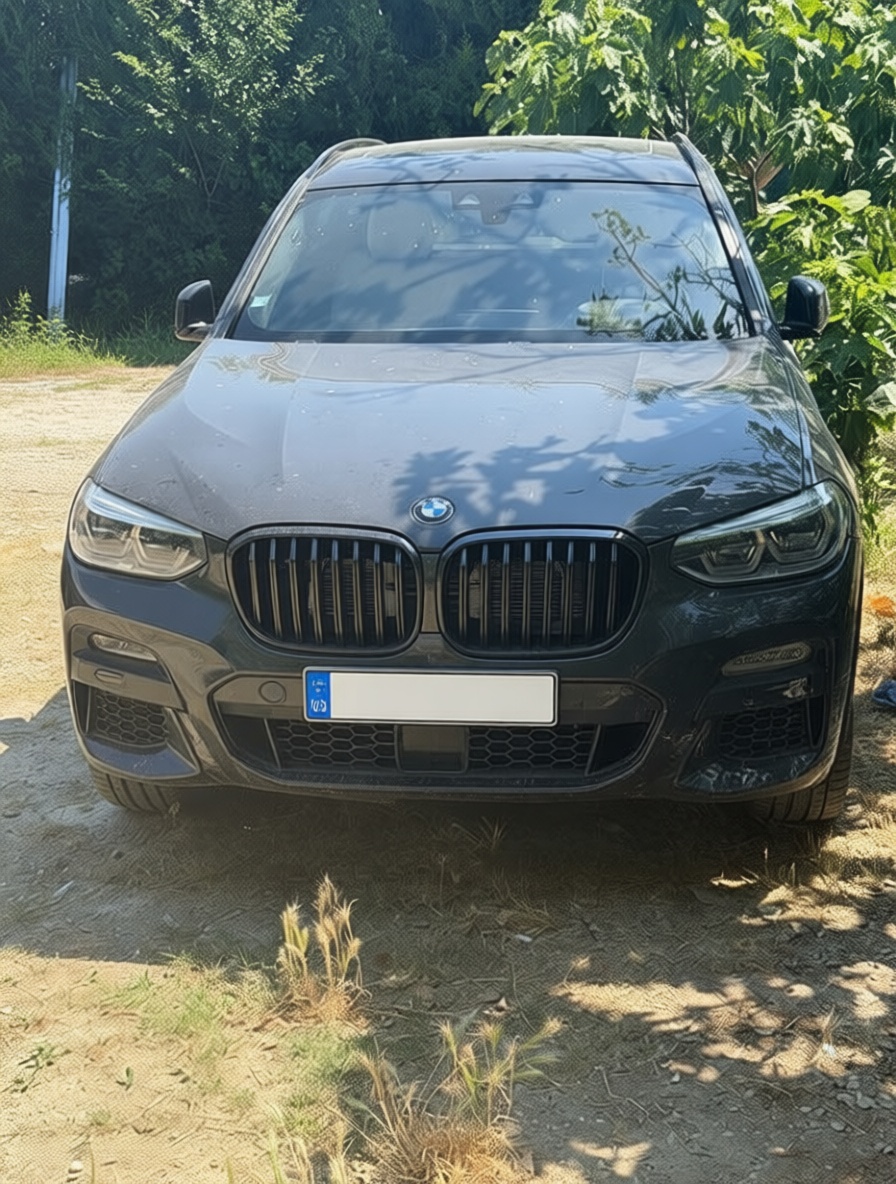
For a “reconditioned” hero shot, or to preview a repair, Pruna P‑Image‑Edit removes visible scratches and dents and restores the paint, either keeping the real background or dropping the car onto a neutral studio floor. Damaged and repaired, always side by side, click either image to enlarge.
As shot
Repaired · Pruna
As shot
Repaired · PrunaDamage removed with Pruna P-Image-Edit from real vehicle photos; the body lines, colour and geometry of the car are preserved. Repair previews are illustrative, not a substitute for inspection.
04 Standardise uploaded photos
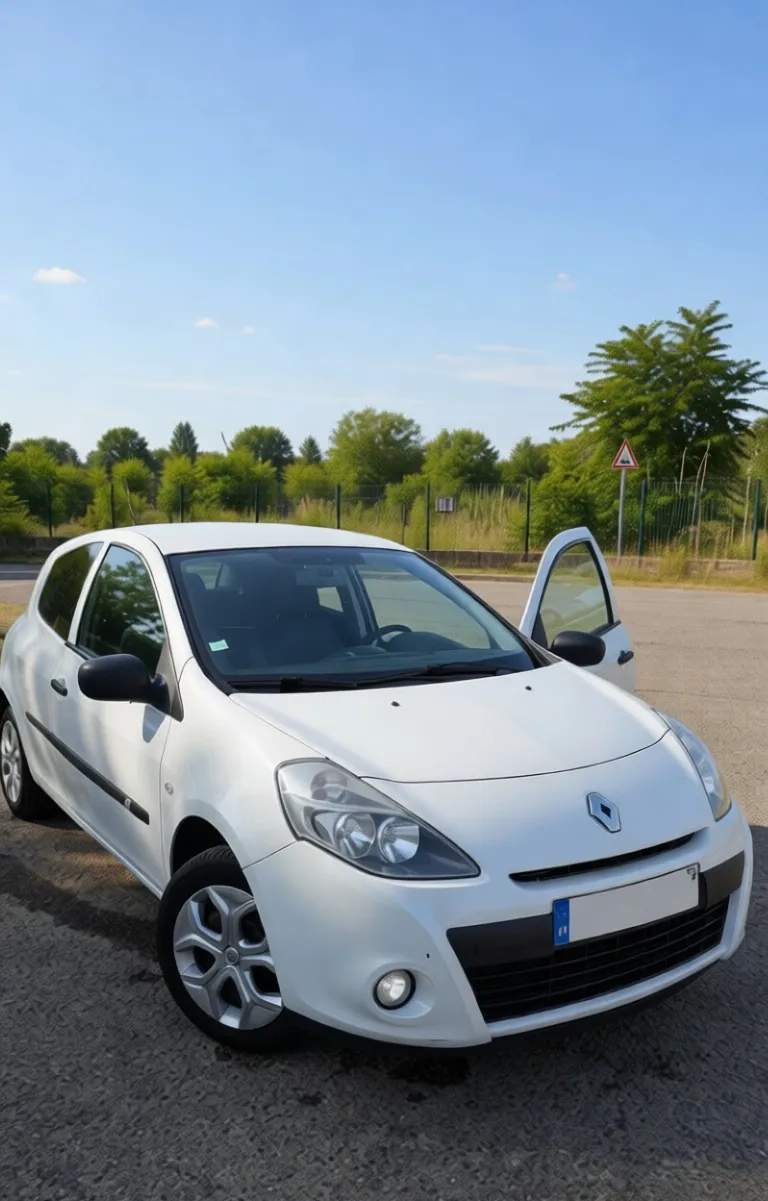
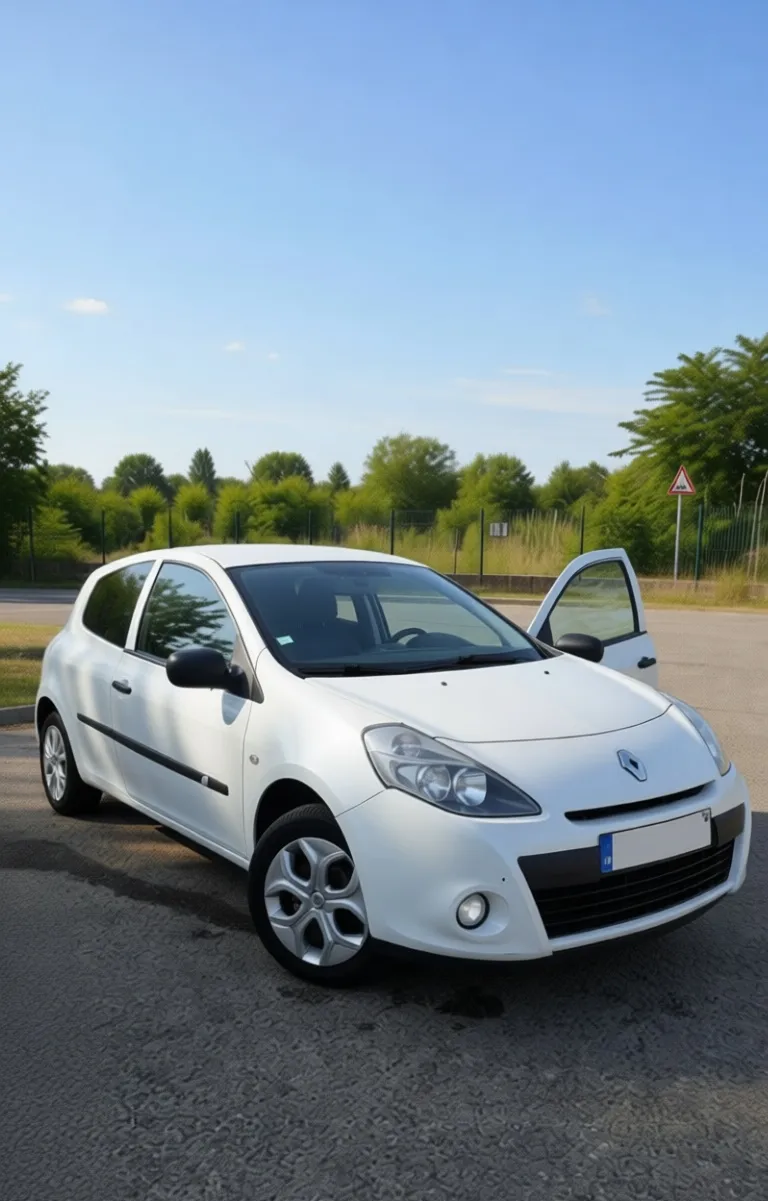
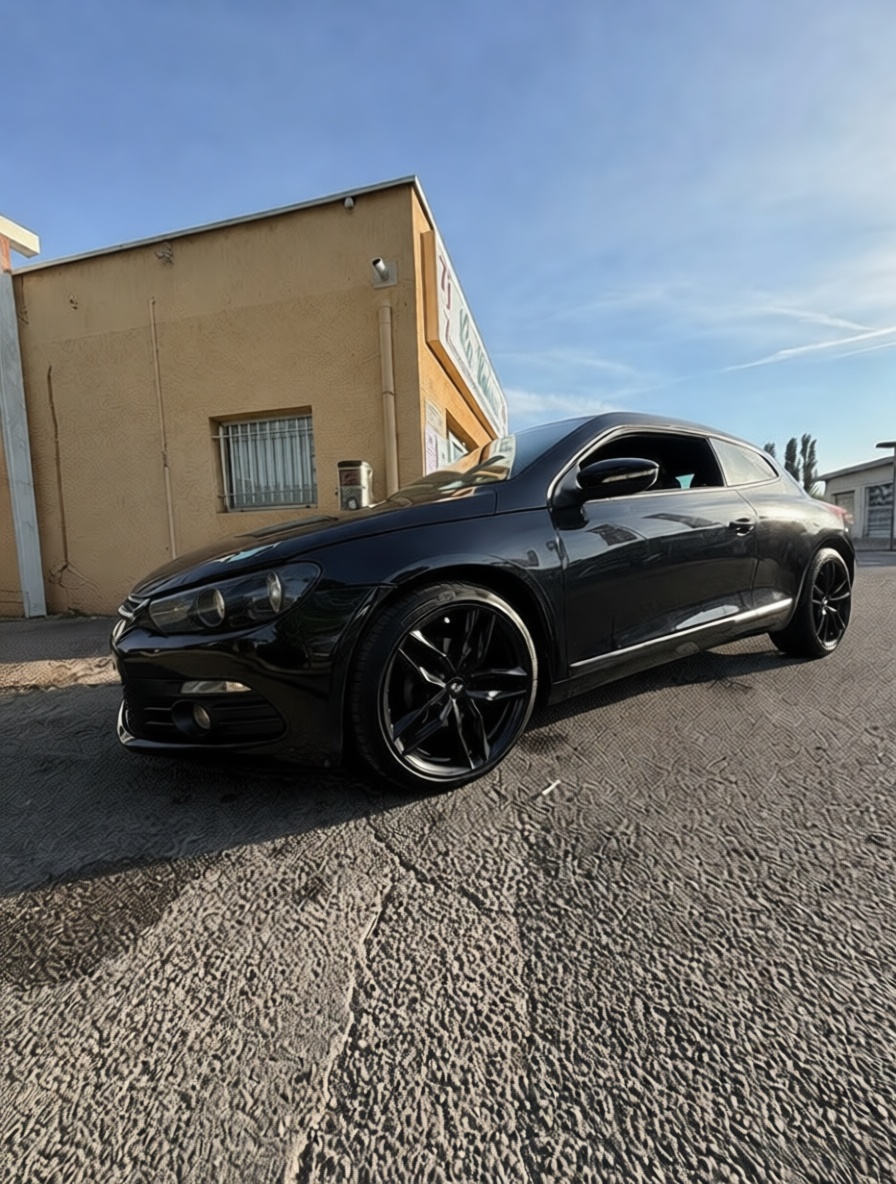
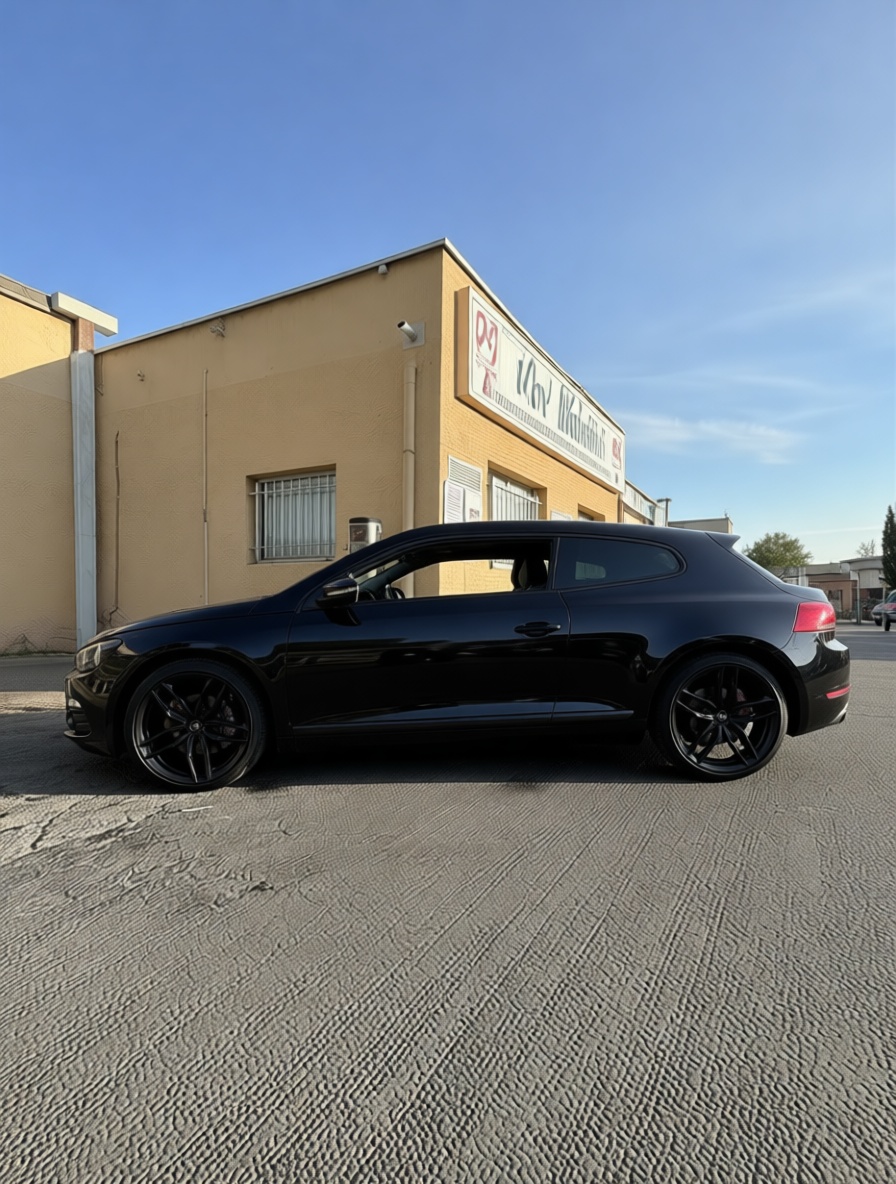
A marketplace grid looks professional only when every car is framed the same way. Pruna P‑Image‑Edit recenters and re-crops an off-kilter upload to a clean three-quarter, or switches it to a standard side profile, without modifying the car. Uploaded and standardised, always side by side, click either image to enlarge.
As uploaded
Recentred · Pruna
Front 3/4
Side profile · PrunaFraming and angle standardised with Pruna P-Image-Edit from real vehicle photos; the vehicle’s design, colour and proportions are preserved, only the composition changes.
05 Change the background
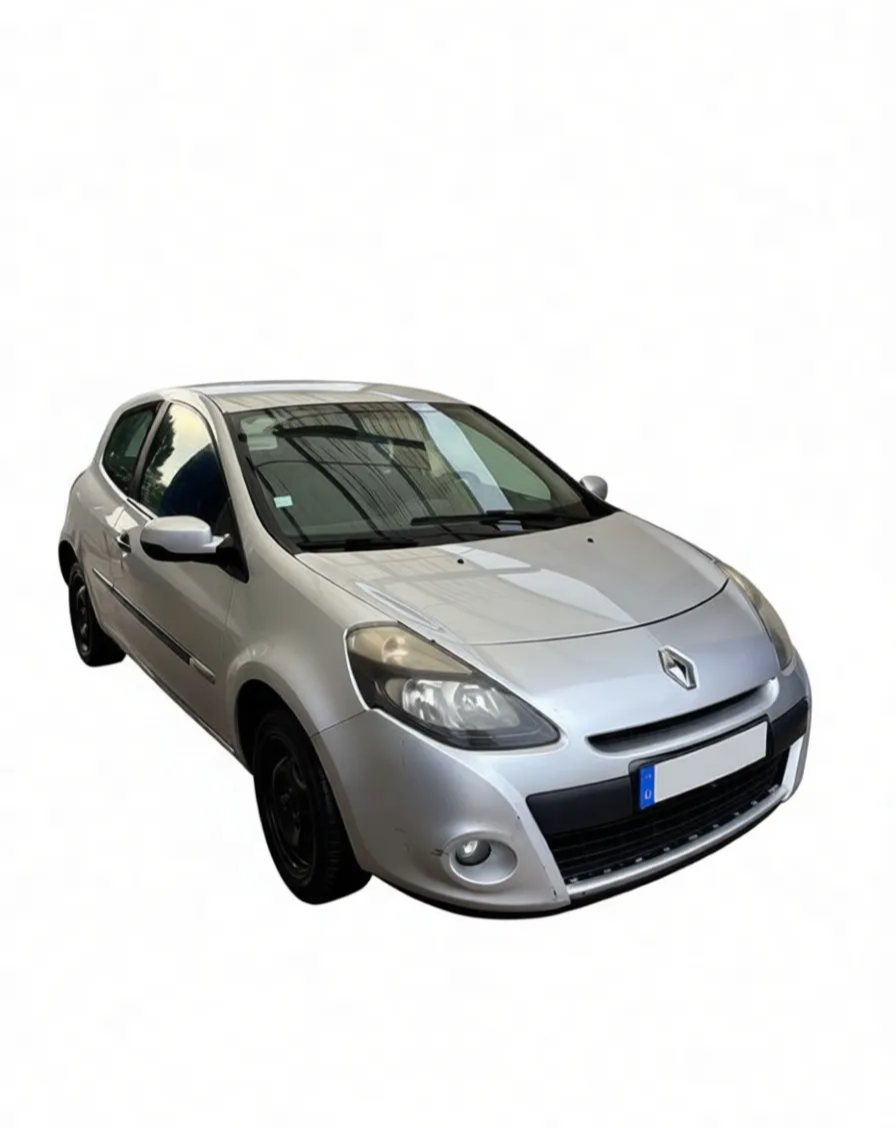
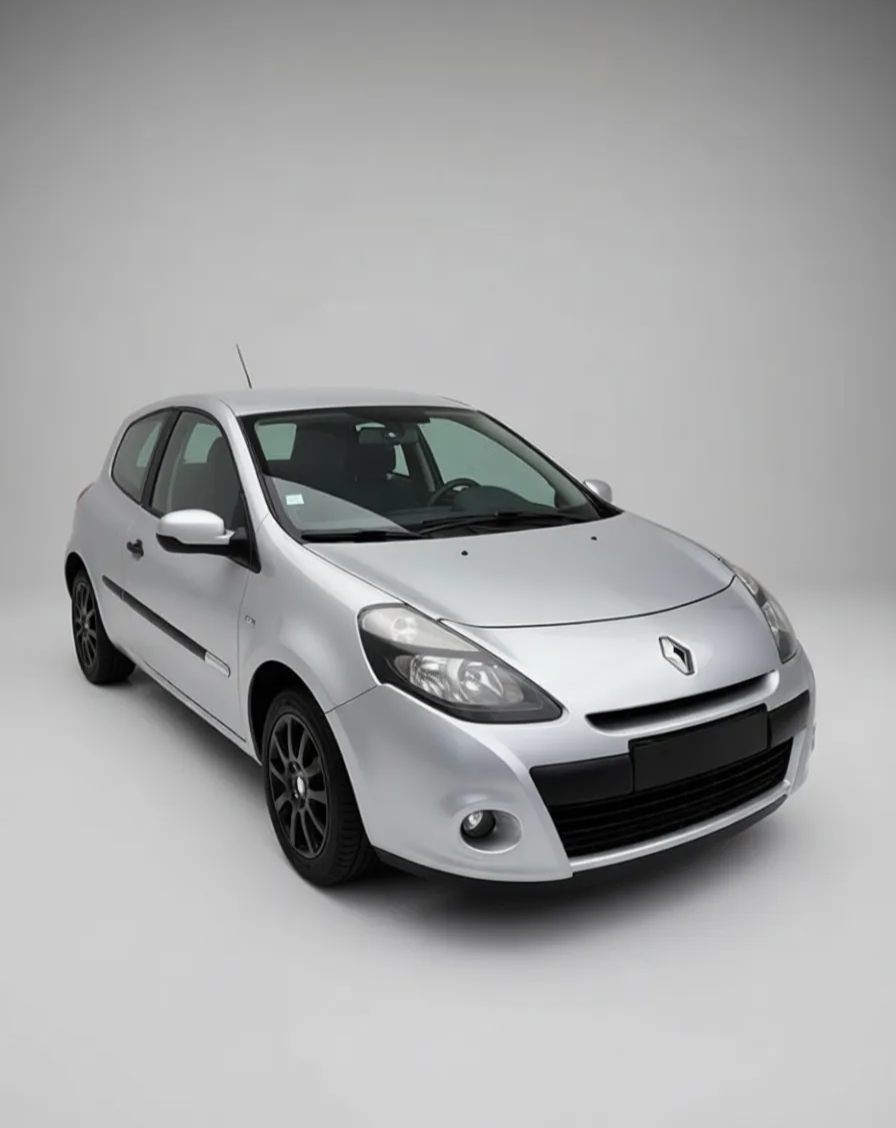
Inconsistent, distracting backgrounds are the biggest tell of an amateur listing. Pruna P‑Image‑Edit cuts the car out cleanly and drops it on a studio backdrop, or into a chosen scene from a second image, keeping the vehicle pixel-faithful. First the background workflow, then a car composed into a whole new scene.
Backgrounds removed, replaced and composed with Pruna P-Image-Edit from real vehicle photos; the car’s shape, colour and trim are preserved, only the environment changes.
06 Zoom in to reveal the detail
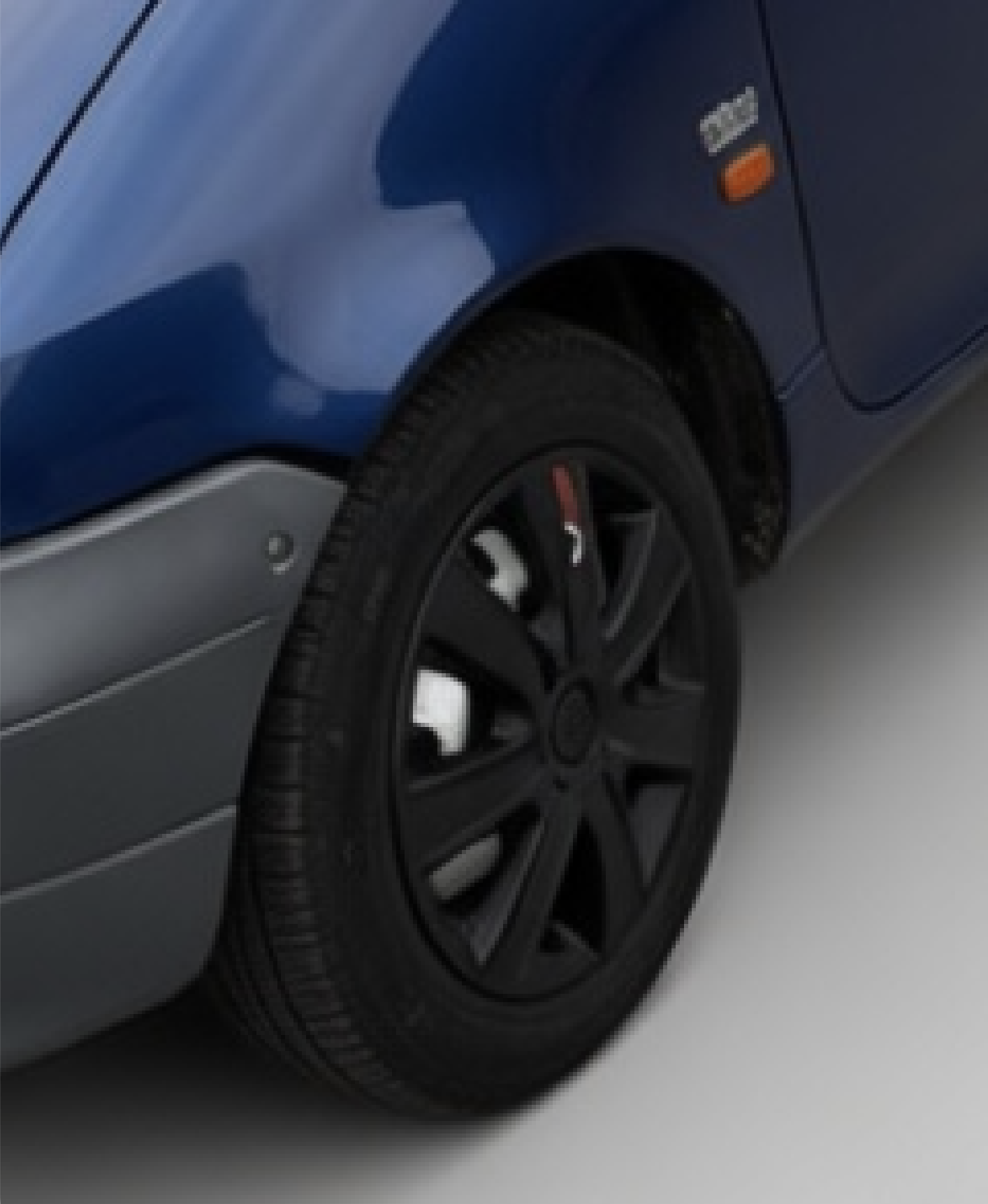
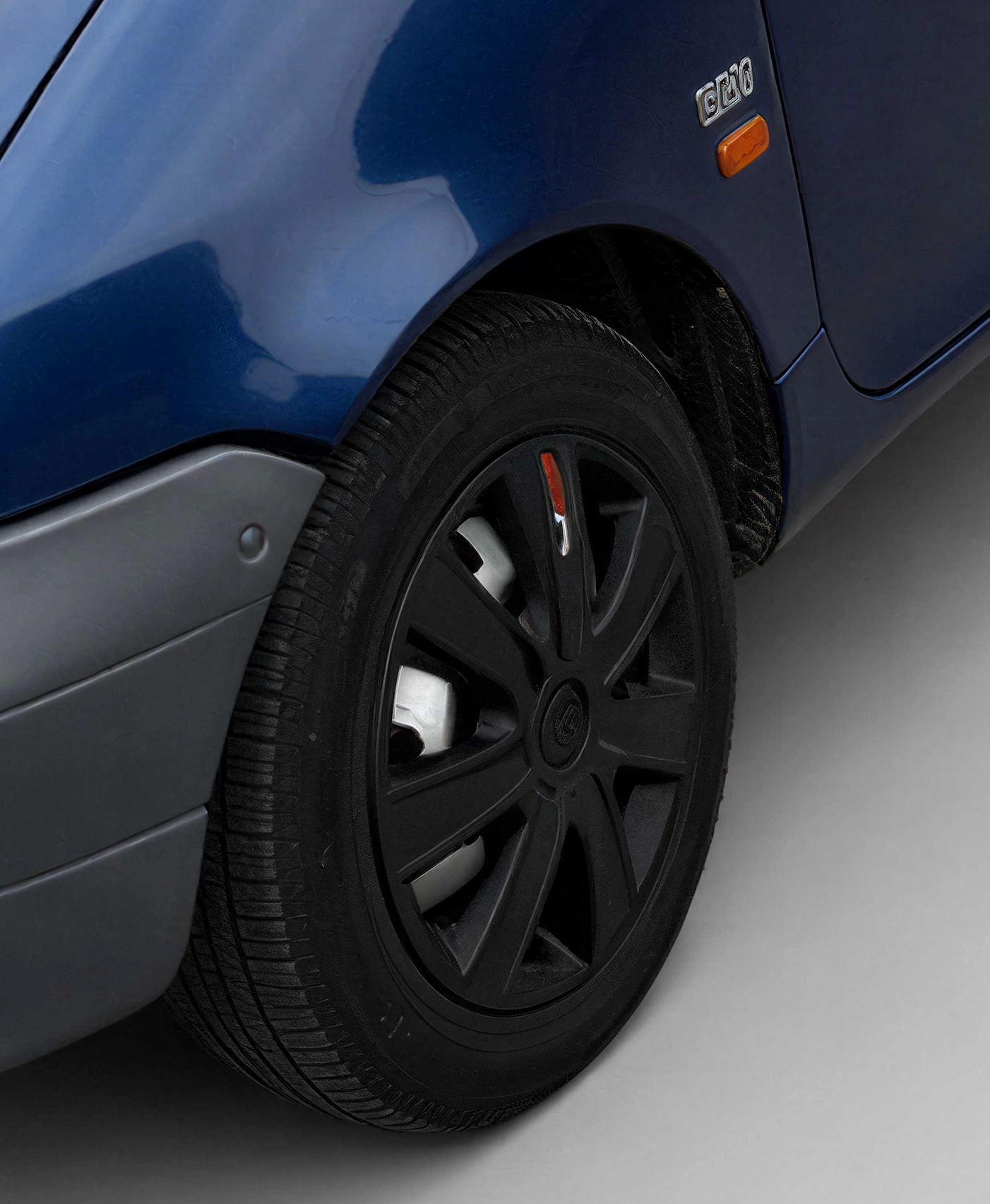
Buyers, and remarketers, zoom in to check wheels, brakes, trim and defects. Pruna P‑Image‑Upscale reconstructs a soft crop up to 128 MP, so a detail survives a full-screen inspection: tread, alloy spokes, the brake caliper, a bumper scuff. The same crop, soft vs upscaled, always side by side, click either to enlarge.
Zoom (soft)
128MP · Pruna
Zoom (soft)
128MP · PrunaUpscaled with Pruna P-Image-Upscale from real vehicle photos; each pair shows the same crop before and after, with fine detail reconstructed up to 128 MP.
07 A listing video from a still
A slow orbit sells a car far better than a static grid, but filming every unit needs a turntable and a booth. Pruna P‑Video animates a single still into a smooth studio orbit for the listing, social and in-store screens. No booth, no turntable. Click to enlarge.
08 A spokesperson from one portrait
Explainers, walkarounds and dealer social need a face, usually a shoot, a studio and a talent day. Pruna P‑Video‑Avatar turns a single portrait plus a script into a talking-head video, lip-synced and multilingual, in seconds. Here, one portrait presents the listing-media pitch, no camera, no crew.
09 Swap the presenter in the clip
A dealer walkaround or listing pitch is expensive to shoot, and stale the moment you need a new face or market. Pruna P‑Video‑Replace swaps the presenter inside an existing clip for another, from a single reference portrait, keeping the motion, lip‑sync timing, camera framing and audio intact. Here, the P‑Video‑Avatar talking-head above is recast with a different dealer spokesperson. Source clip plus one reference portrait → the recast. Click any to enlarge.
Source clip from Pruna P-Video-Avatar (locked static car interior); studio identity portrait edited with P-Image-Edit; recast produced with Pruna P-Video-Replace (background, motion & original audio preserved). People shown are AI-generated.
Generate, clean, relight, repair, standardise, cut out, upscale, orbit, present and recast, the same Pruna engines run across an entire inventory, for any manufacturer, dealer or marketplace. Every edit here started from a real vehicle photograph; the configurator builds were generated from a brief.
Talk to Pruna