★ On-model & product media at catalog scale
Brands, retailers and resale marketplaces all need production‑grade on‑model and product imagery, across thousands of SKUs, fast. Pruna does virtual try‑on, catalog shots, background cleanup, garment recolour, 128 MP zoom, listing videos, campaign visuals, model swaps, animated lookbooks and talking‑head explainers. Seconds per asset, no studio, no reshoot. Every example below starts from a real garment or listing.
01 Virtual try-on & catalog
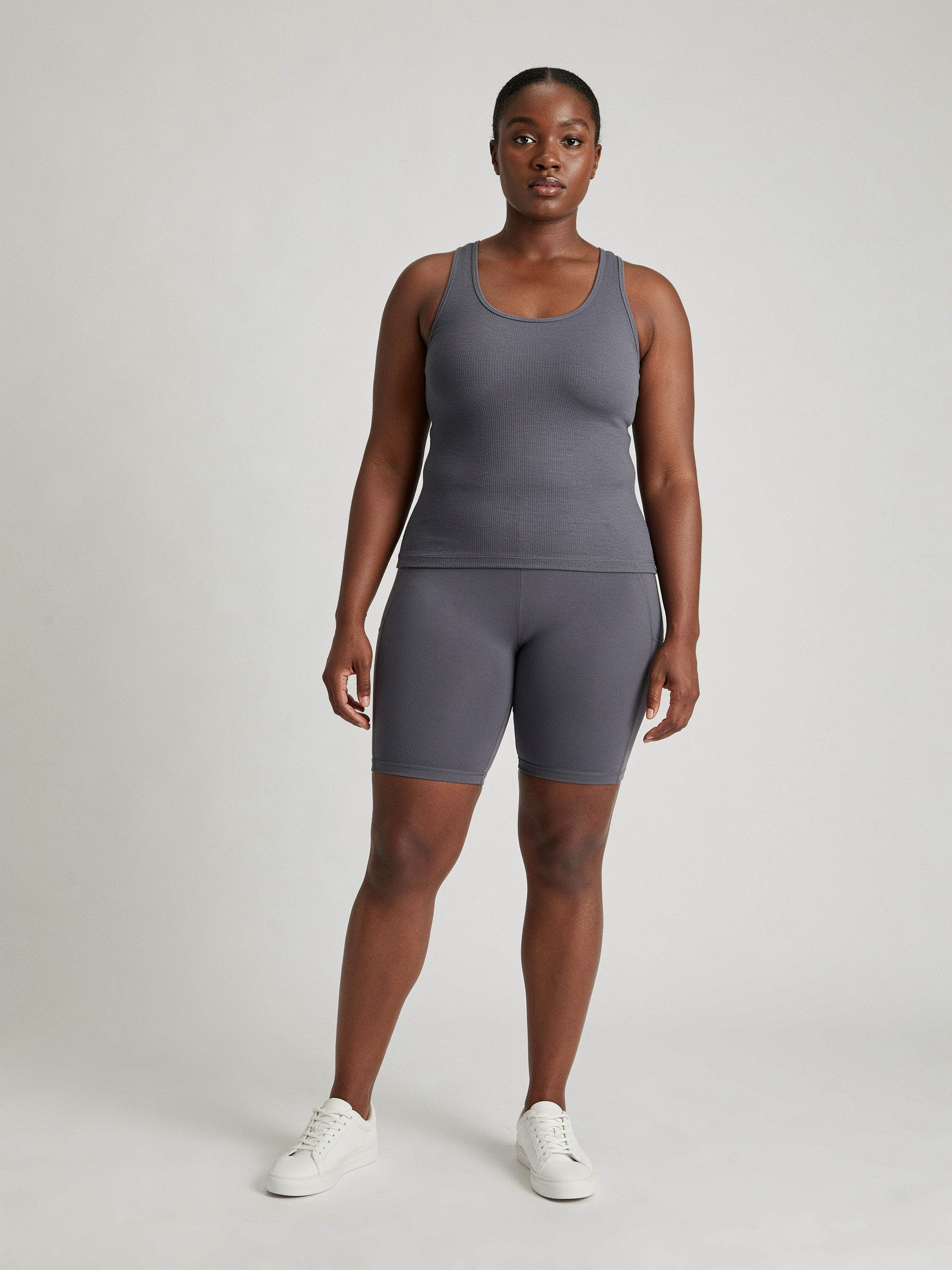
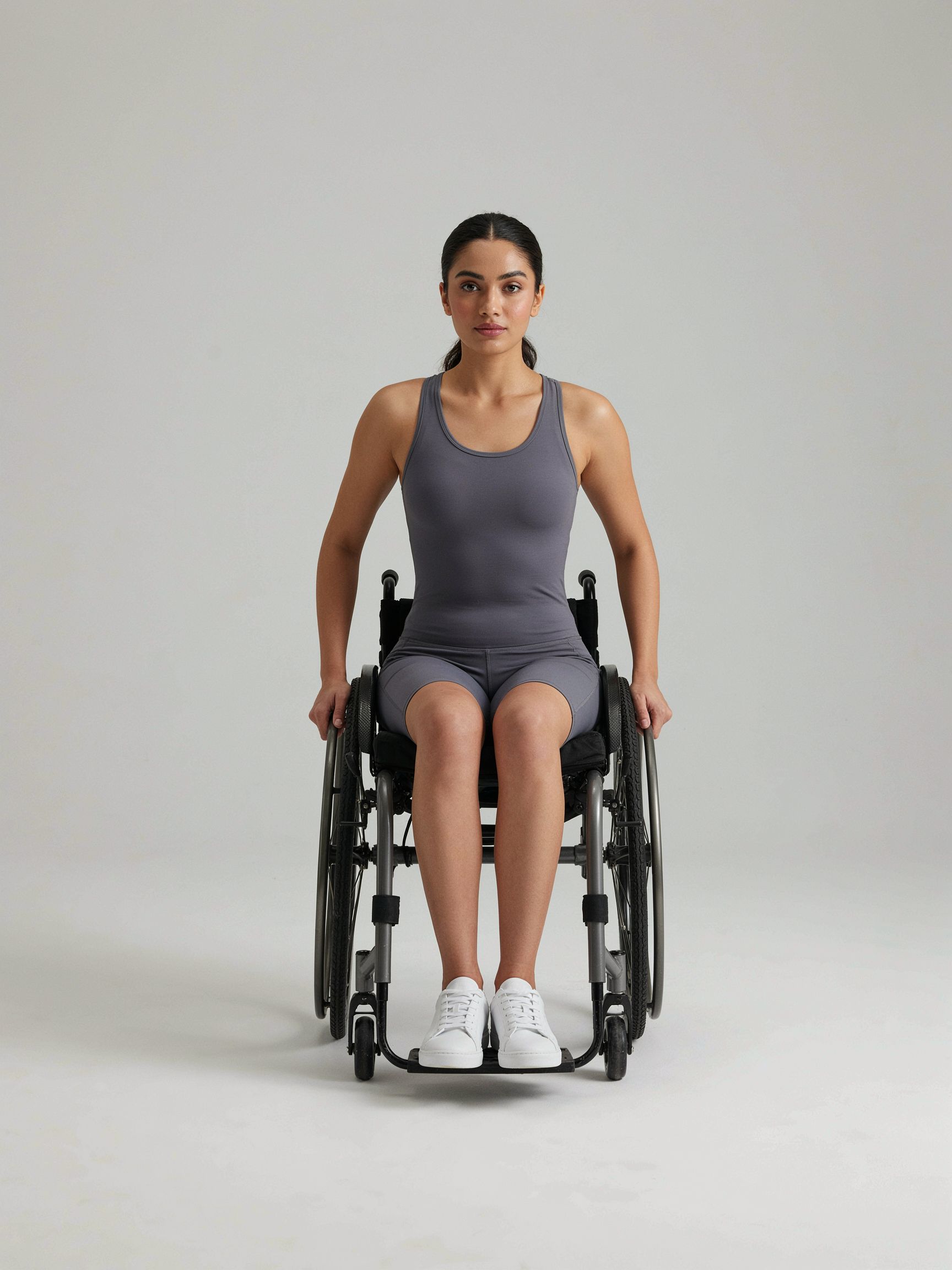
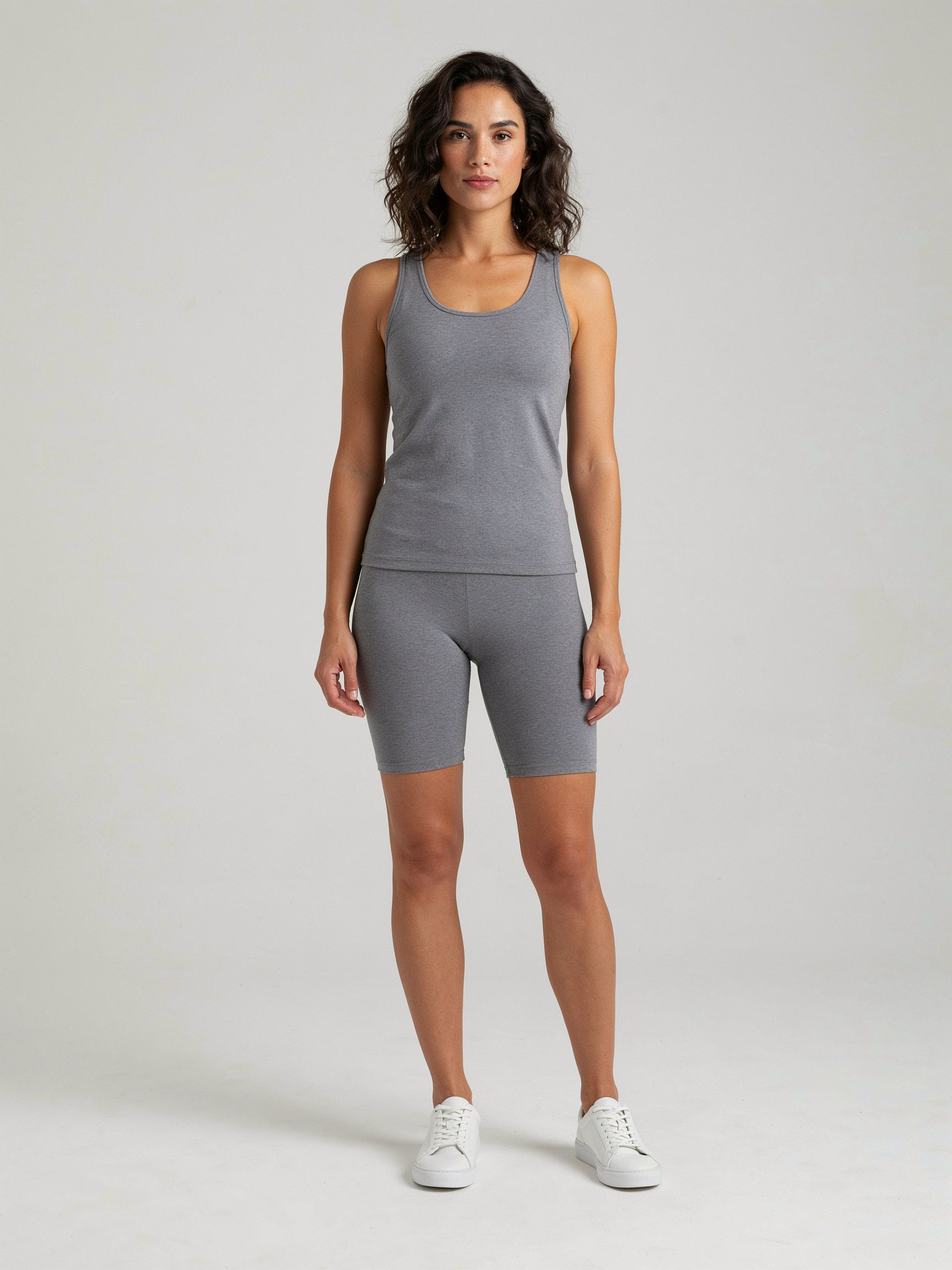
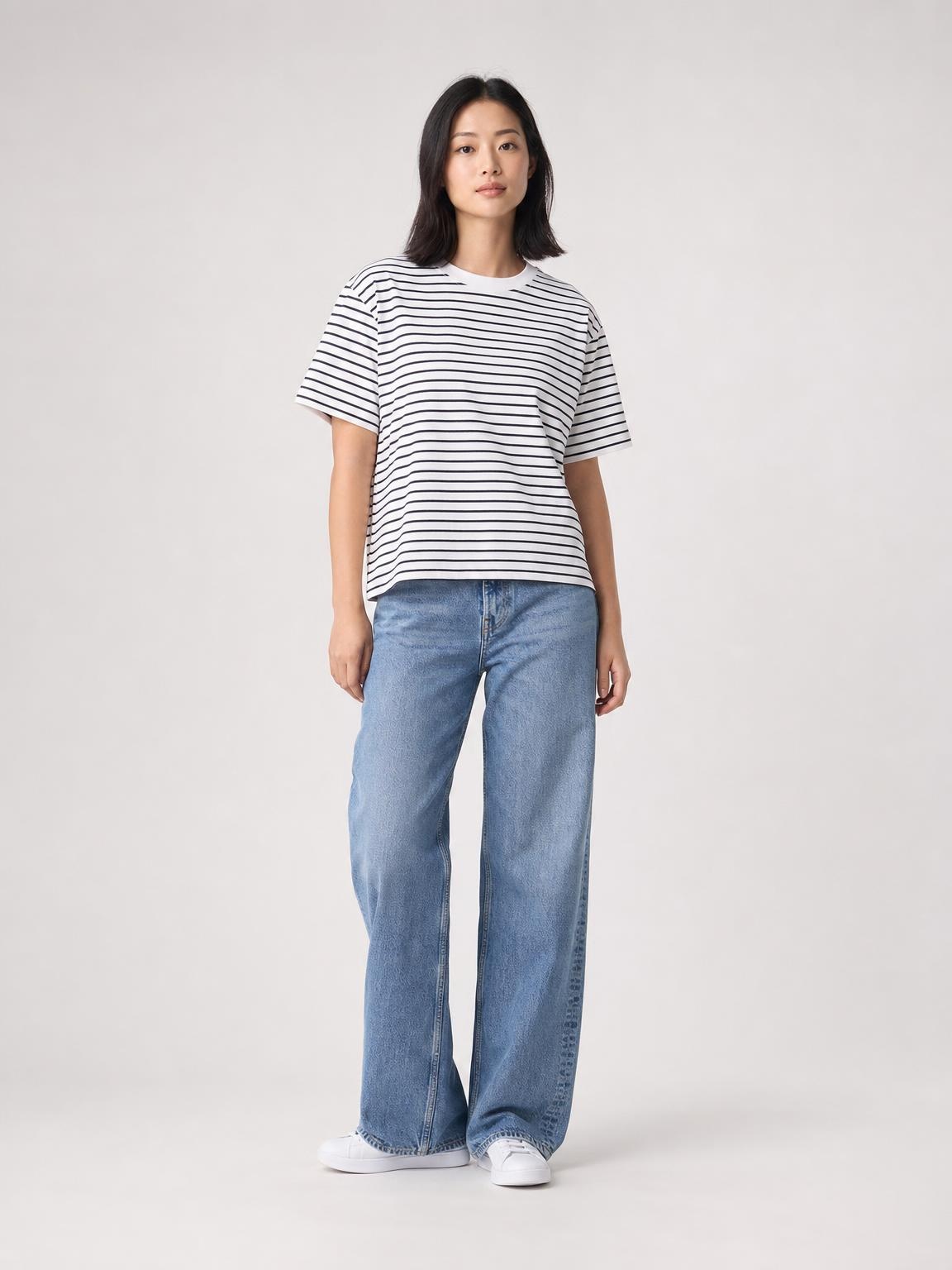
From one base‑model photo and a garment reference, a studio shot, a flat‑lay or a worn photo, Pruna P‑Image‑Try‑On produces a consistent on‑model shot, layering full outfits and accessories too. Fill a whole catalog, or let shoppers try clothes on themselves. Click any look to see the inputs → result.
On-model and accessory results generated with Pruna P-Image-Try-On from the base photos shown. The Uniqlo tee is a real product photo; other sources are from Pruna’s test set. People are AI-generated.
02 Clean up the background
Marketplace and resale photos are shot on beds, floors and door frames. Pruna P‑Image‑Edit drops the garment onto a clean studio background, or strips every distraction away, while keeping the item’s colour, texture and shape untouched. Before and after, side by side, click to enlarge.
Vinted photo
Cleaned · Pruna
Seller photo
Cleaned · Pruna
Seller photo
Cleaned · PrunaBackgrounds edited with Pruna P-Image-Edit; the garment itself is preserved. The linen shirt is a real Vinted listing; other sources are real secondhand photos from Pruna’s test set.
03 Restyle the garment
Show every colourway from one photo, and clean up creases before publishing. Pruna P‑Image‑Edit recolours a garment or smooths wrinkles on command, keeping the cut, fabric and fit intact. Click any tile to compare.
Wrinkled
Pressed · Pruna
Seller photo
Pressed · Pruna
Vestiaire Collective photo
Pressed · PrunaColourways generated with Pruna P-Image-Edit from Pruna test-set photos. Crease removals run on real secondhand listings: a Vestiaire Collective Kiton swim short, secondhand Carhartt overalls and a Pruna test-set tee; garment colour, pattern and shape are preserved.
04 Zoom to the last stitch
Fabric texture, stitching, hardware and logos are what convert, and authenticate. Pruna P‑Image‑Upscale rebuilds detail up to 128 MP so a listing survives a full‑screen zoom. Input and 128 MP result, side by side.
600px snap
Upscaled · Pruna
Input
Upscaled · Pruna
Input
Upscaled · PrunaLow-resolution inputs reconstructed with Pruna P-Image-Upscale. The jacket is a real Vinted listing; other sources are from Pruna’s test set.
05 Listing videos from a still
Product video lifts conversion, but filming every SKU doesn’t scale. Pruna P‑Video animates a single still (here, a catalog shot) into a smooth, on‑the‑spot pivot that shows the outfit from every angle. No set, no crew. Click to enlarge.
Video generated with Pruna P-Video from a single still (Pruna test set). Person is AI-generated.
06 Campaign visuals from scratch
Before a single shoot is booked, Pruna P‑Image turns a text brief into finished campaign and lookbook visuals, for ideation, or full creative production. Click to enlarge.
Campaign visuals generated from text briefs with Pruna P-Image. People shown are AI-generated.
07 Swap the model in a campaign video
Localise a campaign or run multi‑creator variants without reshooting. Pruna P‑Video‑Replace swaps the model in an existing clip for a different person while preserving the exact outfit, motion, camera and lighting. Source clip plus one reference model → the recast. Click any to play.
Source clip generated with P-Video; recast produced with P-Video-Replace from a reference of the new model in the identical outfit (built with P-Image-Edit), so the garment stays pixel-consistent as the model turns. Both clips run the same turn-and-return take, in lockstep. People shown are AI-generated.
08 Animate a static lookbook photo
Give a flat catalog or lookbook photo motion from a reference clip, for social and ad placements that need movement. Pruna P‑Video‑Animate keeps the subject, outfit and background of the still, and applies the reference motion. Reference motion plus one source still → the animated result. Click any to enlarge.
Motion template from Pruna P-Video (catalog pivot above); lookbook still from Pruna’s test set; animated result with Pruna P-Video-Animate. Person is AI-generated.
09 Talking-head product explainer
Pruna P‑Video‑Avatar turns a single portrait plus a script into a talking‑head creator presenting the product, in its own natural voice, in 20+ languages, for UGC, demos and onboarding, no filming. Click to play with sound.
Talking-head generated with Pruna P-Video-Avatar from a single portrait (Pruna test set). Person is AI-generated.
Try‑on, catalog, cleanup, recolour, zoom, video, campaigns, model swaps, animation and avatars, the same Pruna engines run across an entire catalog, for any brand, retailer or marketplace. Everything on this page started from a real garment or listing.
Talk to Pruna