★ Engaging, localized course content, without filming
EdTech platforms, MOOCs and training teams live on video and course media, and a shoot per instructor, per lesson, per language doesn’t scale. From a single portrait or a text brief, Pruna makes instructor videos, localizes a catalog in 20+ languages, swaps the on-screen instructor, generates course illustrations, edits teaching visuals and turns static lessons into clips. Seconds per asset, no studio. Six use cases across five Pruna models, grounded in Pruna’s Education use-case kit.
01 Instructor videos from a single portrait
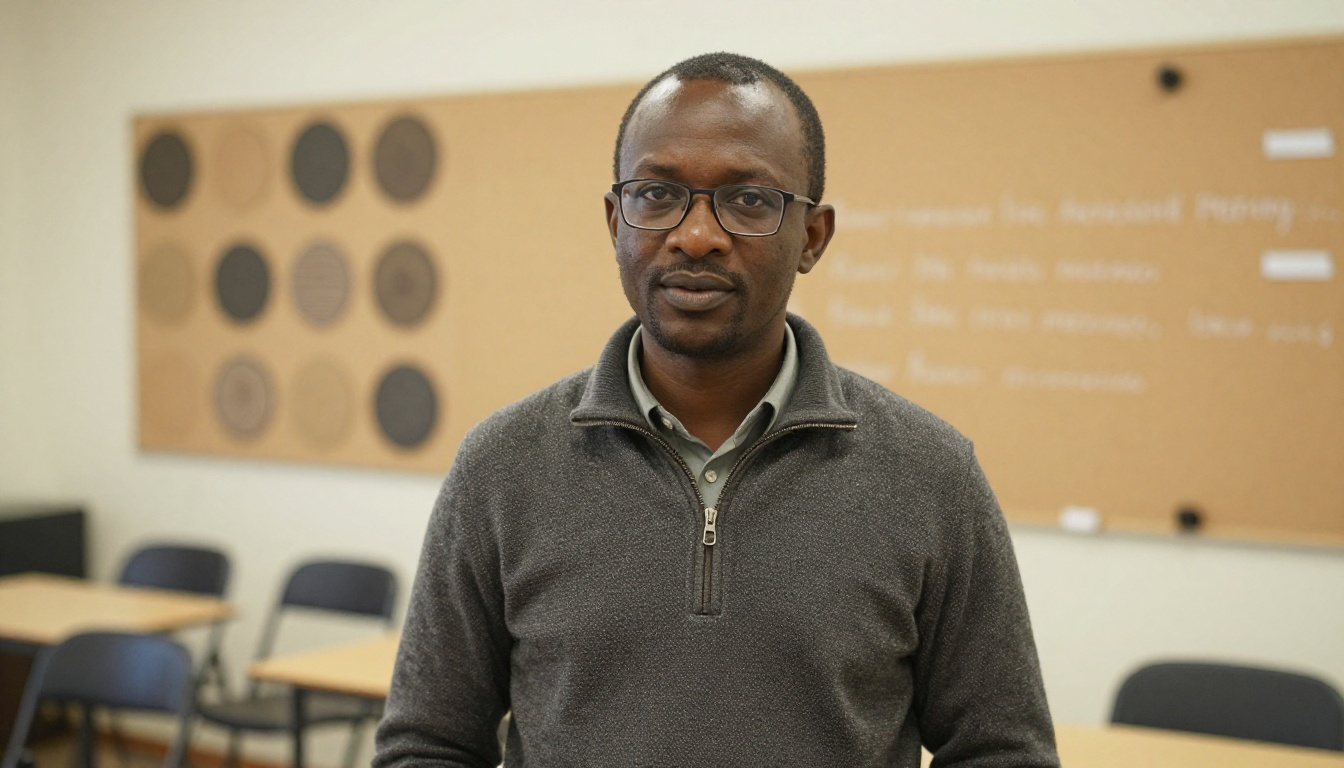
Lesson videos, onboarding and course intros usually mean a studio, a camera and an instructor’s calendar. Pruna P‑Video‑Avatar turns a single portrait plus a script or audio file into a lip-synced talking-head, no filming. Here, one instructor delivers a lesson recap and a product onboarding, each from one still. Click to enlarge.
02 Localize a catalog in 20+ languages
Reaching new markets normally means re-recording every lesson with a native speaker. Pruna P‑Video‑Avatar produces the same lesson with the same presenter across 20+ languages, so one recording session covers every market. Here, the same instructor teaches in English and French. Click to enlarge.
03 Swap the instructor in existing videos
Multi-instructor variants and localized editions normally mean re-recording the whole course. Pruna P‑Video‑Replace takes an existing course video and a reference portrait, and replaces the on-screen instructor while preserving the motion, camera, lighting and background. Source video plus one reference portrait → the recast lesson. Click any to enlarge.
04 Generate course illustrations from a brief
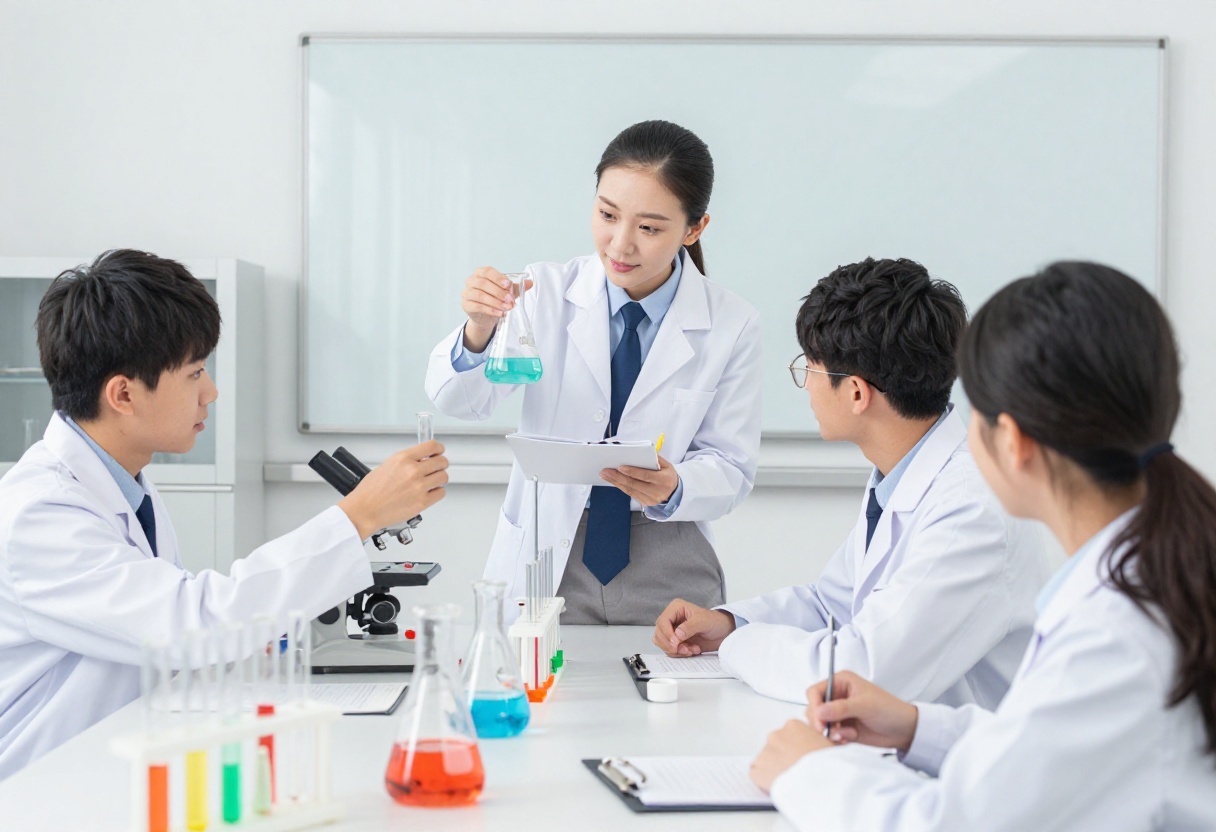
Lesson illustrations, course covers and campaign visuals usually wait on a design queue. Pruna P‑Image turns a text or style brief, even one with on-image text, into finished visuals for any subject, ready for catalogs, landing pages and ads. A campaign cover with baked-in text, plus five lesson illustrations; click any to enlarge.
Generated with Pruna P-Image from text briefs; a single model spans course covers with on-image text and lesson illustrations across every subject.
05 Update & adapt existing teaching visuals
Course imagery ages, the person, the background, the style drift out of date across a series. Pruna P‑Image‑Edit updates existing teaching visuals, change the person, swap a background, adjust a style, without redesigning from scratch. Source and edit, side by side, click either image to enlarge.
Source visual
Person changed · PrunaEdited with Pruna P-Image-Edit on an existing course visual; the scene, layout and on-image text are preserved while the person is changed, the same call also swaps backgrounds or restyles a series.
06 Turn static lessons into short clips
Short explainer and promo clips lift engagement on every course page and social feed, but a video shoot is rarely in the budget. Pruna P‑Video‑Avatar turns a portrait plus a script into a lip-synced lesson clip, no crew, no set. Here, a maths teacher explains in front of a whiteboard; click to enlarge.
Present, localize, recast, illustrate, edit and animate, the same Pruna engines run across an entire course library, for any EdTech platform, MOOC, publisher or training team. Everything on this page is grounded in Pruna’s Education use-case kit.
Talk to Pruna